

Batch won't perform convert mode action
Using PS 20.0.4 on Windows 10 Pro
Issue: Batch won't perform convert mode action
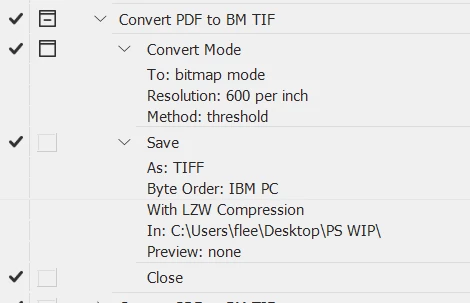
I've created an action which opens PDFs as Grayscale, converts them from Grayscale to Bitmap and saves them as TIFFs. The action works as intended when used on individual PDFs.
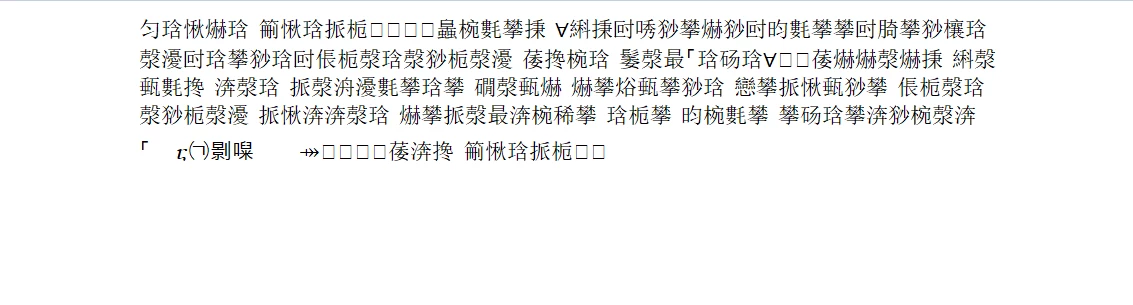
When used as a batch command, it opens the PDFs fine but stops at converting them to Grayscale. (I've tried looking at the log file but it's in Chinese.Why is that--the prefs language is set to Englis) It will open all the files in the designated folder as Grayscale but does not then convert them to Bitmap--it simply leaves them open. If I set the batch to Stop for Errors, it doesn't stop. So that means there's a step missing, but if the action works on its own, how can that be?
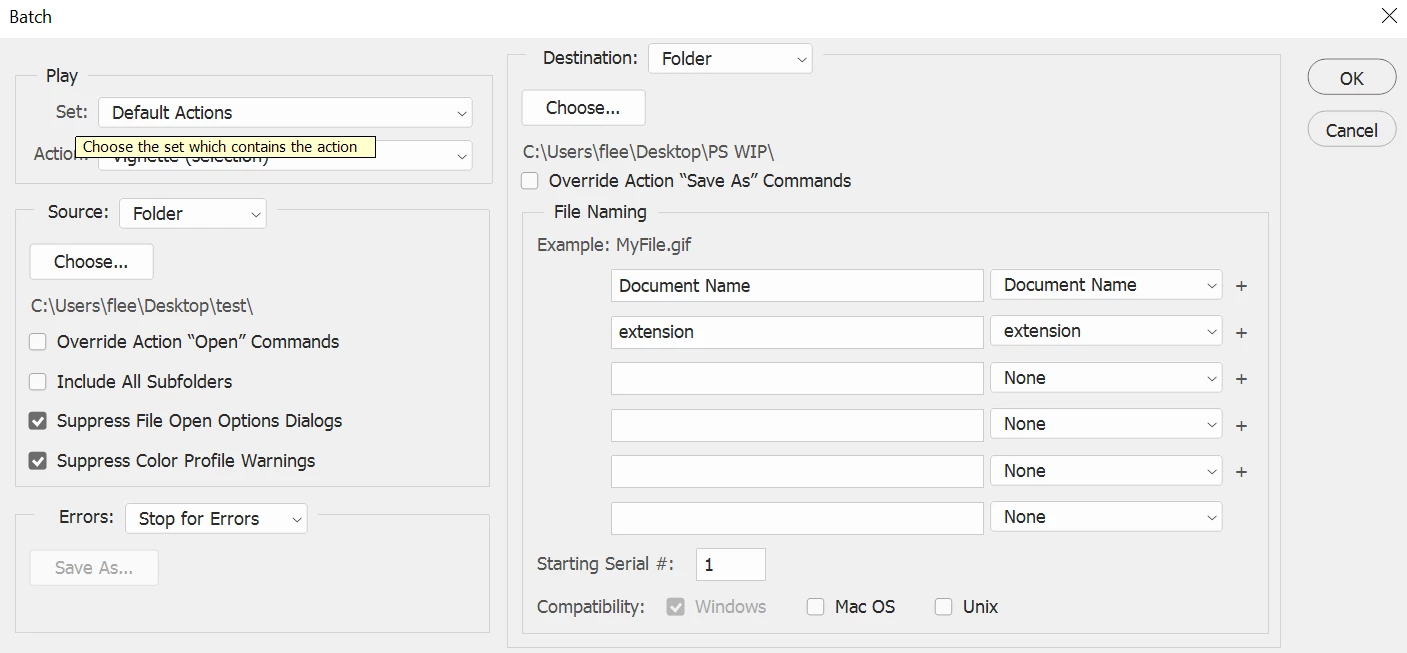
I've attached a screen shot of the Batch Settings; it makes no difference if the Save As override is on or off.
First image is a screen shot of the action. The second is of the batch settings. The third is of error log.
 AdChoices