
Bizarre Photoshop CC Phantom Text Problem [2019]
Strange text problem happening in Photoshop CC. Some old text keeps popping up in different image files when I go to edit them. For example, I went to recolor the shirt this woman wore, and this phantom text comes up in several places in my image. It's my text from a file I don't have open anymore. I only have it on that file in one place, but when it shows up like this it is repeated several times on several lines. I can't get rid of it. It won't erase or allow me to select it on any layer.
It seems to happen when I go to select a specific area in an image. It happens with any selection tool like the quick selection tool, the magic wand and the magnetic lasso.
Is it a bug? Is it something I'm doing? What is happening and how do I stop it?
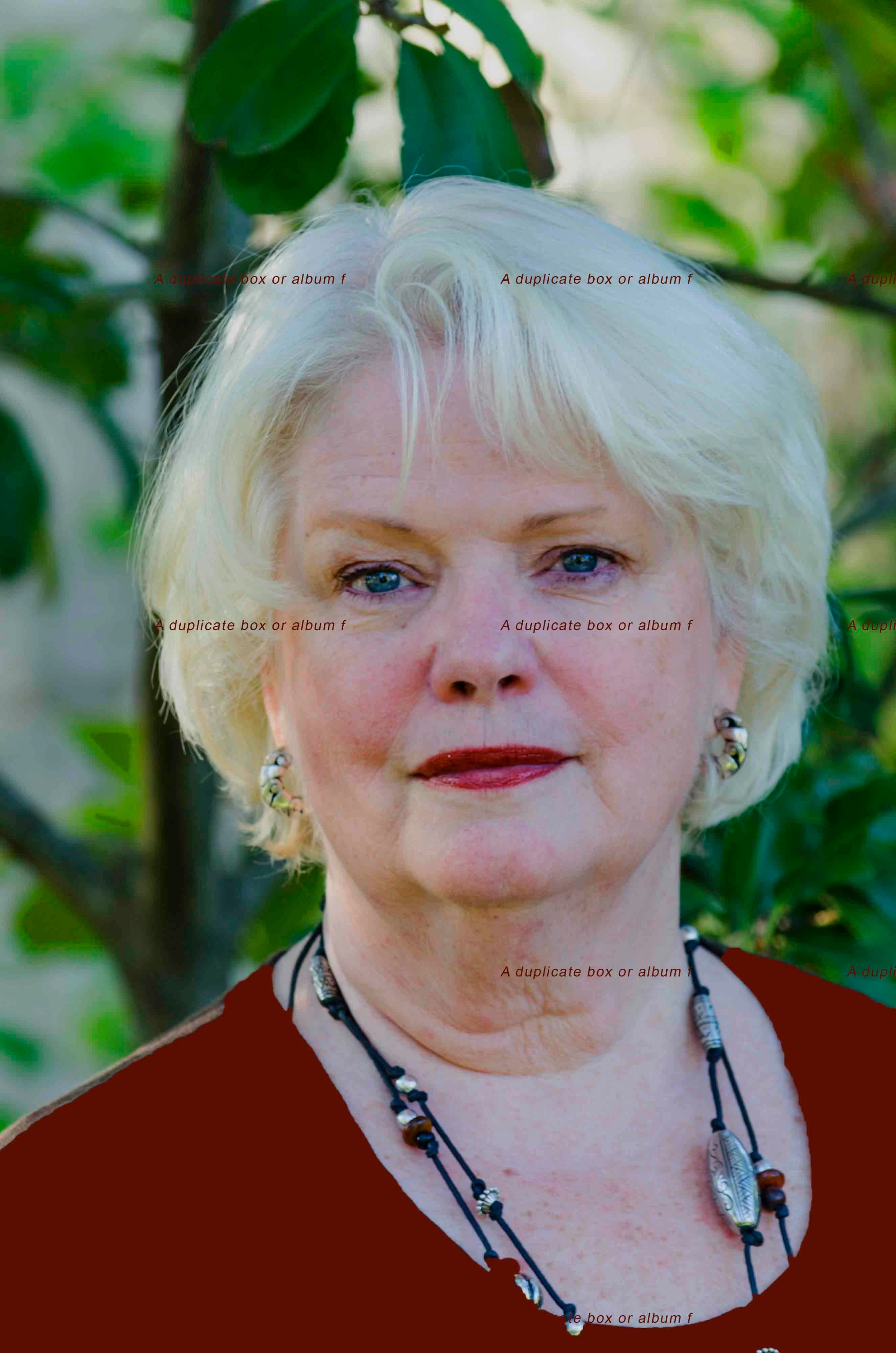
It happened in this furniture store image, too. Please help - I can't get anything done this way.
I'm on Windows 10.

 AdChoices