Copy link to clipboard
Copied
I used to be able to select an image, apply a layer mask, and then apply as many gradients as I wanted. Now when I go to add the gradient, the gradient no longer shows up, and the image doesn't fade. What am I doing wrong? Been having this problem ever since I downloaded the 2018 Version of Photoshop CC. If anyone could let me know how to make it so I can apply gradients to fade selected layers again that would be great.

The way I apply multiple gradients to layer masks exploits groups. You start with a layer mask and gradient on your Image. Then you press 'ctrl-g' or 'cmd-g' on the single layer to create a group. Now add a layer mask to the group and add your gradient. Next select the group and press 'ctrl-g' or 'cmd-g' to group the group and you can put a layer mask on that group with a gradient. If you want more gradients on layer masks , group the group you just created and add a layer mask to that group wit
...Copy link to clipboard
Copied
Can you post a screen shot to see what's going on? This still works, so without seeing your workspace, we're not going to be able to answer your question.
Copy link to clipboard
Copied

So as you can see, I'm trying to fade some of the players on the side, so they don't stick out to awkwardly. Any advice would be great!
Copy link to clipboard
Copied
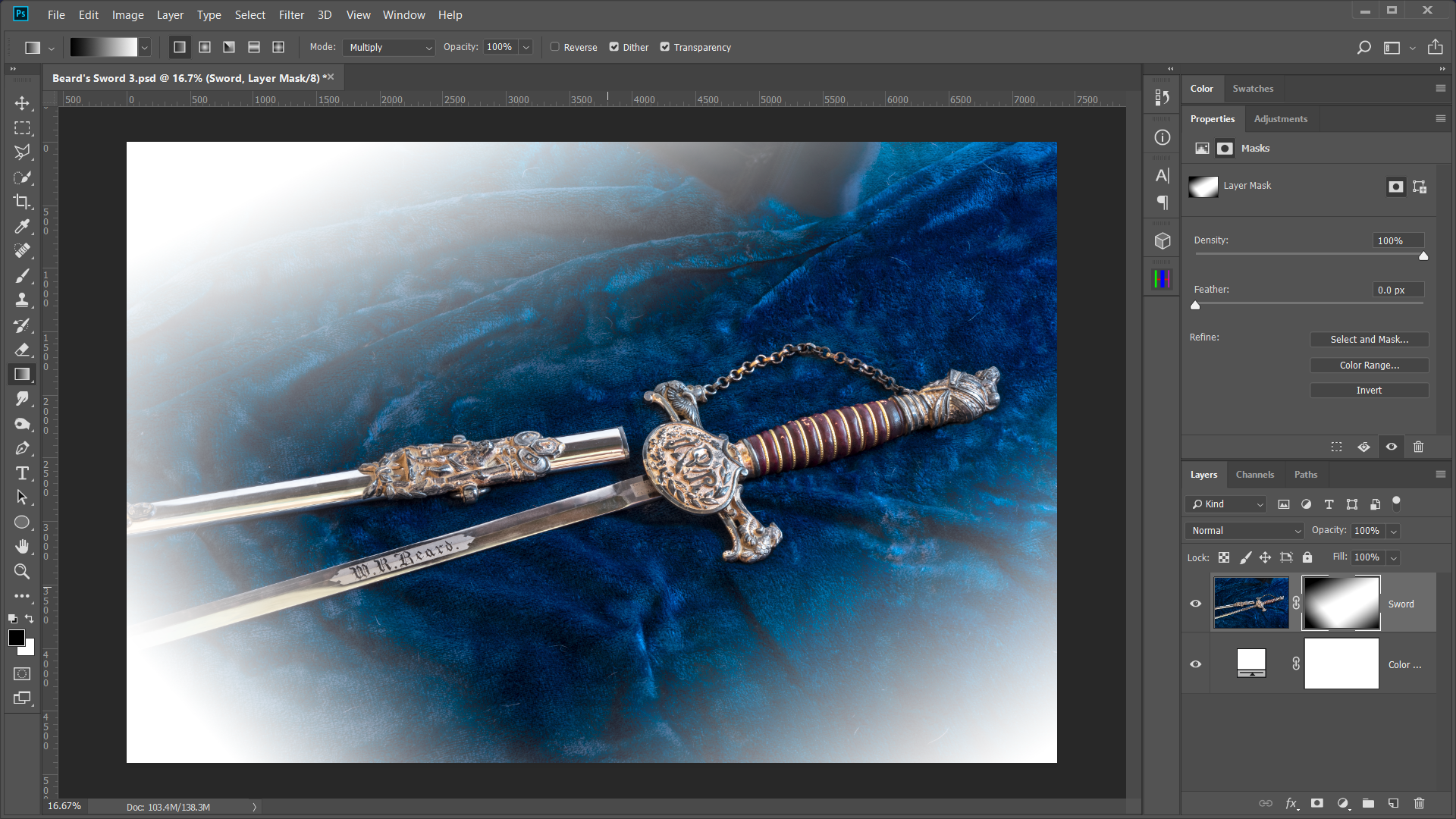
Terri has an excellent way to use multiple layer masks on a single layer. Sometimes, I get lazy and apply multiple gradients to a single mask by changing the blend mode of the gradient tool to multiply.

Copy link to clipboard
Copied
The way I apply multiple gradients to layer masks exploits groups. You start with a layer mask and gradient on your Image. Then you press 'ctrl-g' or 'cmd-g' on the single layer to create a group. Now add a layer mask to the group and add your gradient. Next select the group and press 'ctrl-g' or 'cmd-g' to group the group and you can put a layer mask on that group with a gradient. If you want more gradients on layer masks , group the group you just created and add a layer mask to that group with a gradient. Using this method you can create as many layer masks with gradients as you want all nested within a group structure.
Get ready! An upgraded Adobe Community experience is coming in January.
Learn more