
Blending white backgrounds
I'm doing a job that includes hundreds of simple photos on white backgrounds. Some of them have no shadows and so I can remove the background using the 0-255 slider from Layer Style:
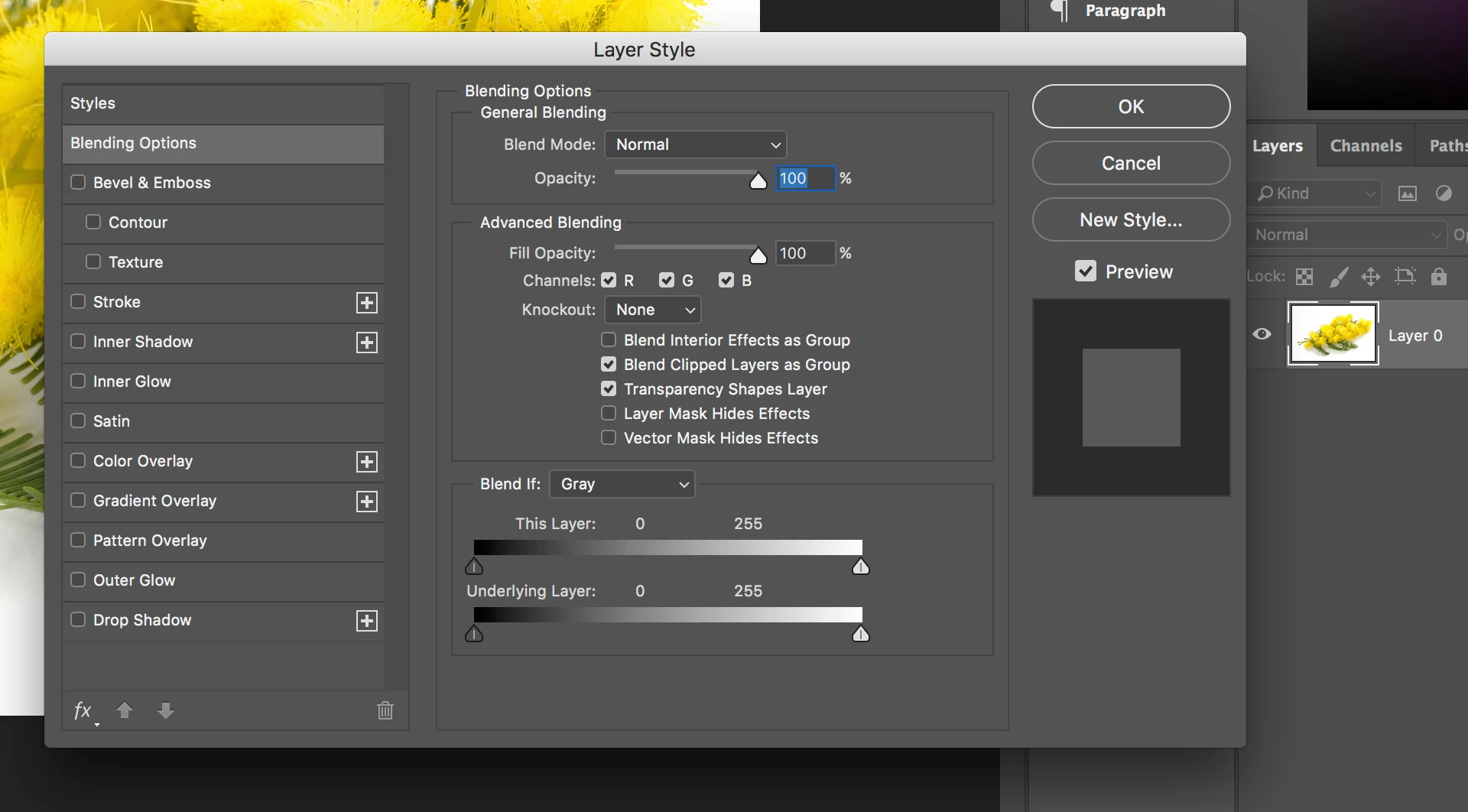
However, some of them, like this one, have a shadow, and I can't use that technique because by the time I've slid it far enough to the left to remove the shadow I've also started turning portions of the image transparent.
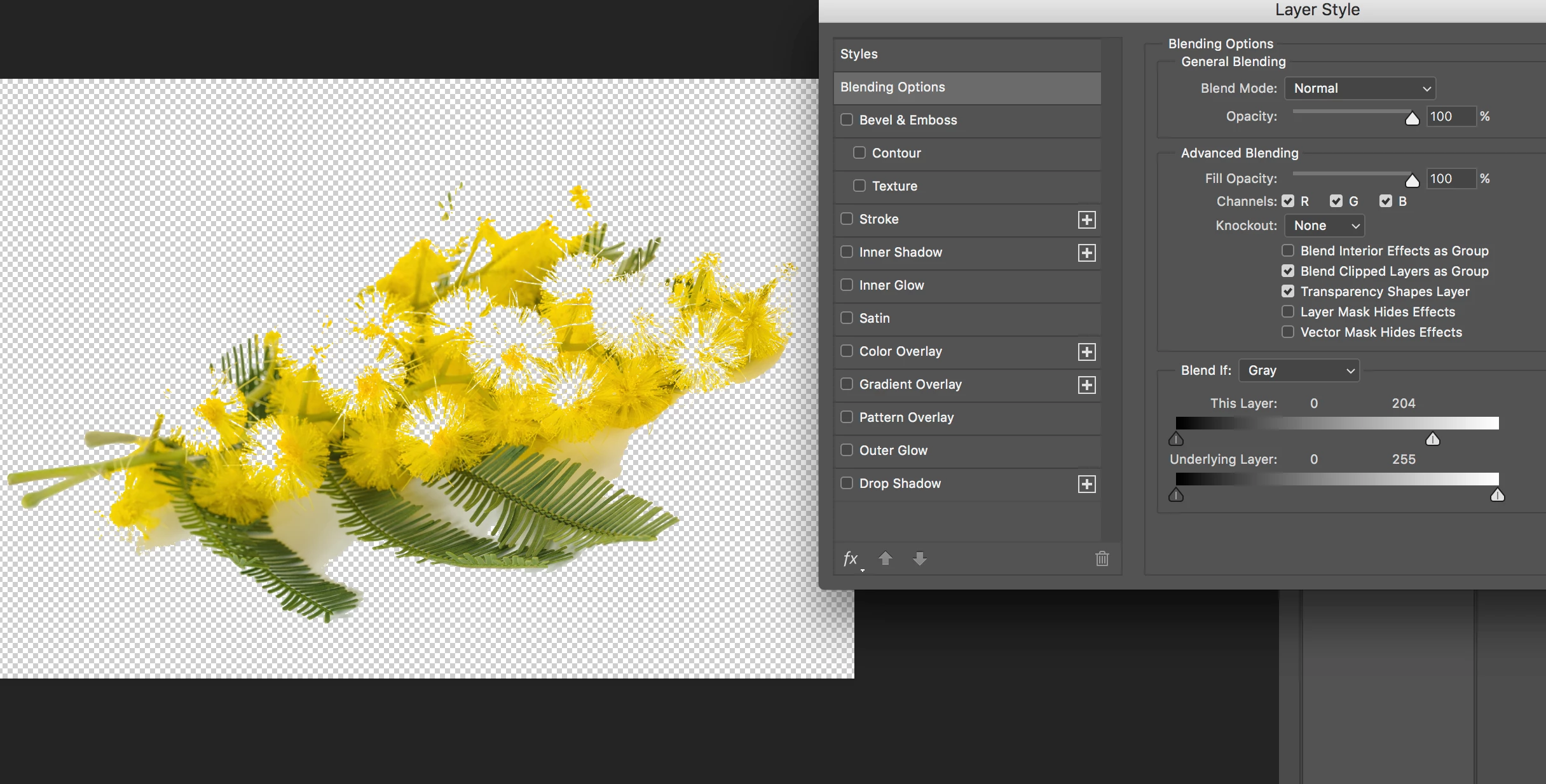
I don't actually need a transparent background. I'm printing these on white paper. I remove the background just so there isn't a ghostly rectangle around the image. In other words, the "white" of some of these backgrounds shows up as a very, very light gray in the proof.
In the example above, you can see that it would be very tedious to do a careful selection to allow total erasure of the background.
Is there a way I could blend transparency from the outer edges of the photo rectangle inward, so that if there is a light gray cast to the "white" of the photos it transitions seamlessly to the white of the paper?
 AdChoices