Exit
  • Global community
    • Language:
      • Deutsch
      • English
      • Español
      • Français
      • Português
  • 日本語コミュニティ
  • 한국 커뮤니티
0

Blurred Color Technique

Explorer ,
Jan 05, 2019 Jan 05, 2019

Hey y'all

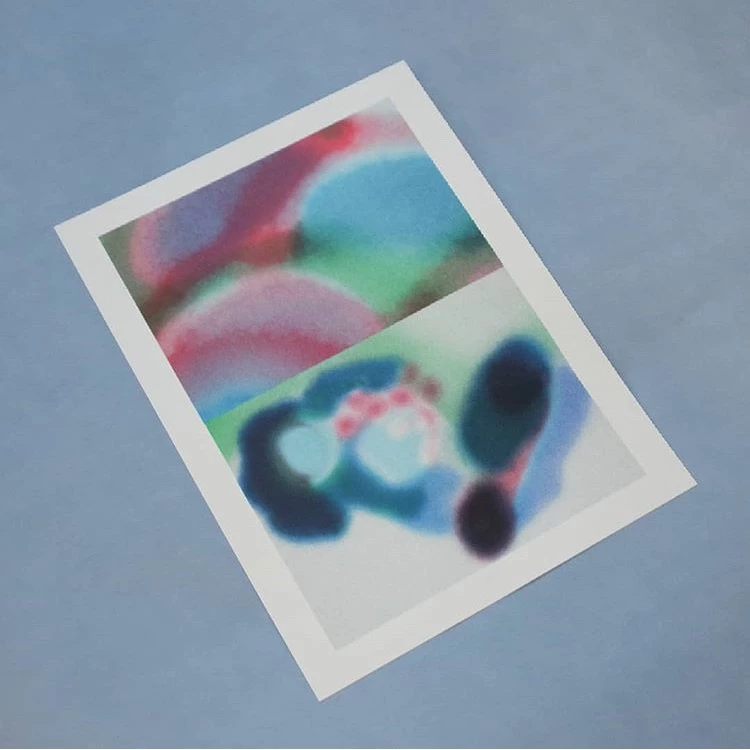
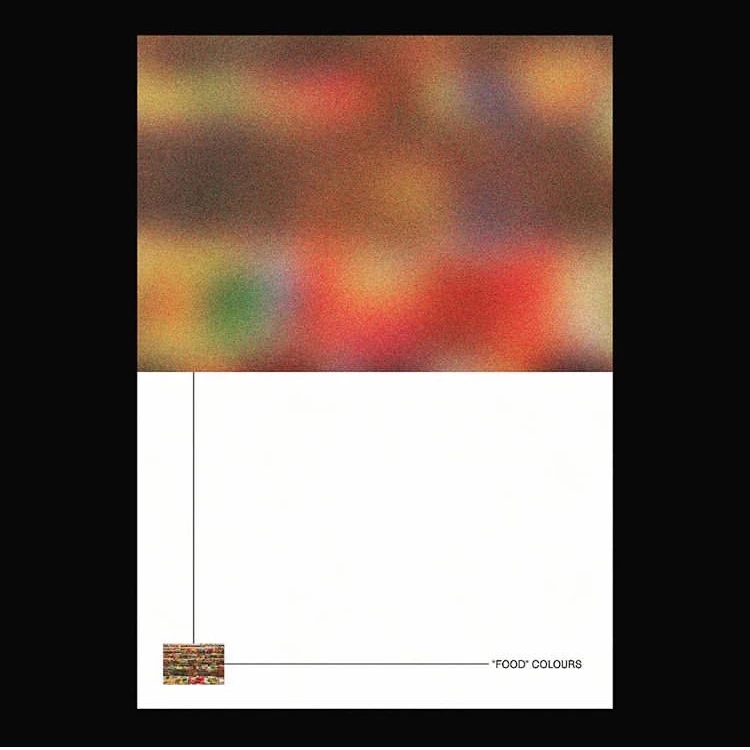
I've seen a number of designers using this kind of blurred/granulated color effect in their work. I'm not even sure if it's done in Photoshop, but am guessing so. I included a few examples form different designers. I'm not sure where to start to get a similar outcome. Any help is appreciated! Thanks in advance!
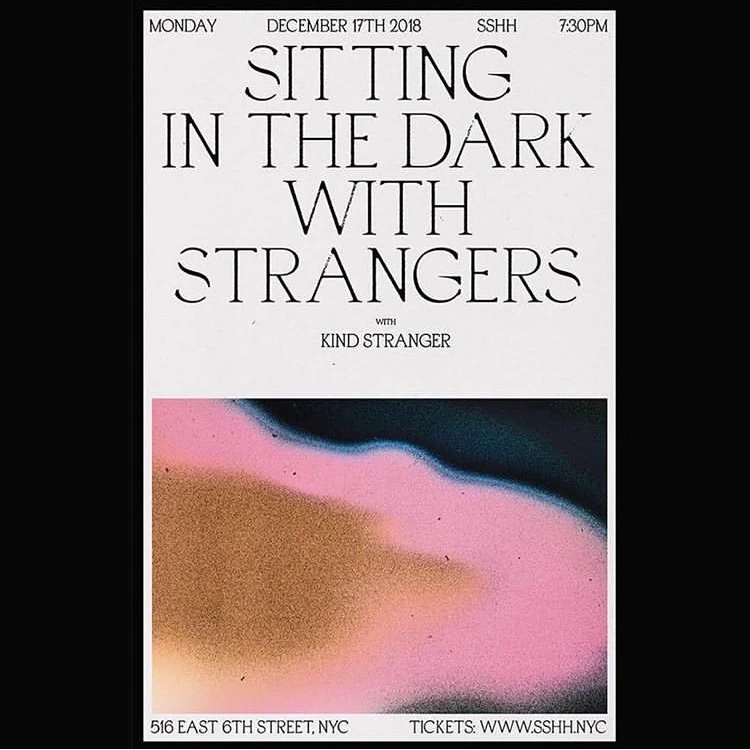
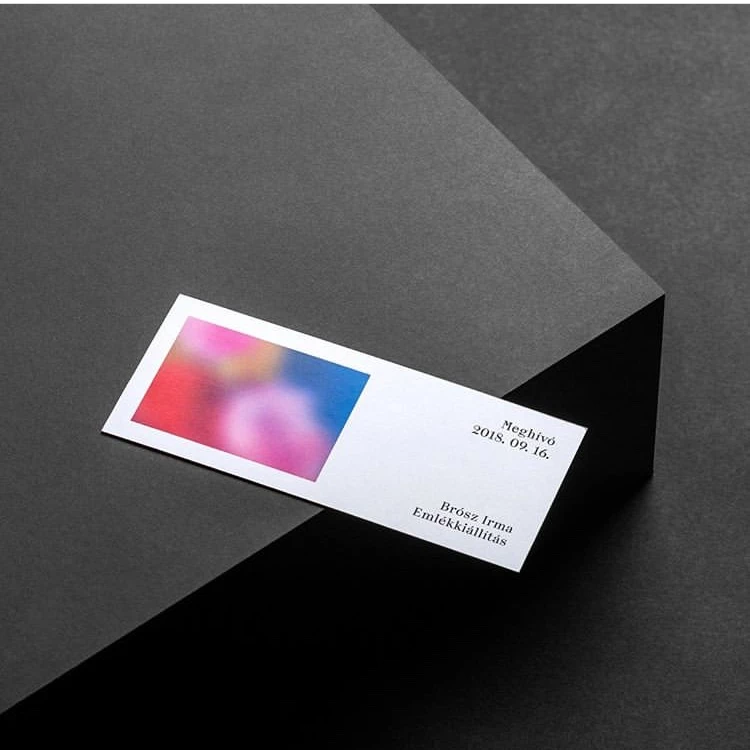
IMG_3327.jpgIMG_3328.jpgIMG_3329.jpgIMG_3355.jpg

537
Translate
Report
Community guidelines
Be kind and respectful, give credit to the original source of content, and search for duplicates before posting. Learn more
community guidelines

correct answers 1 Correct answer

Community Expert , Jan 05, 2019 Jan 05, 2019

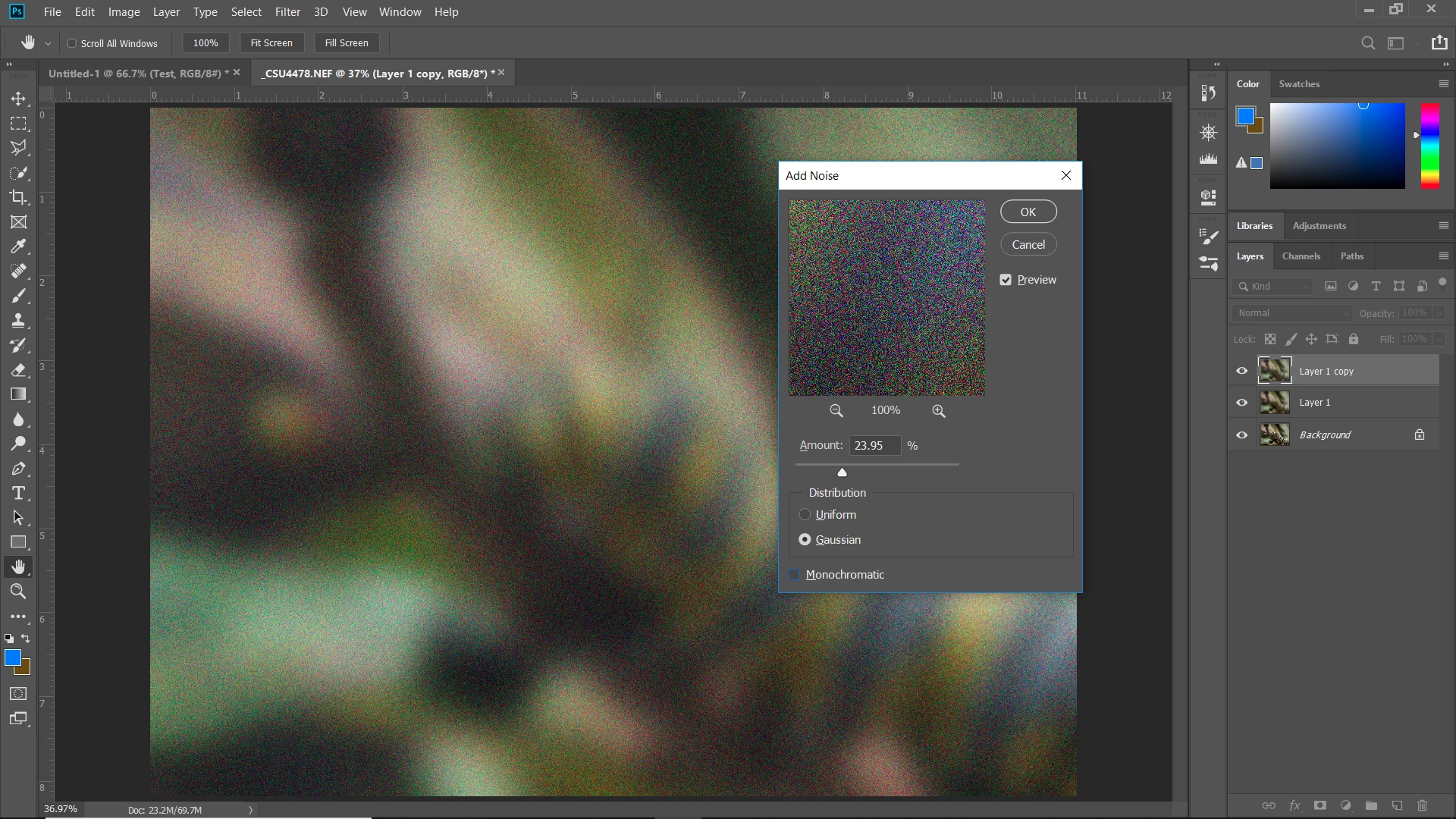
Just blur a layer and add some noise:

Translate
Adobe
Community Expert ,
Jan 05, 2019 Jan 05, 2019

Just blur a layer and add some noise:

Translate
Report
Community guidelines
Be kind and respectful, give credit to the original source of content, and search for duplicates before posting. Learn more
community guidelines
Explorer ,
Jan 06, 2019 Jan 06, 2019

Thanks so much! Thats exactly what I was looking for. That's way easier than I thought it would be haha.

Translate
Report
Community guidelines
Be kind and respectful, give credit to the original source of content, and search for duplicates before posting. Learn more
community guidelines
Community Expert ,
Jan 06, 2019 Jan 06, 2019
LATEST

Glad that's what you were looking for and that it was easy!

Translate
Report
Community guidelines
Be kind and respectful, give credit to the original source of content, and search for duplicates before posting. Learn more
community guidelines