Participant
June 5, 2020
Question

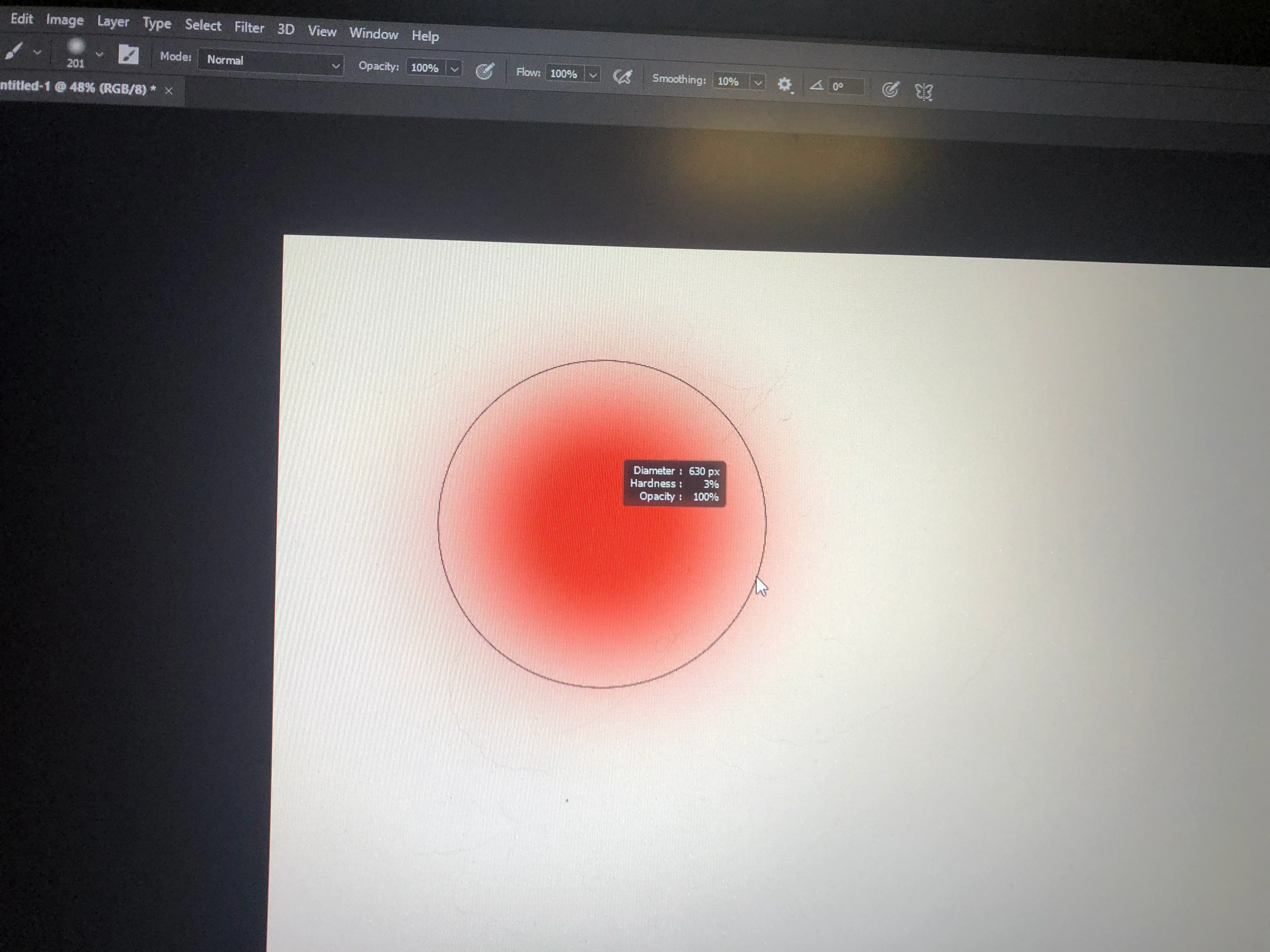
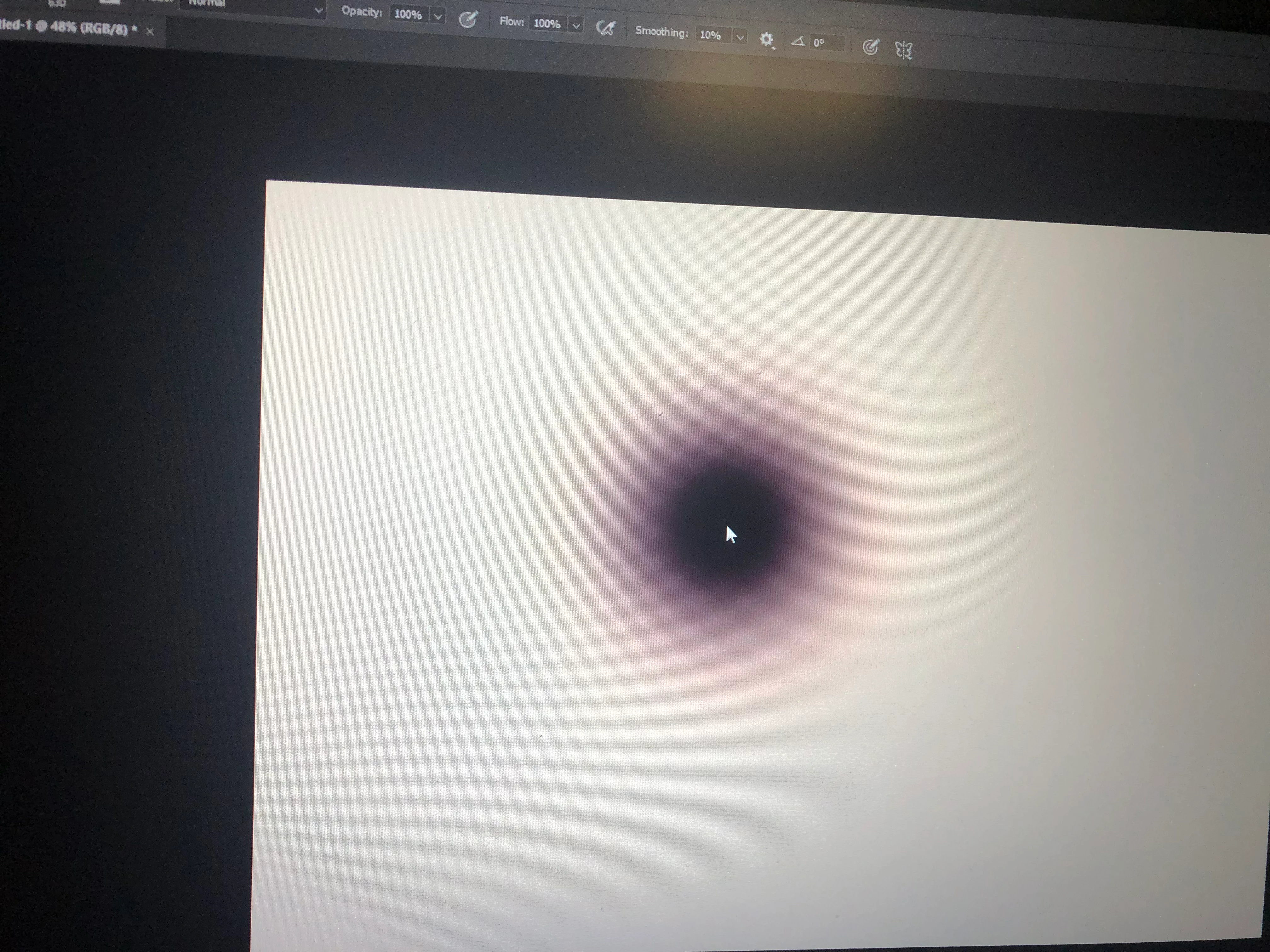
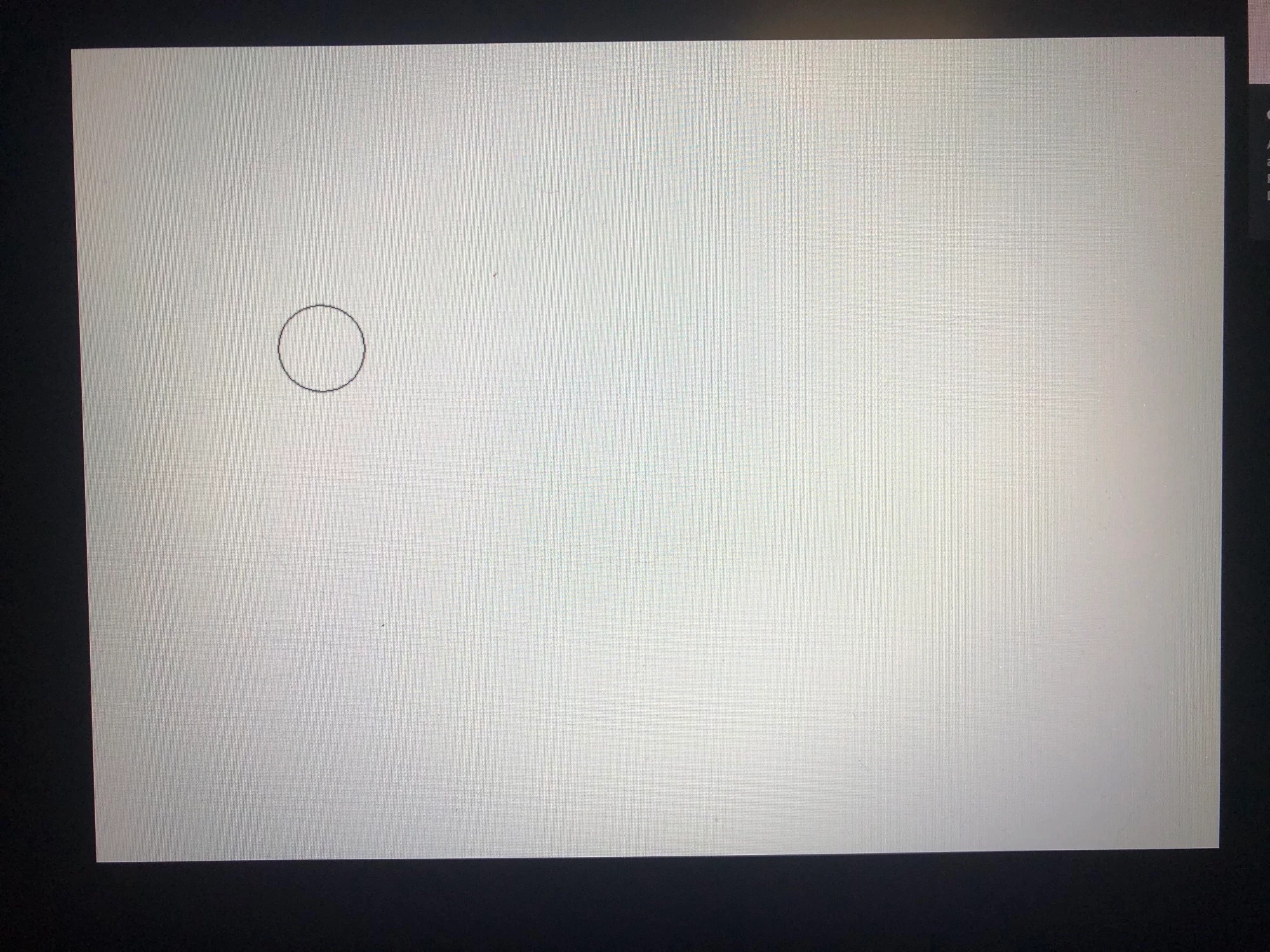
brush cursor does not have the size indicator

  • June 5, 2020
  • 2 replies
  • 720 views

My photoshop only shows the size of brush when it is in small size.

When I use bigger size, the circle disappears.


This topic has been closed for replies.

2 replies

Trevor.Dennis
Community Expert
Community Expert
June 6, 2020

Is this with the same brush preset? 

Is it the same tool?


If there is a glitch then it usually comes down to the graphics card and its driver.  

What version of Photoshop are you using?
What operating system?


Participant
June 8, 2020

Adobe Photoshop Version: 21.1.2 20200410.r.136 2020/04/10: efaf3fa4e40 x64

Operating system is windows.

Not sure about graphic card driver. I afraid updating it would cause another issue.

c.pfaffenbichler
Community Expert
Community Expert
June 6, 2020

Could you post proper screenshots including the pertinent Panels? It may be neessary to make a screens recording first to get the cursor in the image. 


What are the Photoshop > Preferences > Cursors settings? 

At which brush pixel dimension does the cursor disappear and what are the image’s pixel dimension? 


Participant
June 8, 2020

The size of cursor when disappear really depends on the zoom in scale.

But approximately it is 1/20 of my screen width.


c.pfaffenbichler
Community Expert
Community Expert
June 8, 2020

What is the Zoom? 

Does turning on Photoshop > Preferences > Performance > Legacy Compositing and restarting Photoshop have any bearing on the issue? 

Does turning off »Use Graphics Processor« in the Performance Preferences (Photoshop > Preferences > Performance > Graphic Processor Settings) and restarting Photoshop have any bearing on the issue?