Aaron Torr3s
Participant
September 14, 2018
Answered

Brush disappeared? Help please! PS CC 2018 19.1.6

  • September 14, 2018
  • 1 reply
  • 662 views

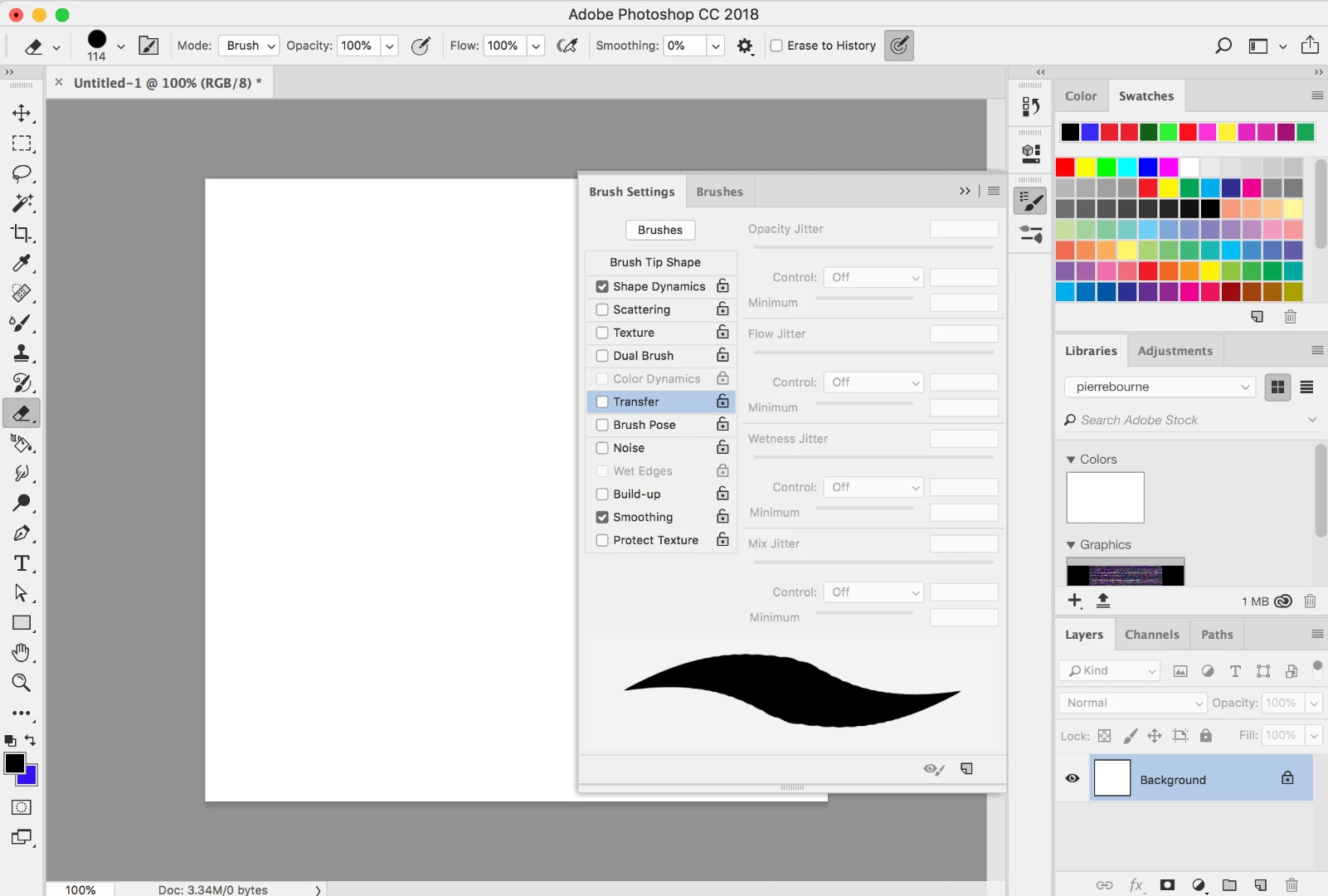
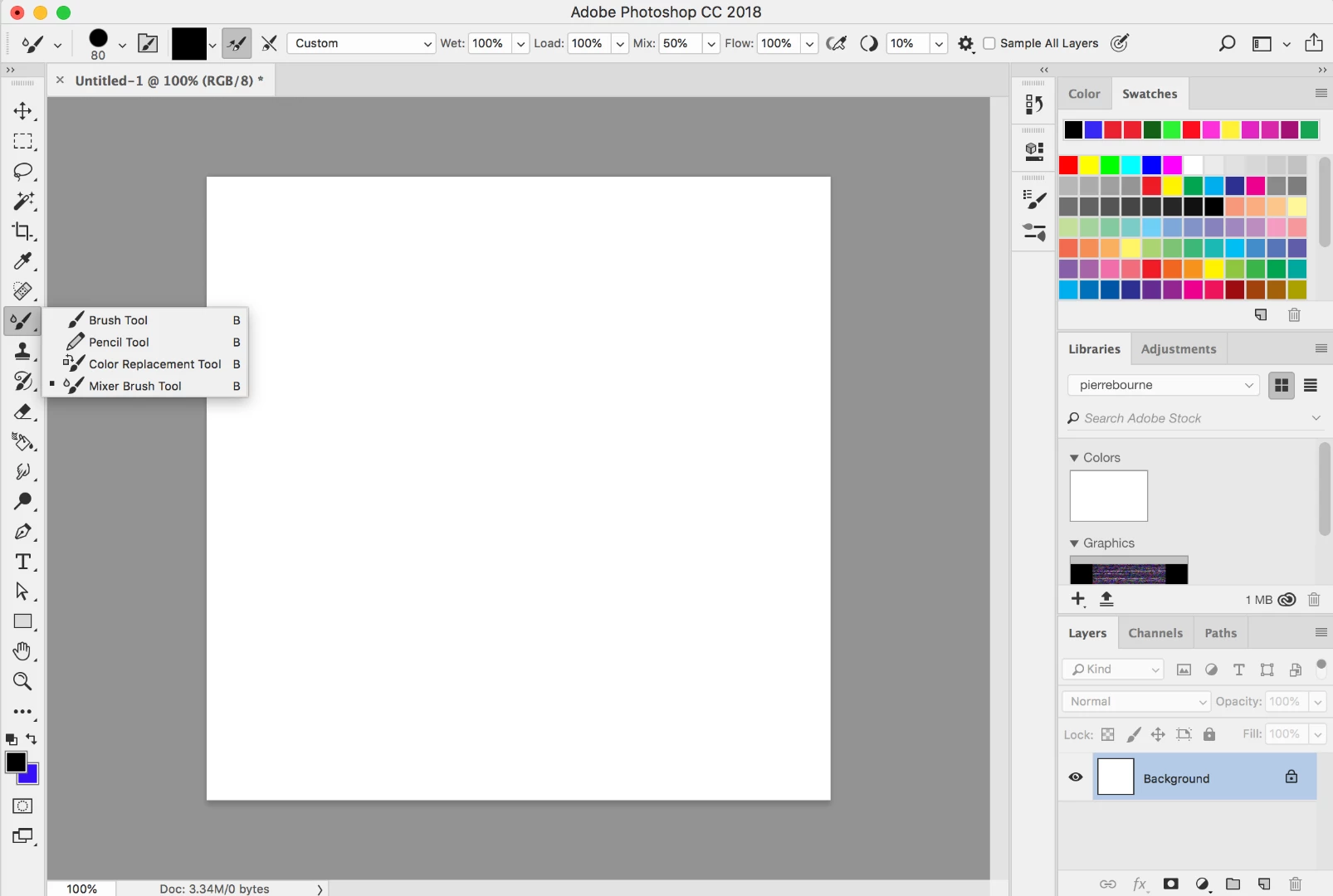
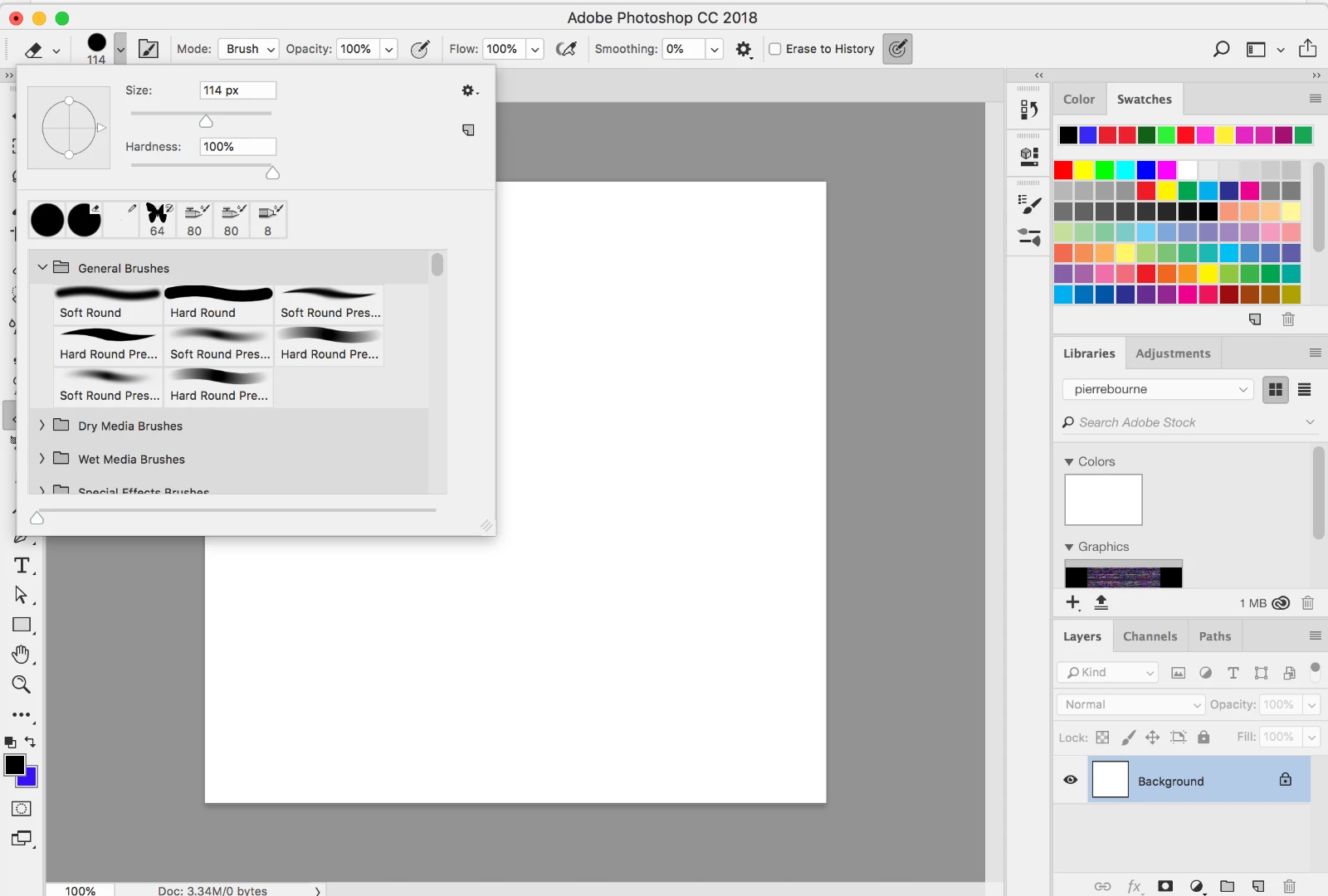
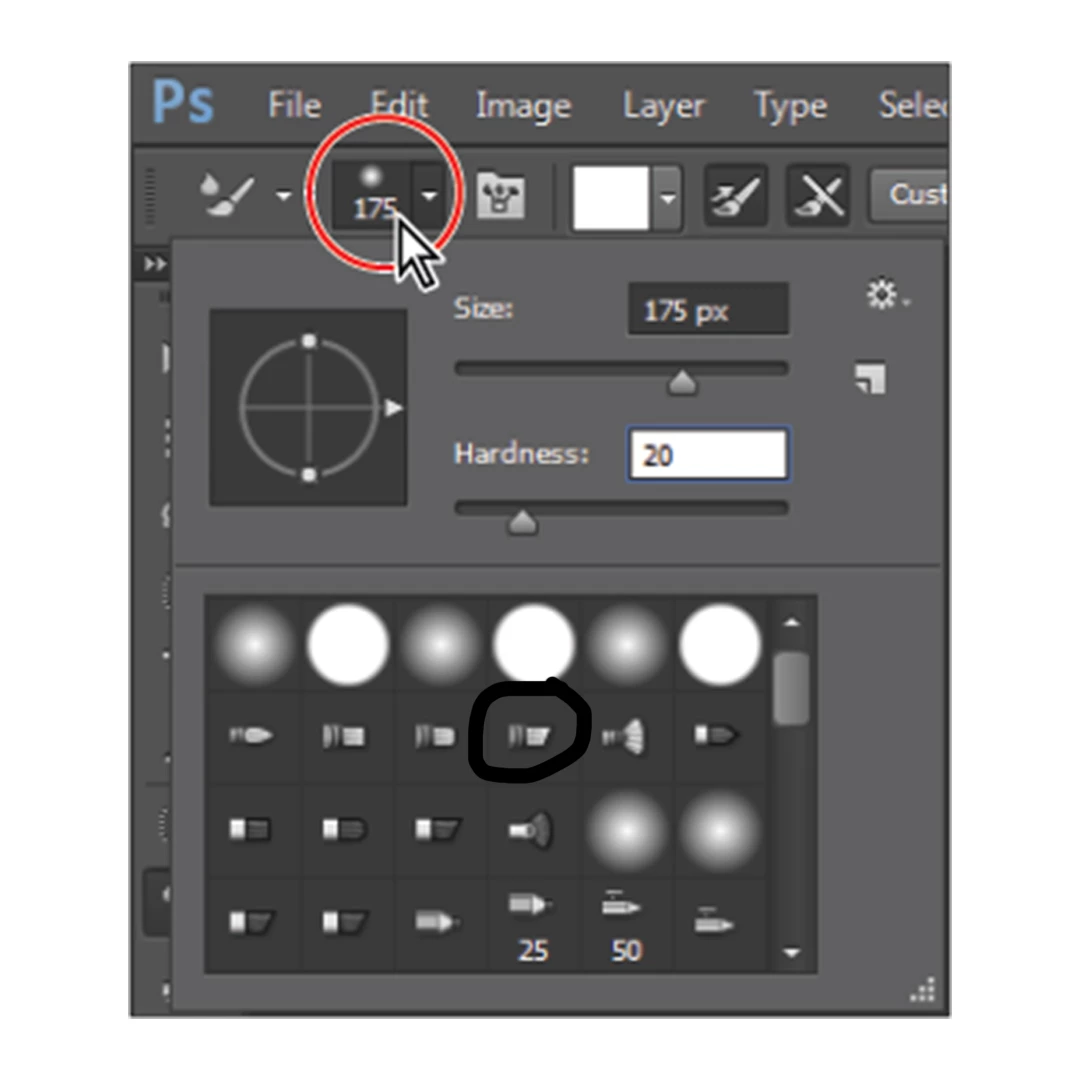
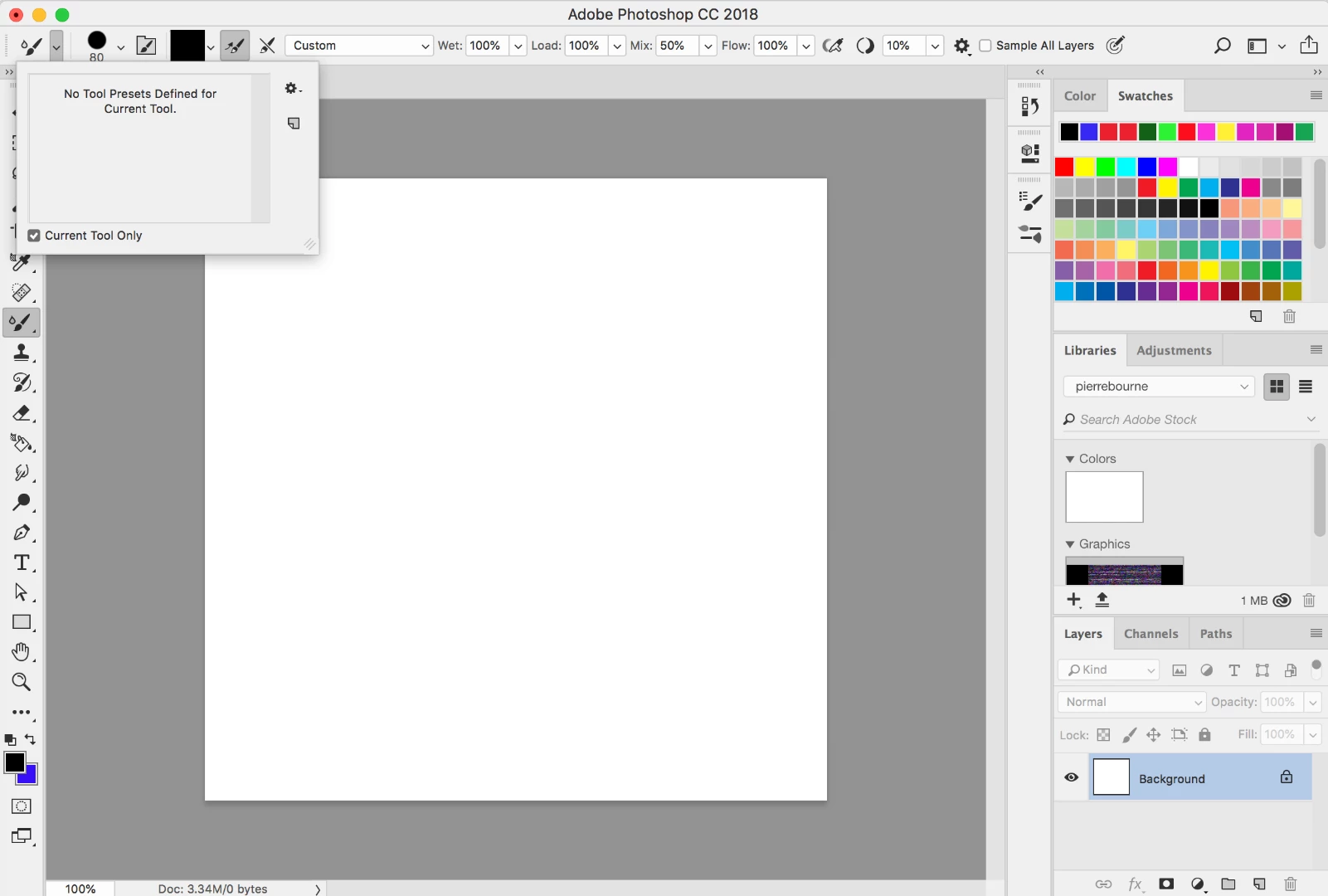
For a while i have not been able to use one of these brushes that i used to use quite often. I need help because i cannot find this brush and i need it for a project. It is the brush circled in black in the picture! I will also provide screenshots of my photoshop workspace, Please someone help me!
This topic has been closed for replies.
Correct answer Trevor.Dennis

If that is one of the standard default brushes, you can get it back by

Select the brush tool

Right click inside the document window

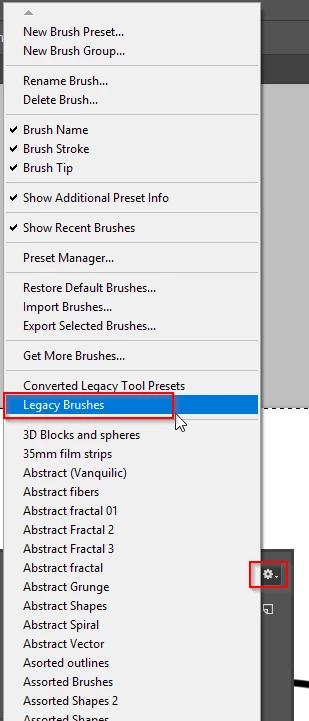
Click on the little cog icon

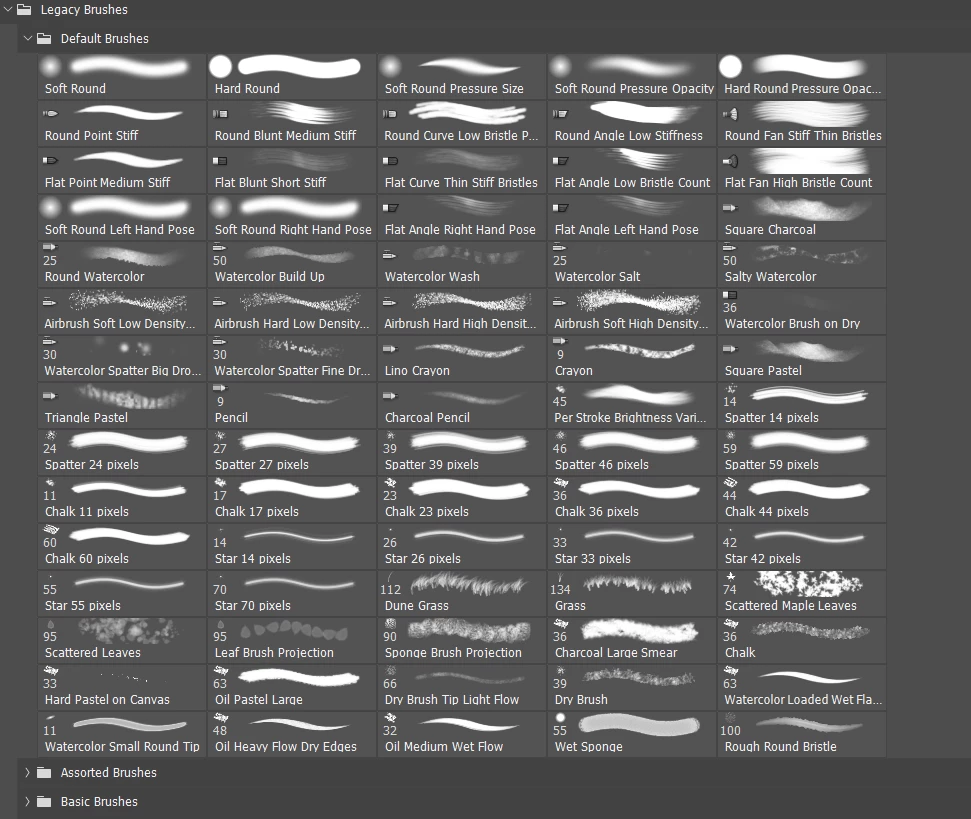
Select Legacy Brushes.

Note this will load the folder in addition to your existing folders, probably doubling up on most of them, so you might want to right click and delete the old/existing folders (you can get everything back via the right click > Cog icon

Your missing brush will hopefully be in the Default folder (twirl out the Legacy folder)

1 reply

Trevor.Dennis
Community Expert
Trevor.DennisCommunity ExpertCorrect answer
Community Expert
September 14, 2018

If that is one of the standard default brushes, you can get it back by

Select the brush tool

Right click inside the document window

Click on the little cog icon

Select Legacy Brushes.

Note this will load the folder in addition to your existing folders, probably doubling up on most of them, so you might want to right click and delete the old/existing folders (you can get everything back via the right click > Cog icon

Your missing brush will hopefully be in the Default folder (twirl out the Legacy folder)

Aaron Torr3s
Participant
September 14, 2018

Thank you Trevor.Dennis​ you are a life saver