
aishas71034254
Participant
November 12, 2017
Answered

Brush leash photoshop - HELP

  • November 12, 2017
  • 2 replies
  • 2189 views

Okay so I don't really know how to explain this but I'll my best.

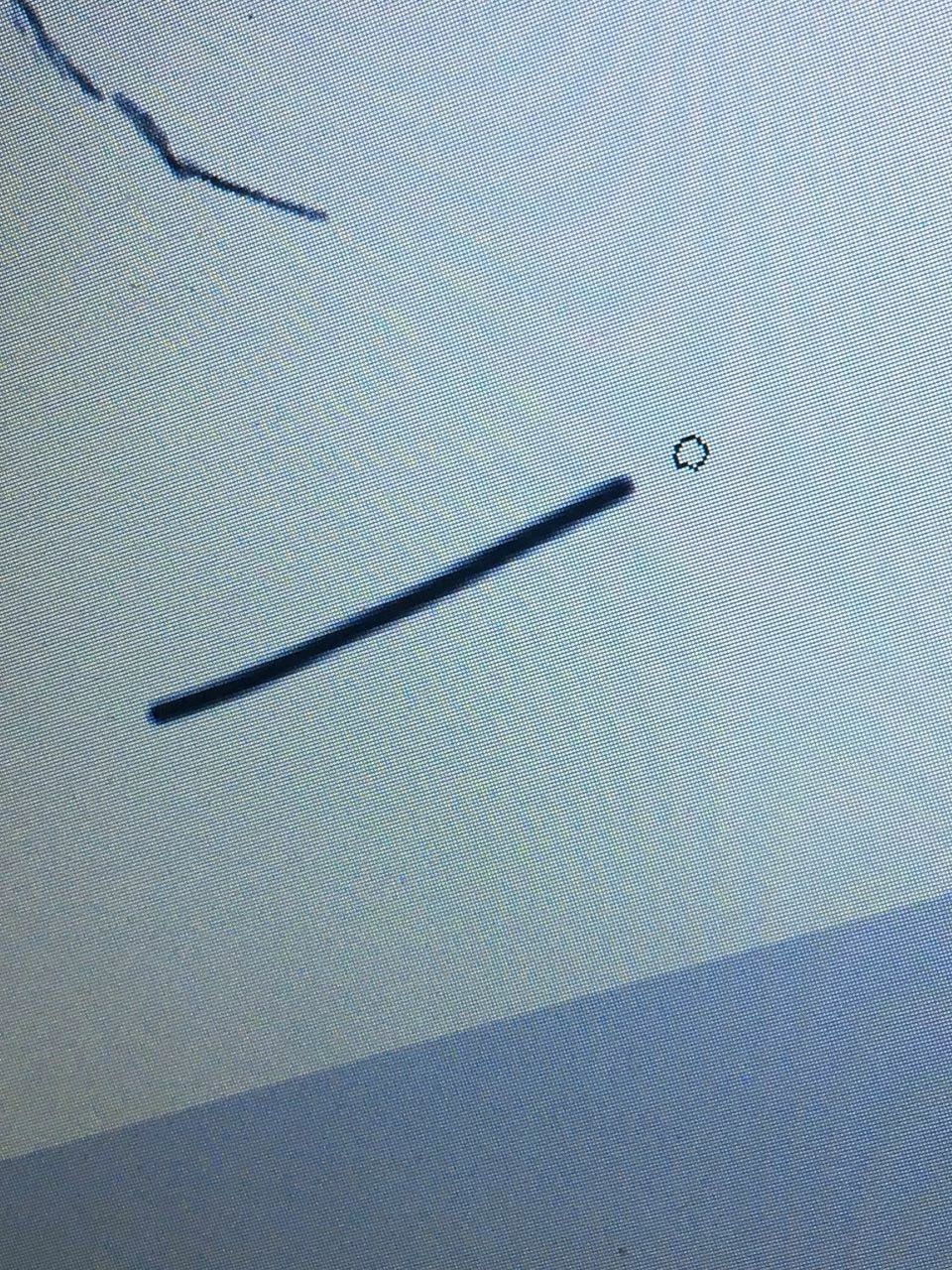
I'm using my graphic tablet with photoshop. Eversince the update, there's a purple line "leashing" my brush strokes. That's not the problem though, I've removed the purple line from Preferences > Cursor > untick purple line leash. So now the purple leash is gone but the brush stroke still is "leashed" like it's still delayed (it's behind my cursor). It isn't brush lag either, I think I accidentally clicked on something on my keyboard to trigger this. HELP

    This topic has been closed for replies.
    Correct answer Barb Binder

    The brush leash is part of the new brush smoothing feature. With the Brush tool selected, setting it back to 0% will remove the lag, 10% is the default if you just want to reset the tool.

    More info on brush smoothing here:

    Brush Stroke Smoothing « Julieanne Kost's Blog

    2 replies

    Participant
    February 7, 2021

    Thank you so Much! It was taking me forever to figure it out! I was looking all in the preferences when this was right in front of my face.

    Barb Binder
    Community Expert
    Barb BinderCommunity ExpertCorrect answer
    Community Expert
    November 12, 2017

    The brush leash is part of the new brush smoothing feature. With the Brush tool selected, setting it back to 0% will remove the lag, 10% is the default if you just want to reset the tool.

    More info on brush smoothing here:

    Brush Stroke Smoothing « Julieanne Kost's Blog

    ~Barb at Rocky Mountain Training
    aishas71034254
    Participant
    November 13, 2017

    Thank you so much!!! been frustrated at this for awhile.