
stonefoxforge
Participant
March 29, 2018
Answered

Brush tool not functioning normal with pen input.

  • March 29, 2018
  • 5 replies
  • 7957 views

Hello Everyone,

I have been searching for a solution to my problem for days and can't seem to find anyone else with the same problem.

I am using the new HP ZBook x2. I've been using photoshop with no problems for a month or so. I really only use it to sketch using the brush tool and have no problems with it. Then a couple days ago I open the app to start drawing. The pen is working just like normal until I zoom in, either with fingers on my touch screen or using the actual zoom tool. Following zooming when I use my laptop pen to try and sketch it moves the whole canvas and will only draw if I hold down the right click button. This problem doesn't occur with the mouse just the pen. This applies to any "Drawing tool" such as the pen tools but does not happen with any other tool including lassos, text, objects.
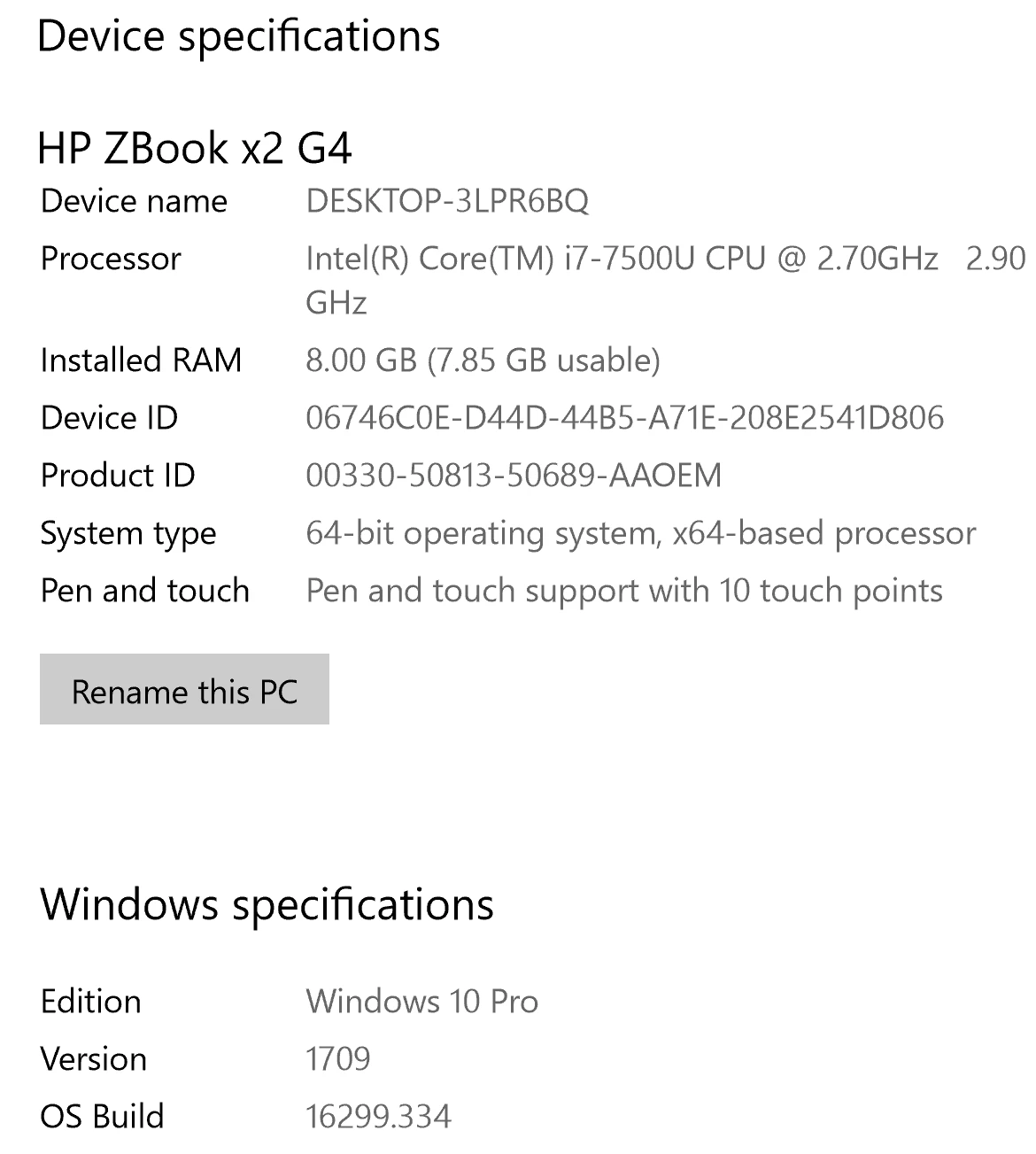
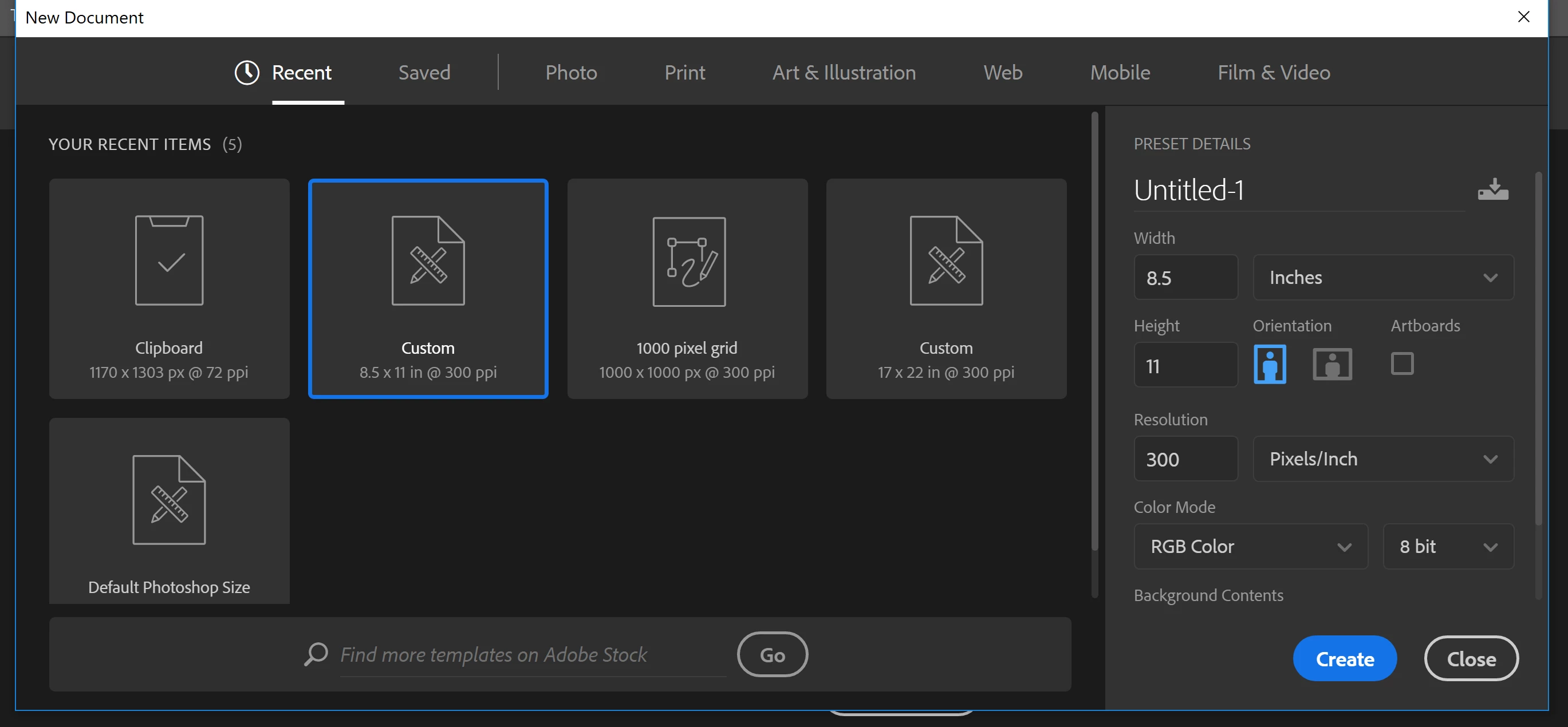
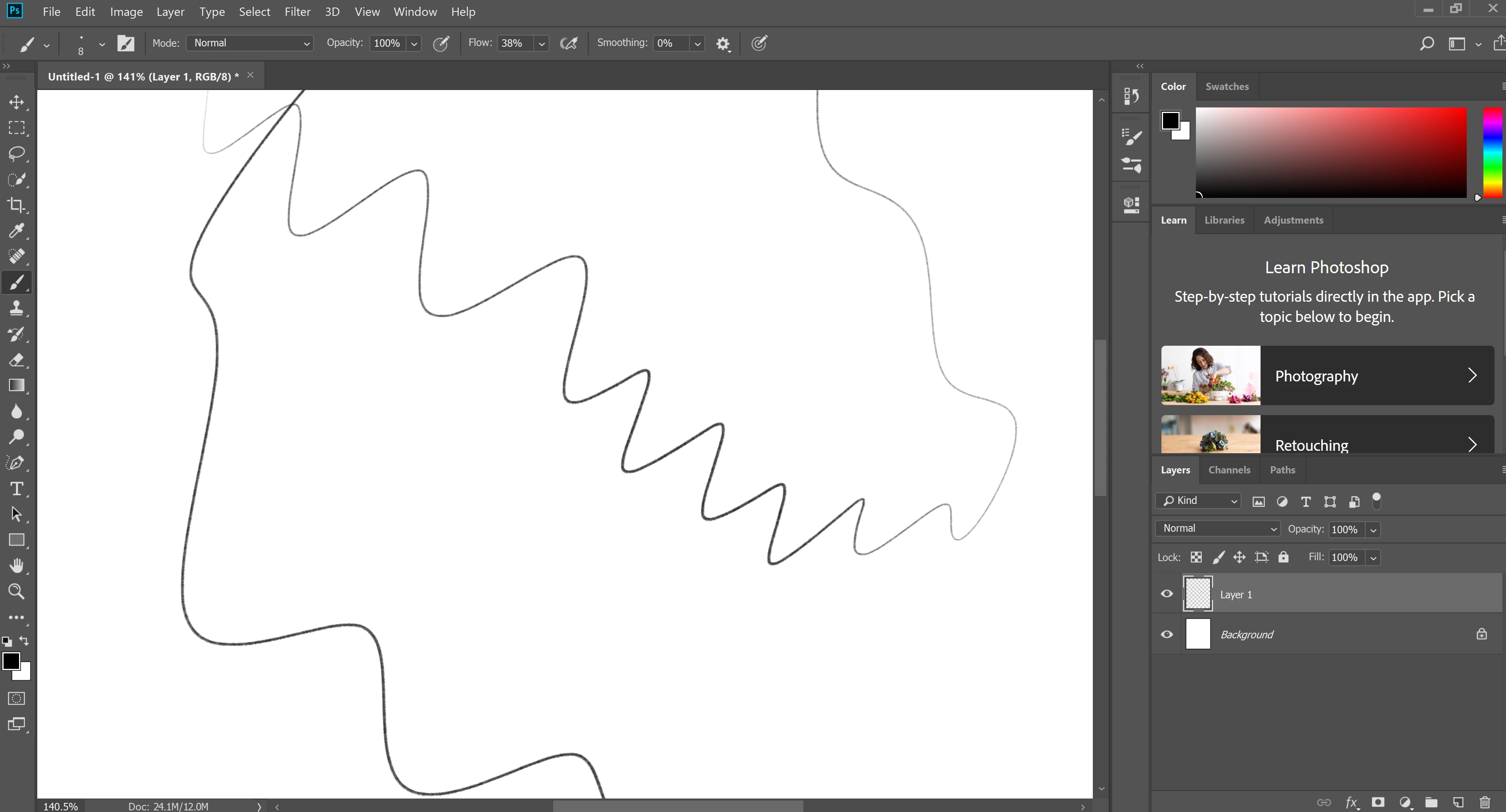
I've tried uninstalling and reinstalling photoshop. I've tried resetting the brush tool and all tools. I've tried not using system graphics. I've tripled check my pen settings and none of them have changed. Has anyone seen anything similar to this using a wacom or similar pen laptop? The only thing I can think of that has changed was a windows update two days ago.

This topic has been closed for replies.
Correct answer PECourtejoie

Hello, the recommended  solution is to apply a correction patch from Microsoft: Cannot paint with stylus when zoomed in on image | Windows 10

5 replies

PECourtejoie
Community Expert
PECourtejoieCommunity ExpertCorrect answer
Community Expert
April 27, 2018

Hello, the recommended  solution is to apply a correction patch from Microsoft: Cannot paint with stylus when zoomed in on image | Windows 10

Participant
April 14, 2018

This is definitely a Windows Ink issue. Uncheck the Windows Ink checkbox on your tablet settings and it should work. Although, pressure sensitivity will not register in Photoshop. I'll still have to try the solution that the post above has provided.

Participant
April 13, 2018

hm.. i don't have that update in my list

Participant
April 14, 2018

yep.. It is not in my ist. I can't right click it or anything either. Do now know how to uninstall it. This is REALLY FRUSTRATING. Missing deadlines because of this...

Participant
April 14, 2018

guys i ve found the solution to this problem check the issues in this update in this page and the solution there should definitly solve your problem as it solved mine.

https://support.microsoft.com/en-us/help/4093112/windows-10-update-kb4093112

bbb10023591
Participating Frequently
March 29, 2018

This is starting to get REALLY annoying. First it was the brush resize with the ALT key which still does not work anymore....and now this bug following the latest update.

Well one solution for me -> going back to mac. Hate to say that but it is starting to get more and more complicated to work on windows. That's a shame because I love my surface pro

March 29, 2018

Try uninstalling this Windows update, this has fixed the issue for other people

stonefoxforge
Participant
March 29, 2018

That did it thanks Ged!

March 29, 2018

No worries glad to help