



Answered
Camera Raw user presets not in Finder library
I am using Adobe Photoshop CC 2018 on a Mac, and I'm trying to copy my Camera Raw user presets into a new computer (also a Mac) running Adobe Photoshop CC 2019. However, none of my presets that are listed and usable on Camera Raw are not appearing anywhere on my Finder.
From browsing this forum I know they should be stored here: (~Library/Application Support/Adobe/Camera Raw/Settings) but only the default Photoshop presets are showing up, as seen in this screenshot:
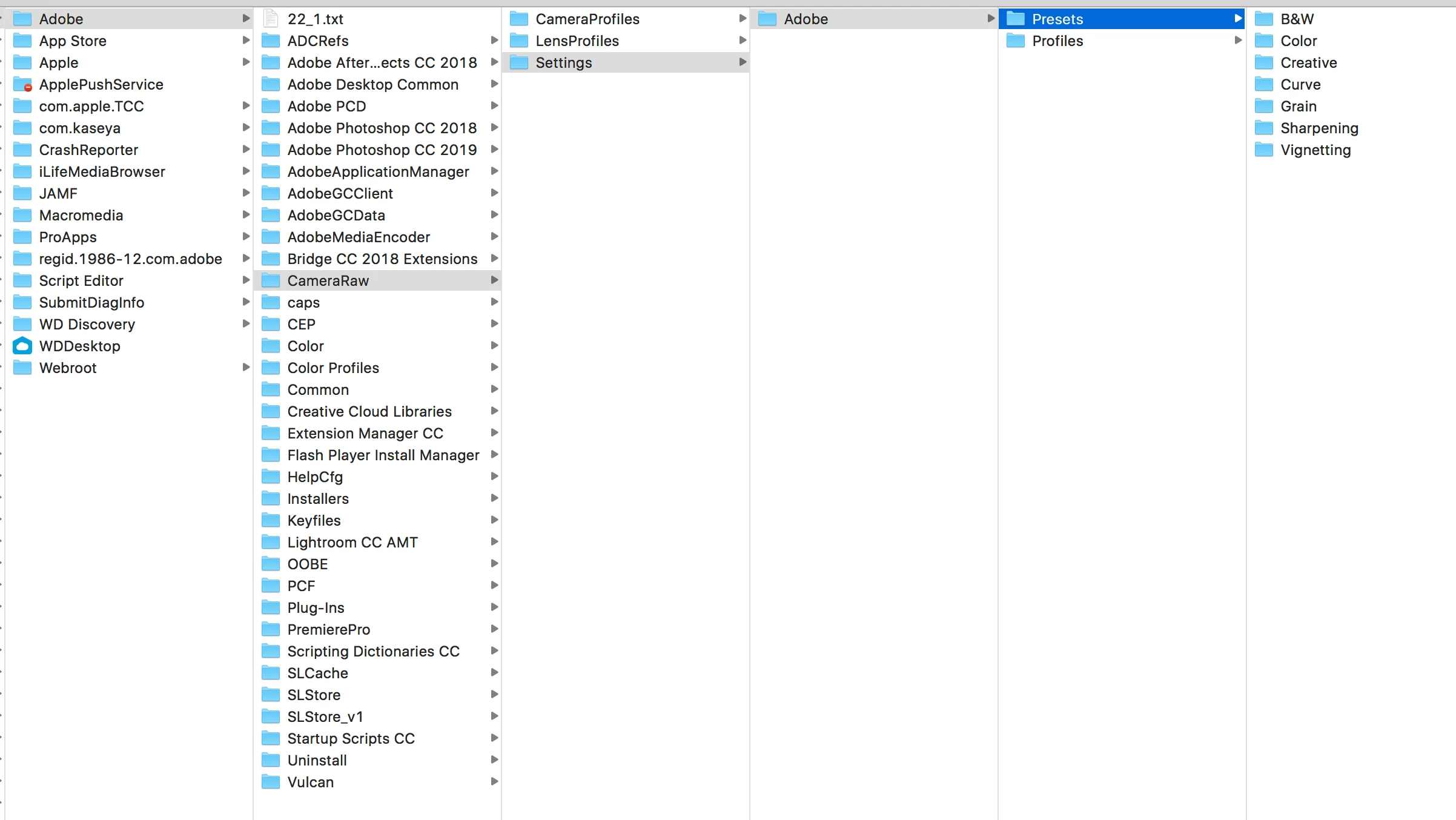
Is there any way to export the presets from Camera Raw or export them some other way to my new computer?
Thanks!
 AdChoices