Participant
May 16, 2018
Answered

Can't brush on mask! Help!

  • May 16, 2018
  • 3 replies
  • 1163 views

Hey there,

I can't brush on my layer mask nor on my quick mask mode.

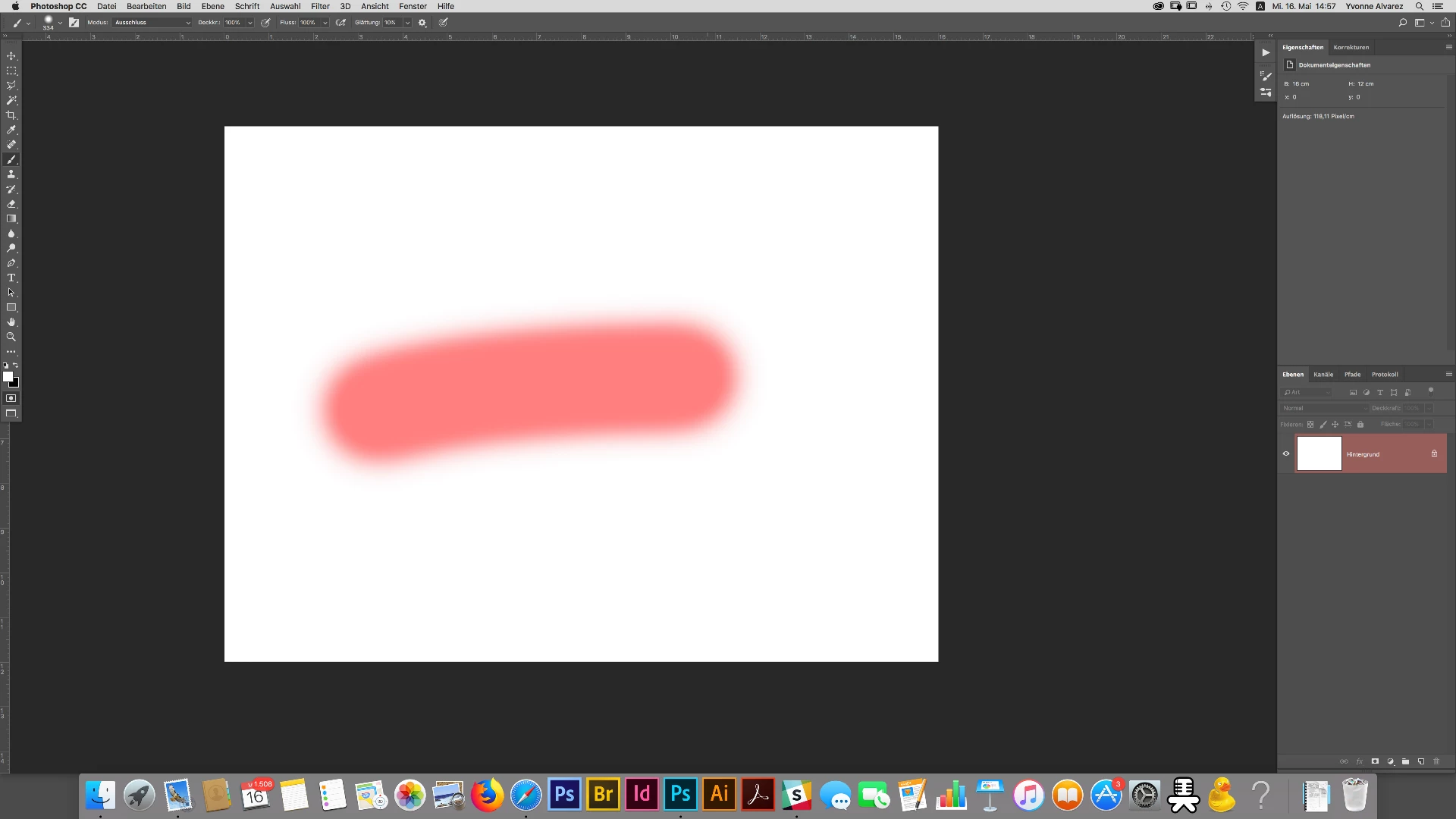
First - It paints black, when white is selected.

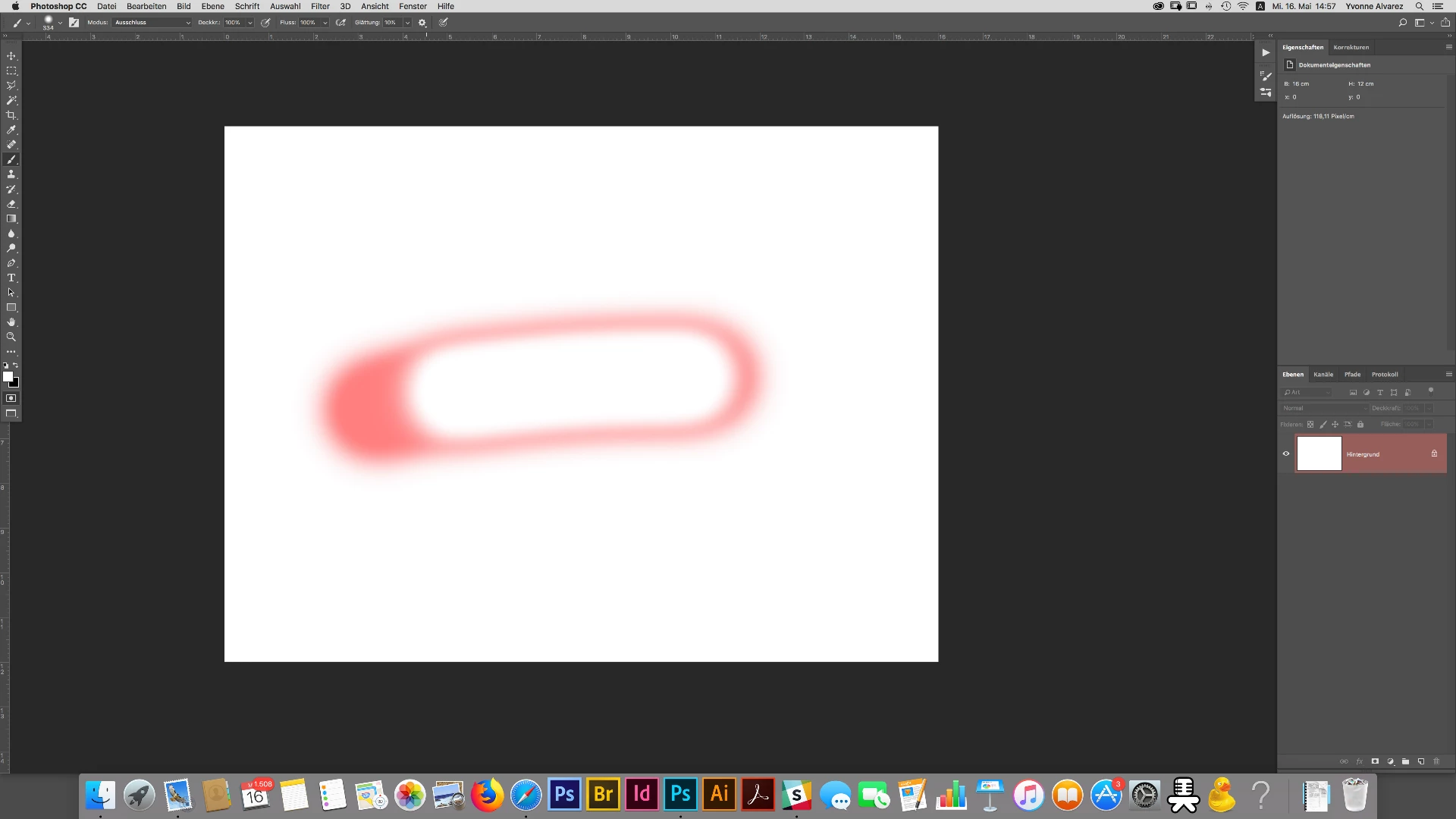
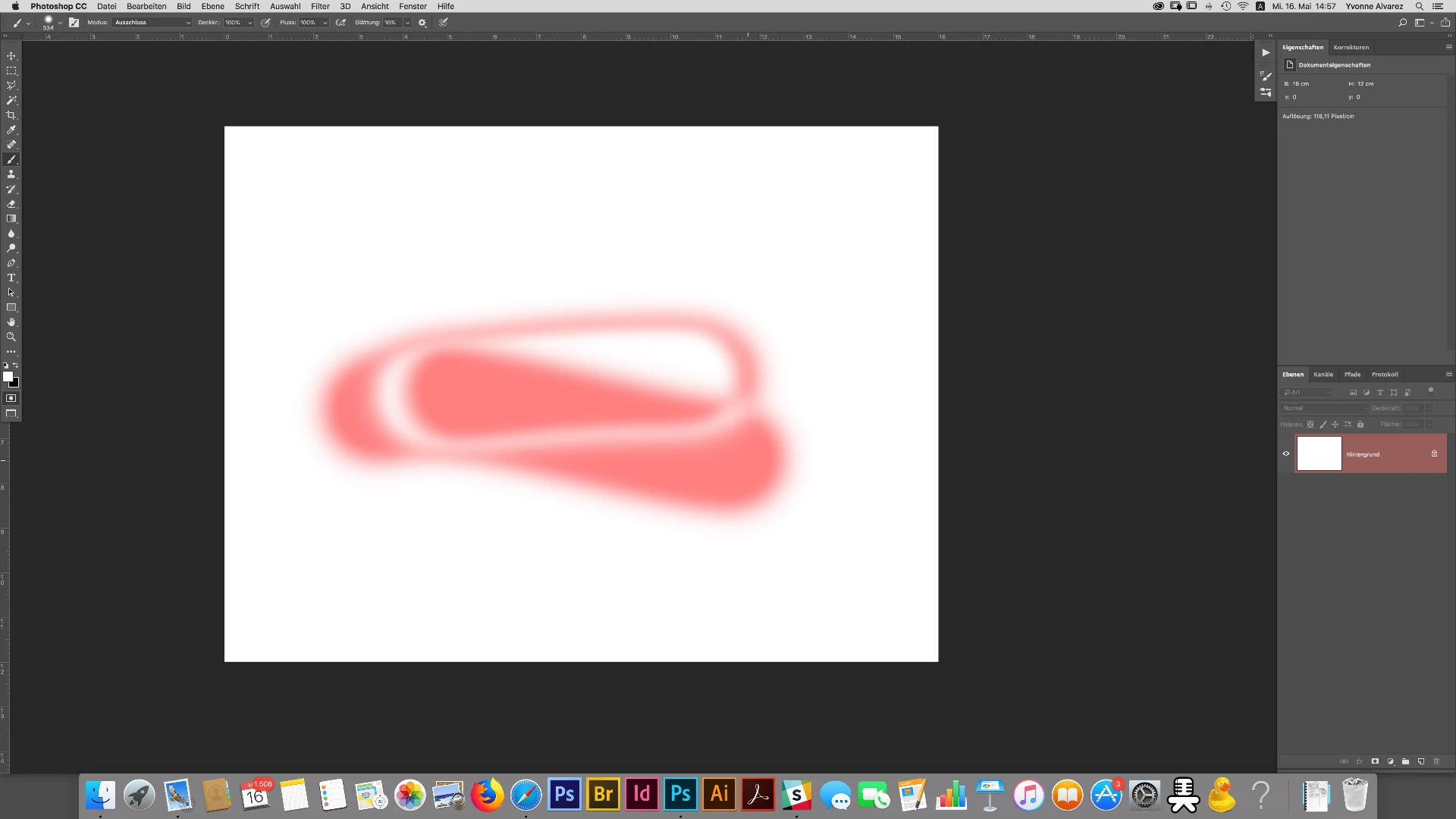
Second - If you paint over it again with the same color, it somehow erases it.

Third - Painting with black on the mask doesn't do anything at all.

I work with Photoshop since 18 years, so I kinda know what I'm doing. I use PS CC, its updated.

When I started working with CC it worked as it should. Maybe two weeks ago it suddenly started.

I deinstalled PS and installed it again and it was back to normal for a couple of days until yesterday.

So I went back to my PS CS6... it was fine until now... same problem again with the mask.

It suddenly doesn't work anymore... and I have not changed any settings.

Is it a bug? How can I fix it?

I mean, you can't really work when you cannot use the mask and its tools properly, can you?

Please help

    This topic has been closed for replies.
    Correct answer Barb Binder

    Did you try resetting all of the tool defaults? Right click the Brush icon on the Options bar (to the left of Modus).

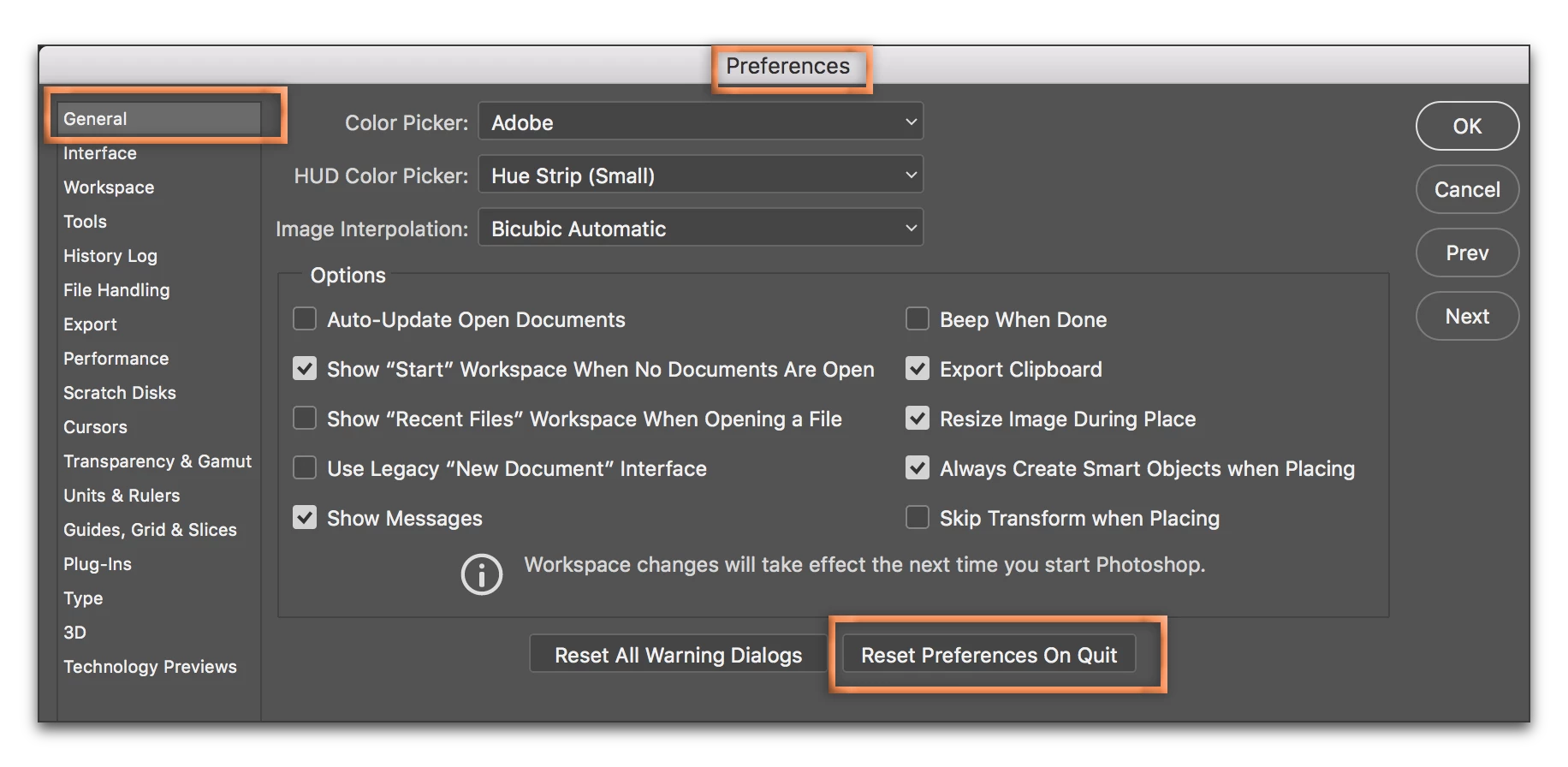
    You can also reset Photoshop's preferences, but be sure to save custom brushes, tool presets, etc. first.

    ~Barb

    3 replies

    Barb Binder
    Community Expert
    Barb BinderCommunity ExpertCorrect answer
    Community Expert
    May 16, 2018

    Did you try resetting all of the tool defaults? Right click the Brush icon on the Options bar (to the left of Modus).

    You can also reset Photoshop's preferences, but be sure to save custom brushes, tool presets, etc. first.

    ~Barb

    ~Barb at Rocky Mountain Training
    Participant
    May 16, 2018

    Hey Barb,

    thanks for your help. I was resetting all of the tool defaults and it seems to do the trick!

    Thanks so much!!!!

    Barb Binder
    Community Expert
    Community Expert
    May 16, 2018

    Terrific! Glad you are back on track.

    ~Barb

    ~Barb at Rocky Mountain Training
    c.pfaffenbichler
    Community Expert
    Community Expert
    May 16, 2018

    Try hitting alt-shift-N to set it to Normal instead of »Ausschluss«.

    PECourtejoie
    Community Expert
    Community Expert
    May 16, 2018

    Hello, it looks like the mode of the brush is not set to normal, but to something like difference, I cannot read the screenshot in that area in the option bar.

    PECourtejoie
    Community Expert
    Community Expert
    May 16, 2018

    Hallo, Yvonne ;-), yes, it is set to Auschluss = exclusion?