



Question
Can’t copy/paste dialog box numbers between InDesign & Photoshop
I resize photos in Photoshop for use in InDesign a lot, and what I used to do was copy the exact size value of an image box in InDesign and paste it in the image size box in Photoshop.
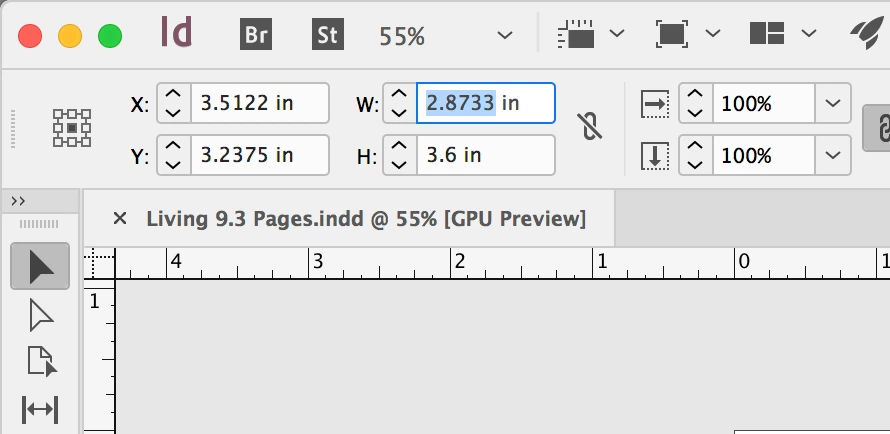
There are a lot of photos of varying sizes, so shortcuts are crucial. However, upon some recent Photoshop update, I stopped being able to paste into any Photoshop dialog box with a ⌘+V. Now I have to open a dialog box and select "Paste".
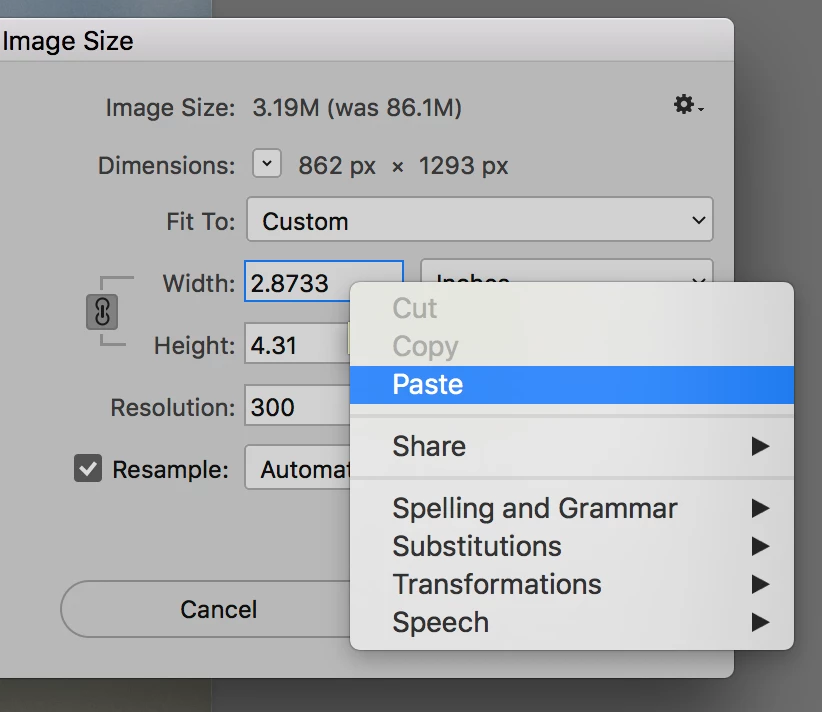
Minor, I know. But when there are a lot of photos to resize, this becomes a hinderance. Is there a potential reason for this? Like a setting I can change? Or do I have to downgrade to an older version of Photoshop?
Versions:
PS - 2017.1.1
INDD - 2017.1
OS - MacOS 10.12.6
 AdChoices