
February 13, 2017
Answered

Can't edit faces with Liquify

  • February 13, 2017
  • 1 reply
  • 3946 views

Hello,

I've recently updated from Photoshop 2015 to 2017 and saw the new face recognition tool in the Liquify filter.

I tried that but it showed a message: "The Face Tool requires hardware acceleration. Check the Performance Preferences and verify that "Use Graphics Processor is enabled."
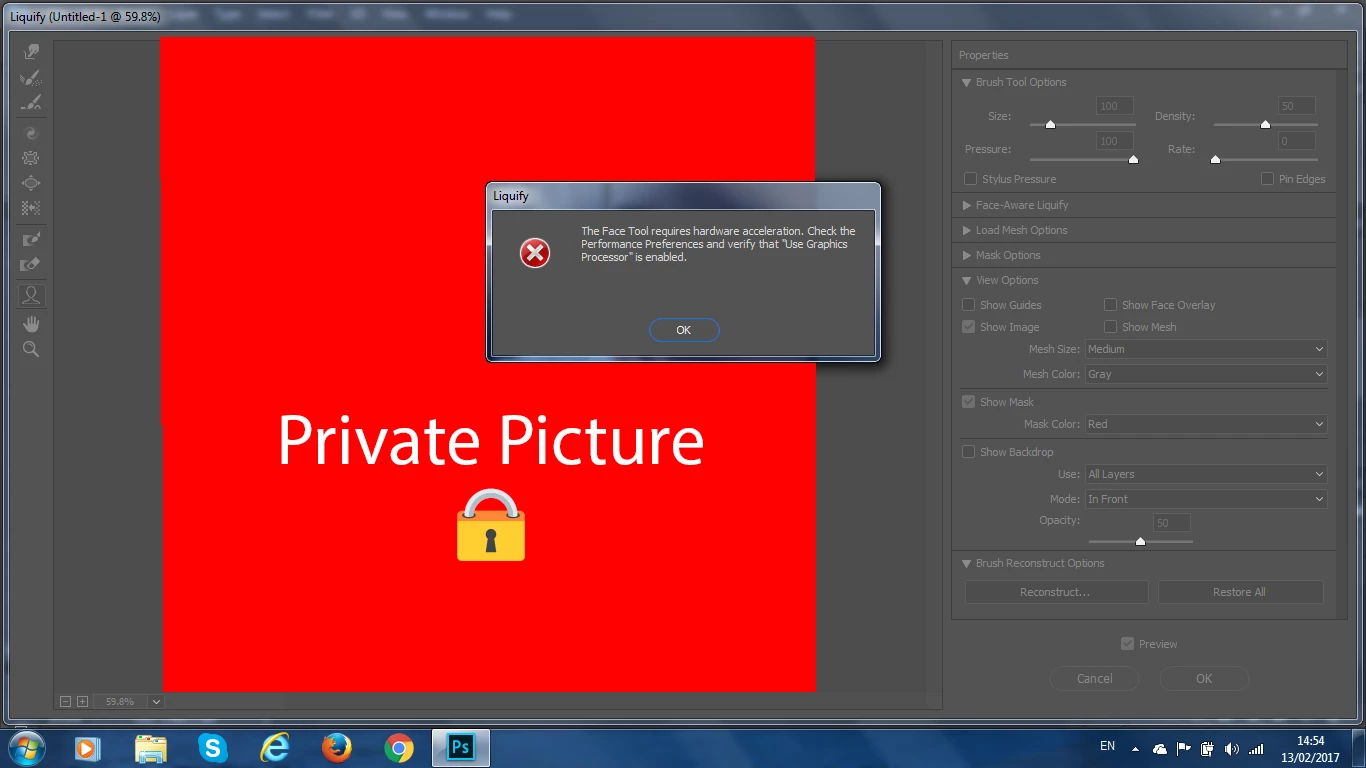
But "Use Graphics Processor" option is enabled. I don't know how it is showing that message although that the graphics processor is enabled.
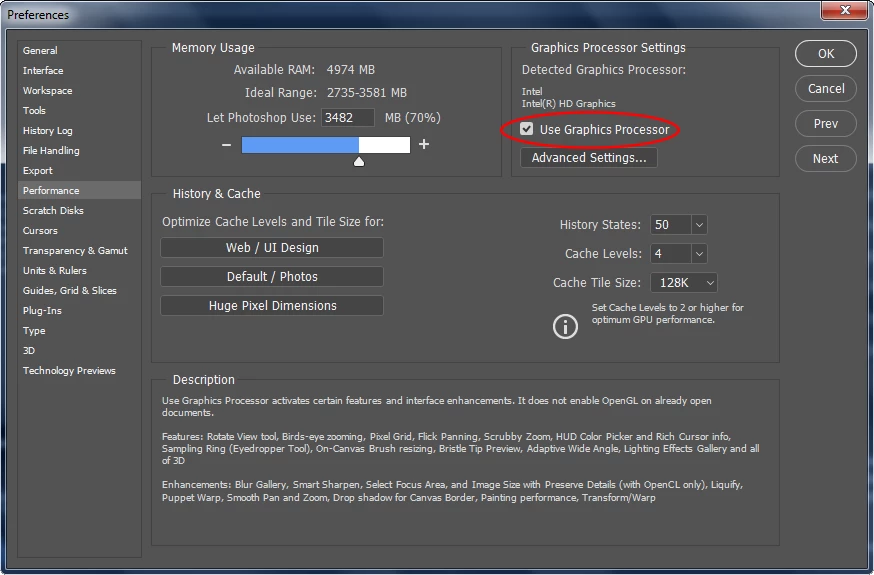
How do I fix this?

This topic has been closed for replies.
Correct answer Bettina Di Virgilio

As you see the Use Graphics Processor is disabled, I think probably your graphical board is not supported, sorry.

1 reply

JJMack
Community Expert
Community Expert
February 13, 2017

How  are the advanced  gpu settings set?

JJMack
February 13, 2017

Bettina Di Virgilio
Bettina Di VirgilioCorrect answer
Participating Frequently
February 13, 2017

As you see the Use Graphics Processor is disabled, I think probably your graphical board is not supported, sorry.