Participant
June 28, 2021
Answered

can't enable 3D with NVIDIA GeForce RTX 2080 Super GPU

  • June 28, 2021
  • 1 reply
  • 1399 views

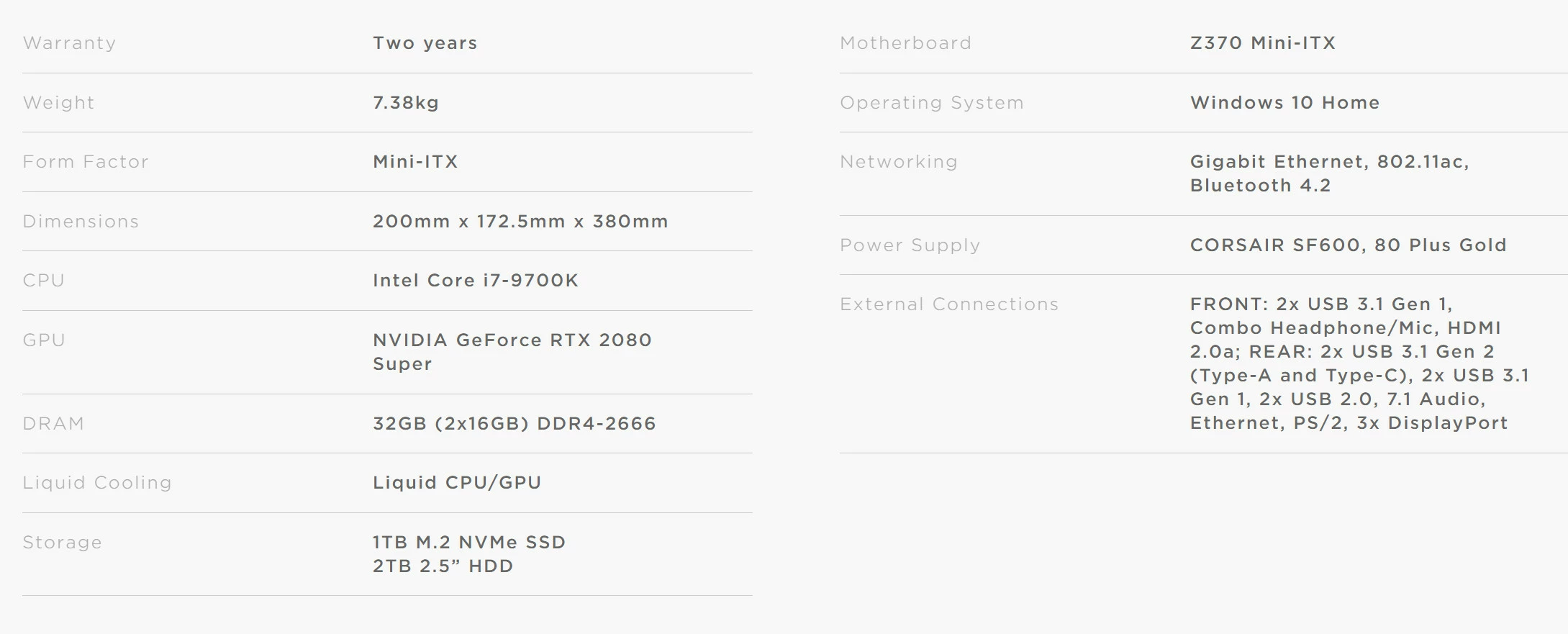
Here are the specs of my computer:

The hardware test shows me that the hardware is running fine. My graphic drivers and Photoshop are up to date.

When I want to use 3D in Photoshop, it doesn't work:
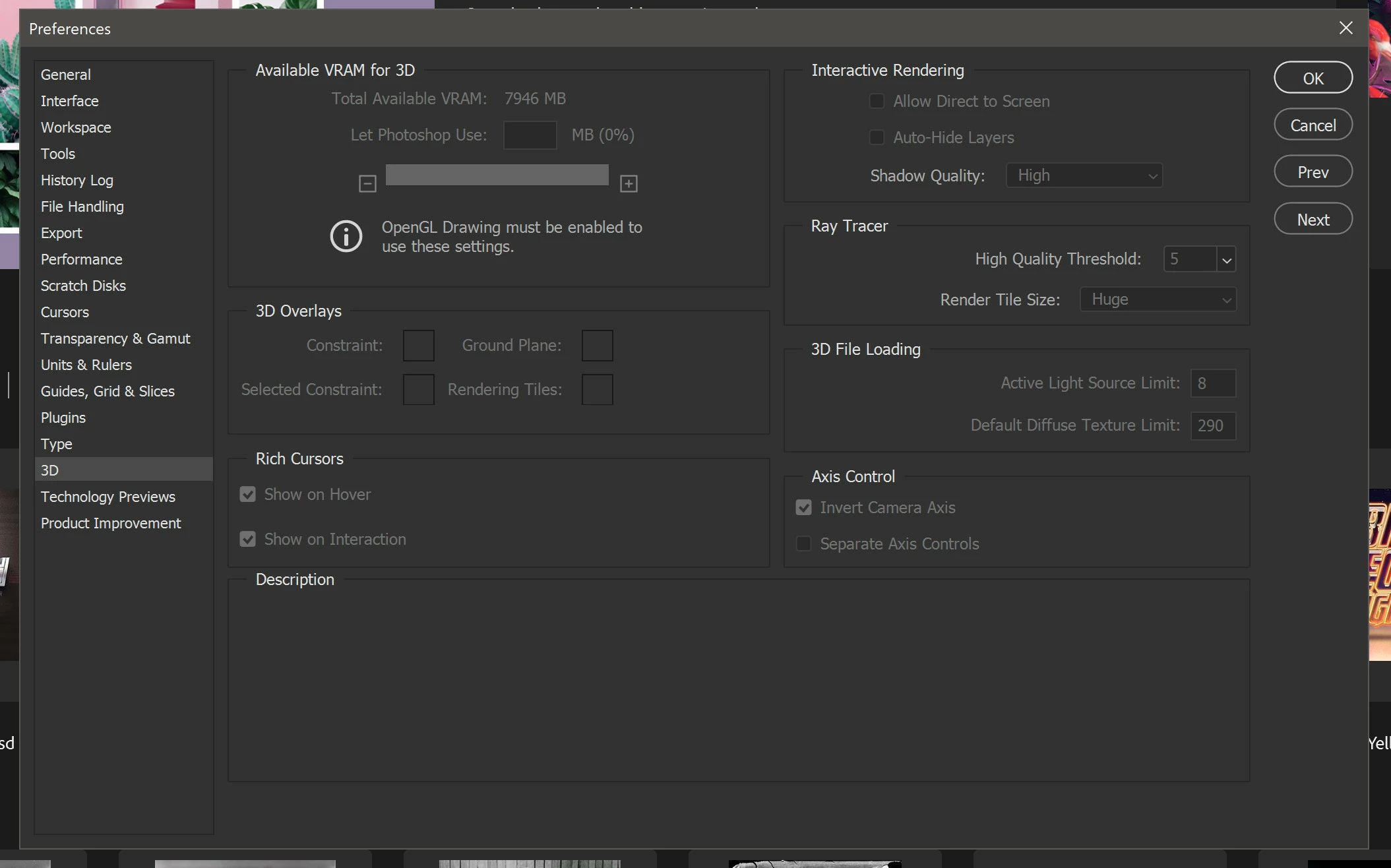
 

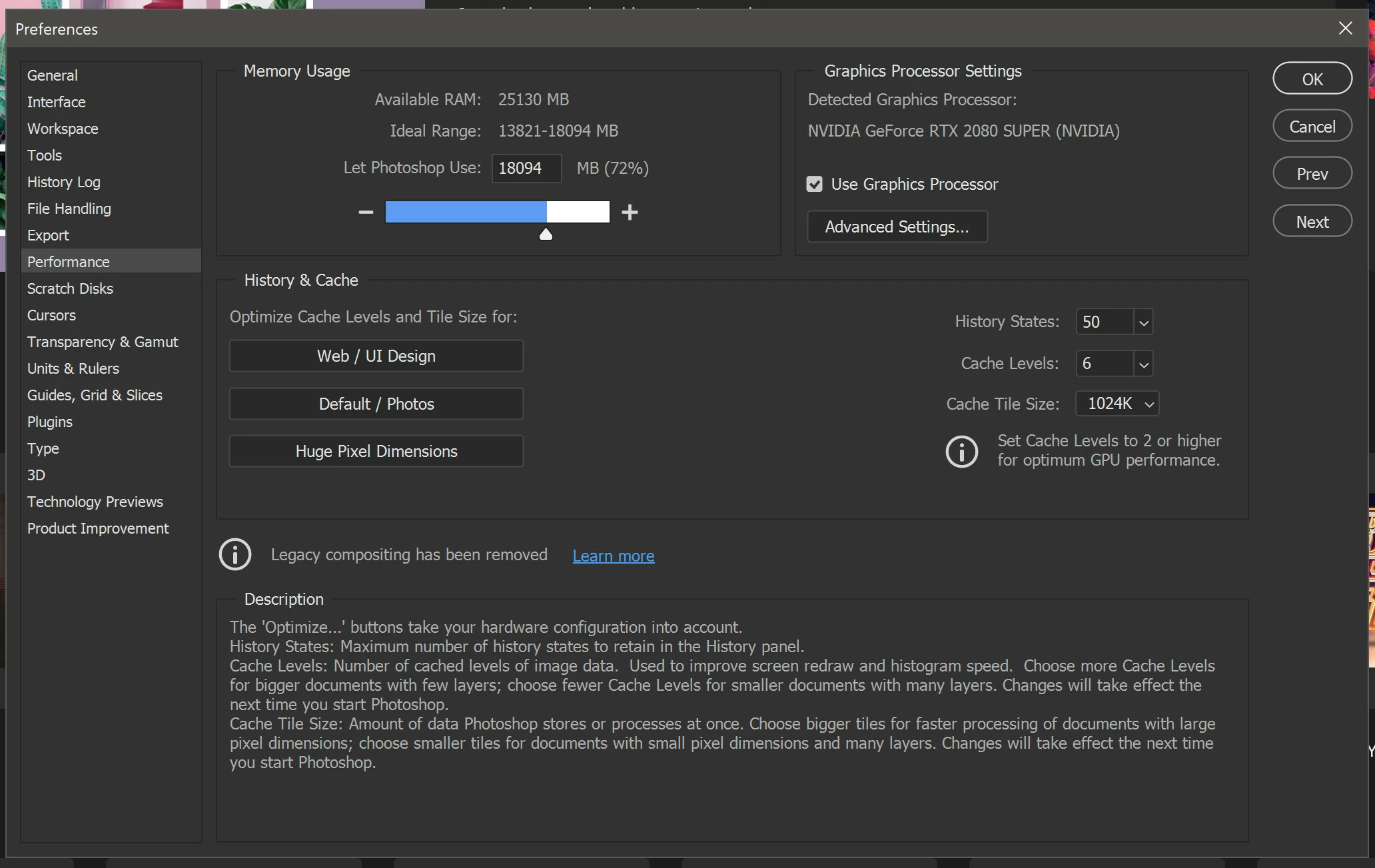
So I go to performance to check the "use graphics processor" box, but it's already checked. So I click on OK.
I restart Photoshop and go back to 3D settings and I see this:
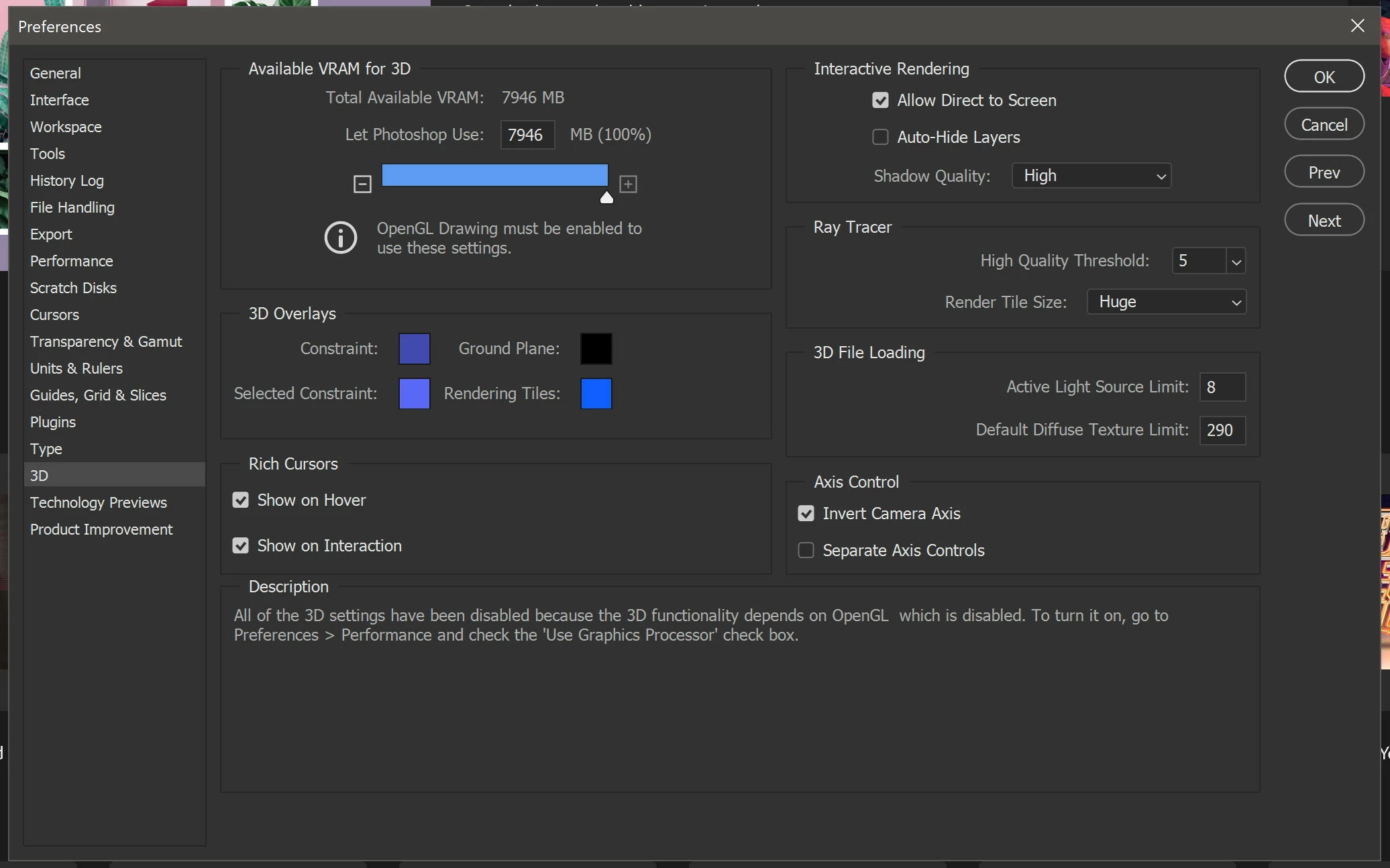
And I get the same message telling me to check the "User Graphics Processor" check box when I did it seconds before restarting Photoshop.


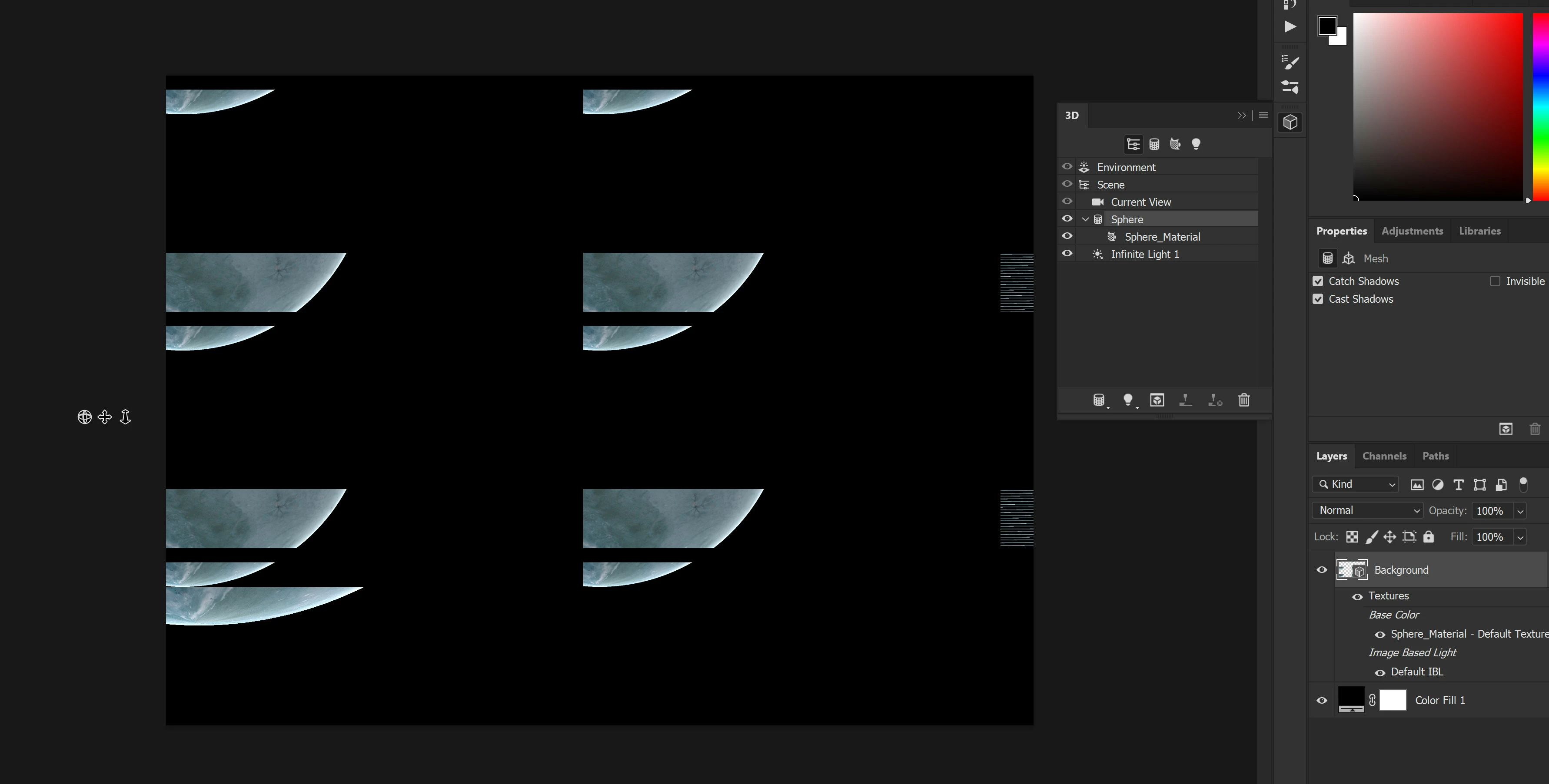
What can I do? As it is, I just can't use the 3D functions of Photoshop because I get this:
 

Correct answer JJMack

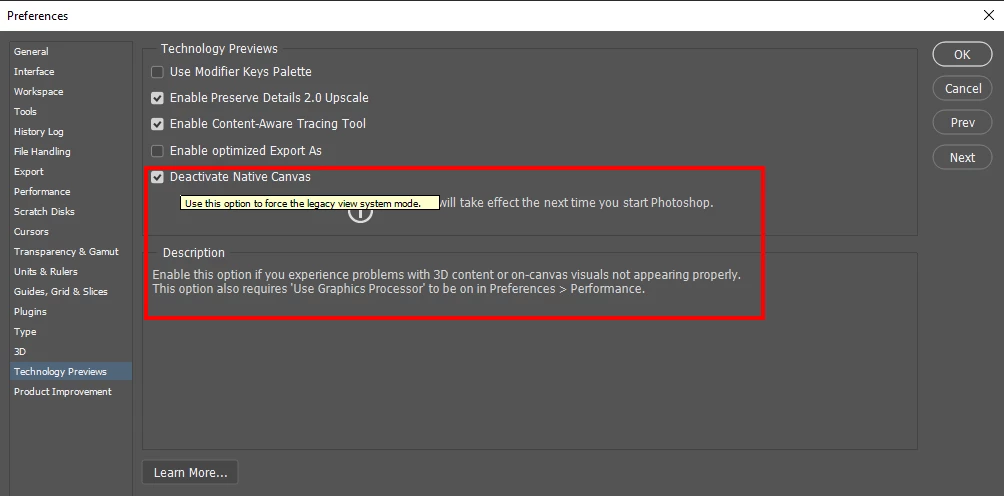
If you are using PS version 2021 have you diasbled Native Canvas

1 reply

JJMack
Community Expert
JJMackCommunity ExpertCorrect answer
Community Expert
June 28, 2021

If you are using PS version 2021 have you diasbled Native Canvas

JJMack
Trevor.Dennis
Community Expert
Community Expert
June 28, 2021

I can see that I have become out of touch with some of these Preference settings JJ, but I don't use Photoshop's 3D.  But I can confirm that your suggestion enabled my 3D Preference settings. (RTX2070)

davescm
Community Expert
Community Expert
June 28, 2021

In way of explanation. a bit of background on the video card :

1. Adobe are updating the core graphics functions in Photoshop. This is driven by the operating systems of Apple and Microsoft in which the old Open GL functions are being removed in the case of Apple, or deprecated in the case of Microsoft. This means that the graphics functions that have worked for years must be rewritten to use Metal and Direct X. At the same time, Adobe are sensibly updating those core functions to deliver the additional speed we require to handle the very large files of today.
2. Led by the changes being made above, Adobe introduced new GPU checks in 23.3.1. Unfortunately, these caused some issues and have therefore been revised for v22.4. That means that many GPUs that, incorrectly, did not work in 22.3.1 will now be seen in 22.4 and will function.
3. Some functionality in Photoshop, such as 3D, still relies on the older Open GL graphics functions. To make these work, an additional preference Preferences>Technology previews>Deactivate Native Canvas has been added. This can be checked and Photoshop restarted to restore 3D functions to where they were in v22.3


Dave