

Question
Can't Match Image "Quality"
Hello,
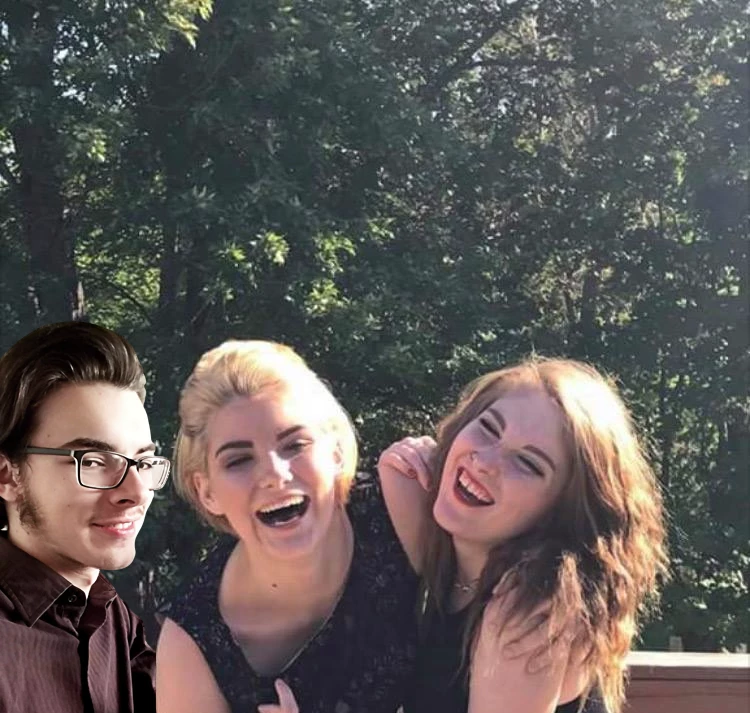
I'm trying to add my brother into a picture with his girlfriend (dumb I know), but I'm still new with Photoshop (CC 2018) and can't seem to make it look right. I looked up at least ten tutorials on how to match skin tones, ambiance, brightness/contrast/hue tweaking, increase grittiness/sharpness, etc. and no combination I can find makes it look right.
Here's what I managed to do with various masks and adjustments:
And here is the "original" (before filters):
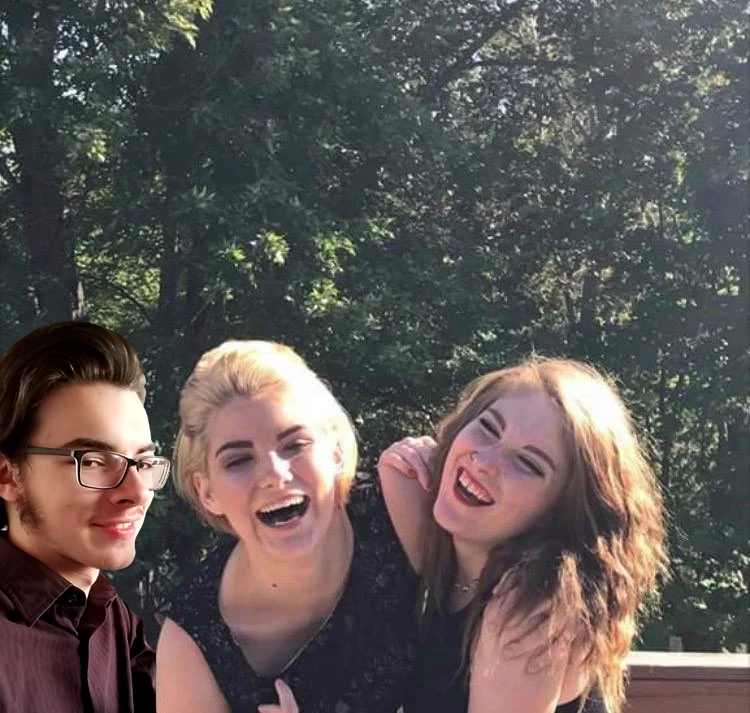
I'm sure there are several things that I'm missing or didn't do correctly, so if anyone could help I would be grateful.
 AdChoices