Answered
Cannot Quick Export as PNG in Photoshop CC
i have tried everything such as restarting my PC turning it off and everything?

i have tried everything such as restarting my PC turning it off and everything?
Hi, I have tried the steps below.
Earlier, I was able to successful export a layer to PNG but after a while, it no longer works.
My preferences detail is exactly the same as yours while the first line of the system info is: Adobe Photoshop Version: 2015.5.0 20160603.r.88 2016/06/03:23:00:00 CL 1078833 x64
On my end, here were the steps to replicate:
1. Ctrl+select layers (images, types, filters).
2. Ctrl+Shift+E
3. Right click on flattened selected layers.
4. Click 'Quick export as PNG'.
5. Save as dialog box opens.
6. Then noticed that the 'Save as type' is All Files (*.*). See below.

I hope this info helps. Kindly help.
Hi Aileen,
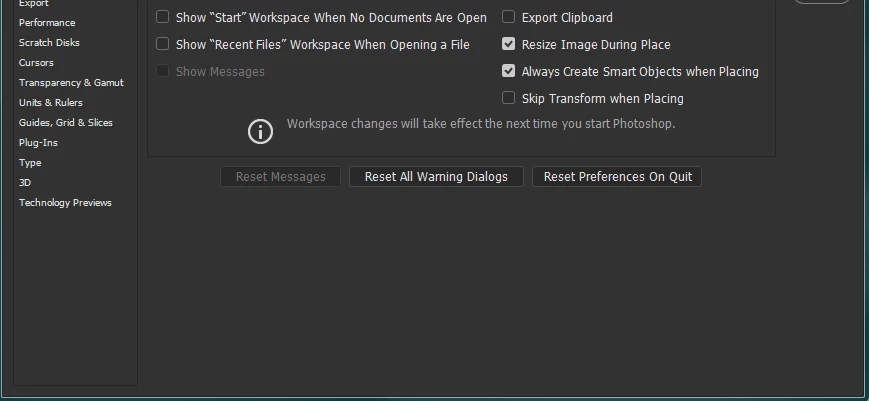
it's always more difficult when something that was working suddenly stops. It could be you need to reset your preferences as this collection of files from time to time gets corrupted. Go into Preferences under the General Tab and press the Reset Preferences on Quit button and restart Photoshop. Then check in Preferences that the settings in the Export tab are still the same as above. Now see whether the export as Png feature is working. When something suddenly stops working its often a good idea to restart the computer. Most people , me included, tend to use stand-bye and sleep modes far to often and this can cause problems until a full system restart takes place.
Already have an account? Login
Enter your E-mail address. We'll send you an e-mail with instructions to reset your password.
 AdChoices