

Answered
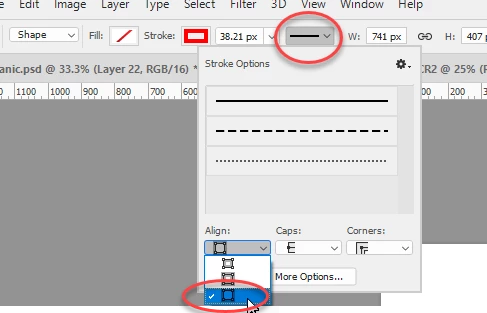
Change "stroke path" to outside
Hi everyone,
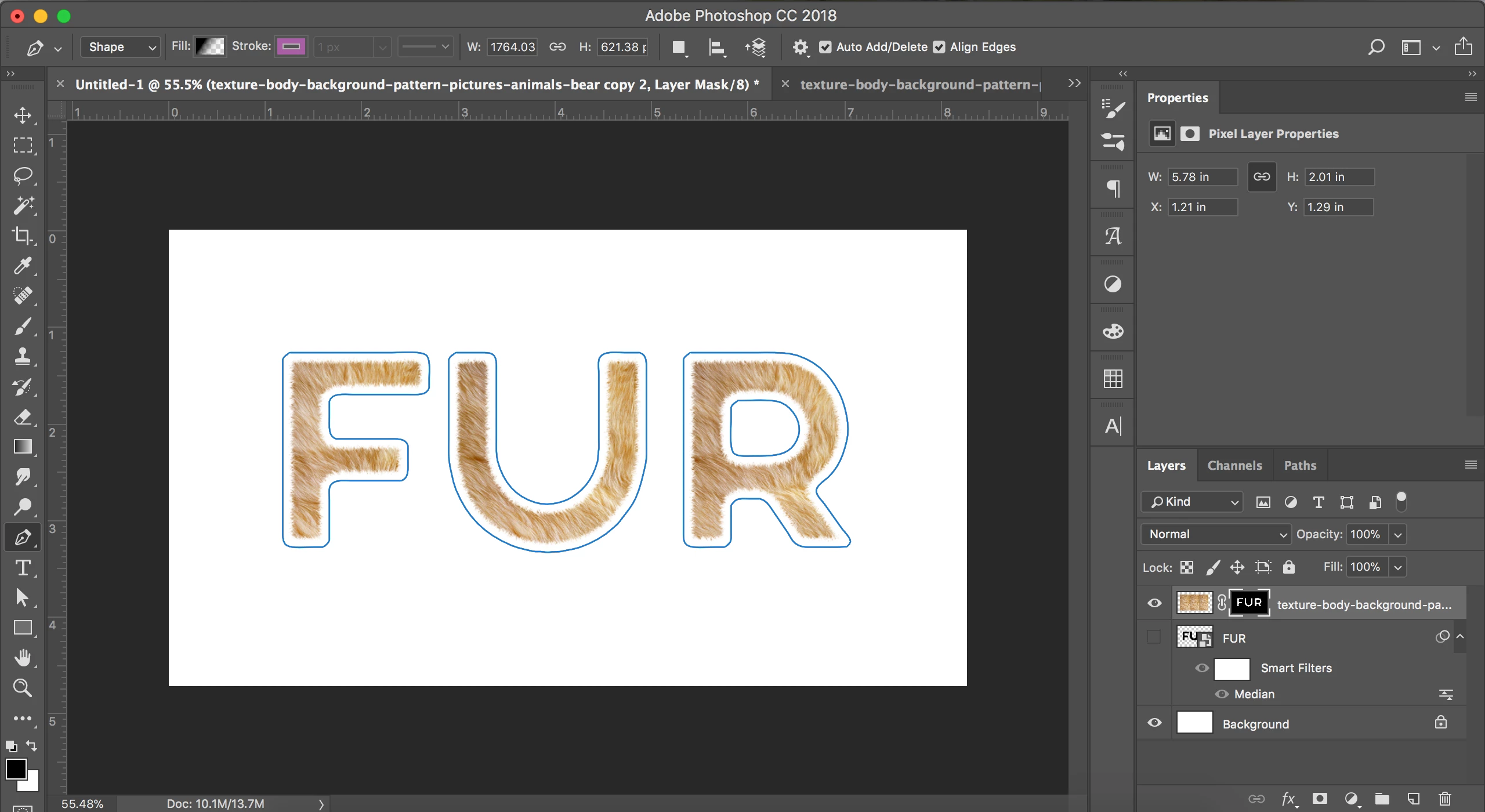
I've set up a path in photoshop and want to add a stroke to it. However, the stroke is bejing aligned to the inside of the path. How can i change the orientation of the stoke to the outside, the option to do this is grey out in the options bar at the top...
THANKS!

 AdChoices