Inspiring
February 26, 2017
Question

Clear background for an image file & remove dots

  • February 26, 2017
  • 3 replies
  • 3451 views

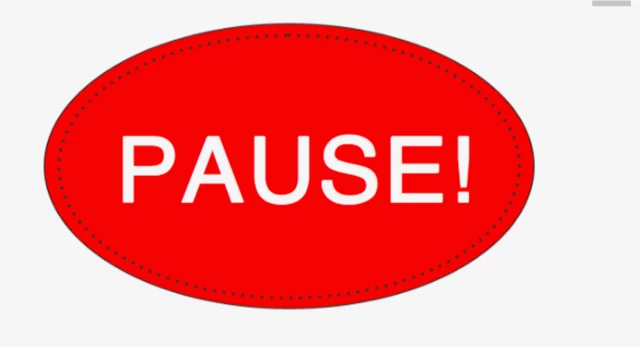
I want to have clear background for this image, have the letters PAUSE on a while background, and remove the oval dots just inside the oval boarder.

What steps should I use
    This topic has been closed for replies.

    3 replies

    Mystic_glamour98A2
    Participant
    February 27, 2017

    I'm also with

    You just need to apply 2 tools there to achieve it.  1. Lasso Tool to select dots area and apply same color on there.

    2. Now choose Magic Wand Tool to select around the object.

    Finally delete it or apply any colors what you need.

    Jim04Author
    Inspiring
    February 28, 2017

    I can not get the Lasso tool to just select the dots.  After I drag the Lasso around the dots, then use the Magic Wand, the outline of Pause is also selected.  I will try and find a video on how to use the lasso and magic wand.

    Photoshop is not very intuitive on how to do simple tasks like this.

    JJMack
    Community Expert
    Community Expert
    February 28, 2017

    Many thing done in digital image processing is not intuitive. For example it surprised me to learn that sharpening an image was accomplished by blurring.

    Photoshop has many feature to help you to select things the magic wand and lasso tools are not a good tool choices for selecting those dots.   Photoshop has a huge learning curve many thing need to be learned and much is not intuitive.

    JJMack
    JJMack
    Community Expert
    Community Expert
    February 27, 2017

    You also could color rage select black. Expand the selection by 1 px. use the eyedropper to sample the red color and fill the selector with the foreground color.  you cam also fill the gray area will a white paint bucket.

    JJMack
    Trevor.Dennis
    Community Expert
    Community Expert
    February 26, 2017

    It's such an easy graphic to create, you should just make it how you want from scratch.  About two minutes work. The font looks like Arial Regular
