Participant
November 4, 2017
Question

Colors change when draging layer between photoshop files with the same color profile

  • November 4, 2017
  • 1 reply
  • 1346 views

Hi there,

I would be so grateful for help!

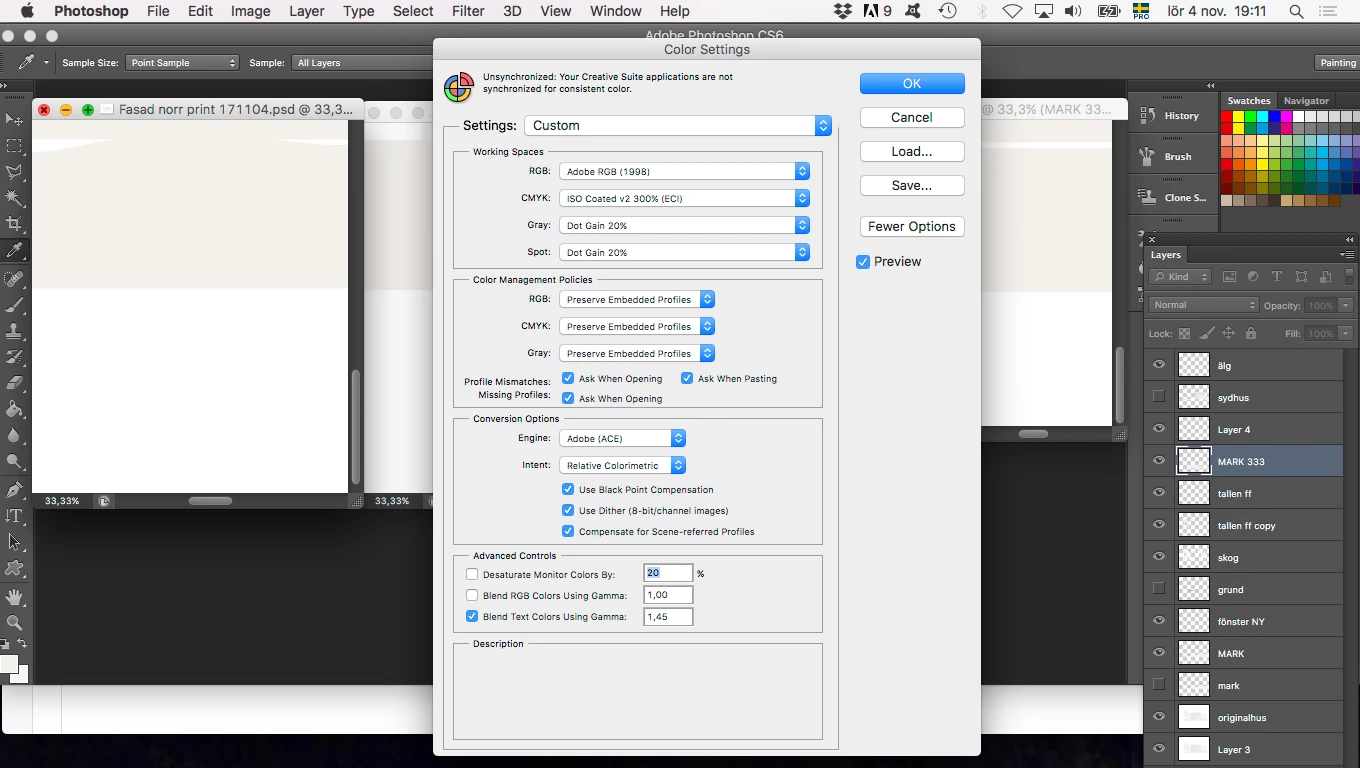
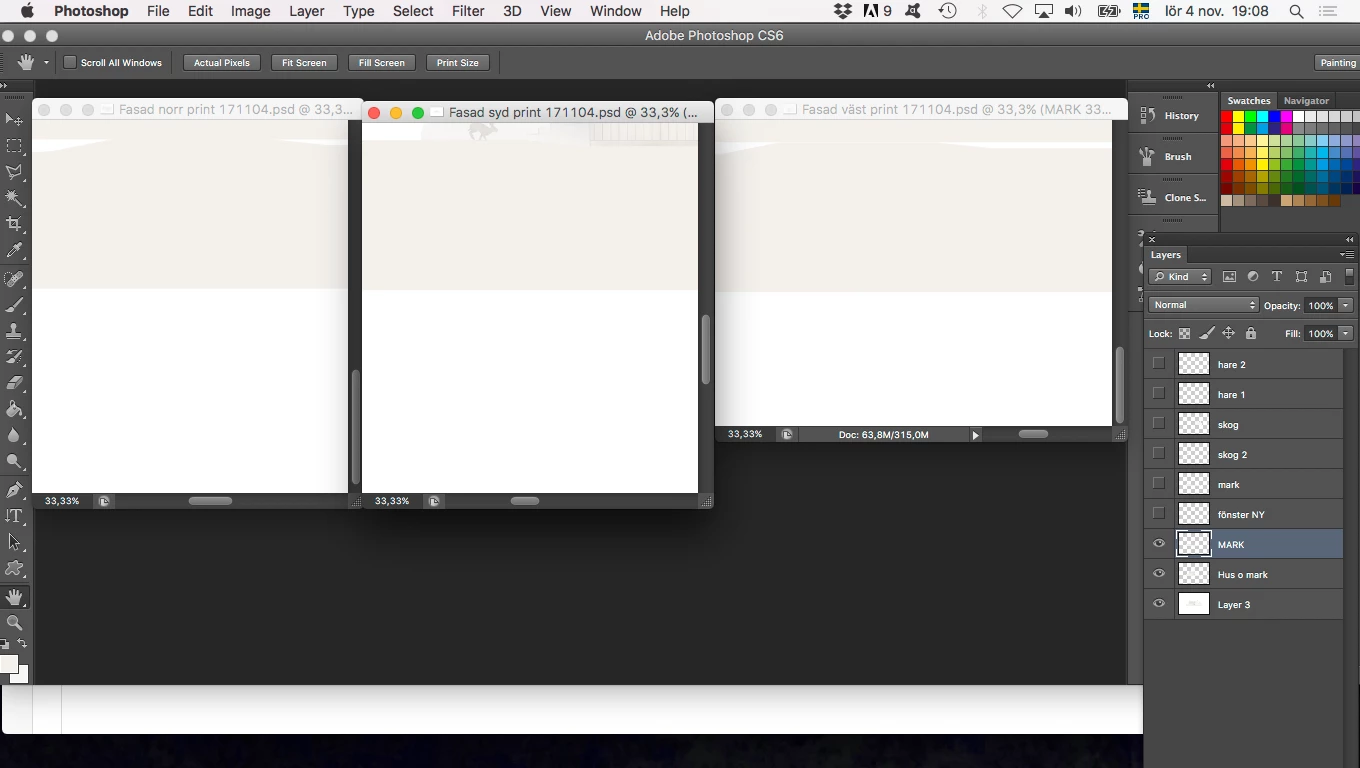
I have in my photoshop files changed the color profile to Iso coated v2 300 % to match the printer, I did a "convert to profile" in the edit menu. I flattened the image to preserve colors when I did this but have made new adjustments after that. When I am now trying to drag/copy/duplicate (tried all methods there) over a layer between files the color of it change slightly. I have also tried the alternative "convert to working CMYK" in the color management policies in the color settings dialog box without any luck. I am attaching print screens. What could possibly be the issue here?

Kind regards

Mariann
    This topic has been closed for replies.

    1 reply

    D Fosse
    Community Expert
    Community Expert
    November 4, 2017

    Double-check all the document color profiles. Note that the working space is just a fallback default, and the document color profile will override it.

    This is much easier to keep track of if you set the notification area to show color profile:

    Participant
    November 5, 2017

    Thank you for your answer D Fosse! Wow, just realised that one of the documents seemed to pop back into PSO uncoated color profile (which I have earlier converted it to), even though I have converted it to ISO coated afterwards. I don't know if this will happen again. I changed the color profile back to ISO coated now again and saved as a new document. This time when I opened it it had not changed luckily. I will keep track on this and see. Great advise!