antonyb18356995
Participant
April 5, 2018
Question

Colors will completely change after save as JPG

  • April 5, 2018
  • 1 reply
  • 1394 views

Hello, I open JPG from my camera do some editing and in the photoshop looks good, however when I save it as jpg, it looks totally different. Any advice? Thanks in advance.
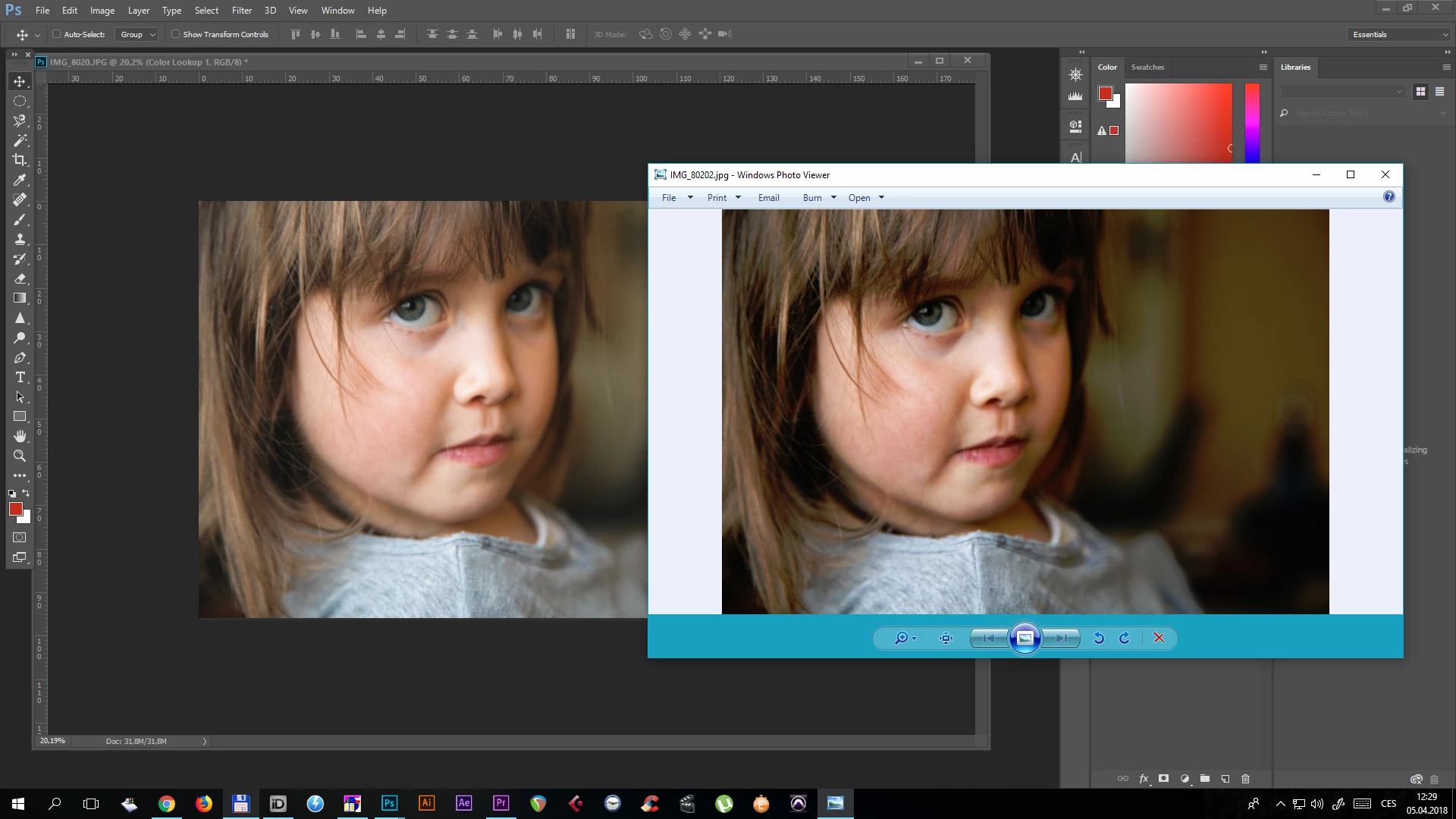

    This topic has been closed for replies.

    1 reply

    c.pfaffenbichler
    Community Expert
    Community Expert
    April 5, 2018

    It looks different where? In Photoshop?

    What is the image’s Colour Space?

    Is the profile embedded?

    What are Photoshop’s Edit > Color Settings?

    Please set the Status Bar to »Document Profile« and post a more meaningful screenshot.

    April 5, 2018

    I seem to have a similar issue.

    I am comparing an unedited sRGB image from the camera and the same image in Faststone viewer. I am running PS CC 2018 on Win 10, both it and Faststone are up to date. PS workspace is sRGB. Colour settings and an example follow.

    The monitor is a Dell 2407WF which has been calibrated using DasplayCal and a Spyder 5, the difference exists with the profile enabled or disabled.

    I rarely print but the difference makes processing confusing

    Also appreciate any advice. Thanks

    c.pfaffenbichler
    Community Expert
    Community Expert
    April 5, 2018
    I am comparing an unedited sRGB image from the camera and the same image in Faststone viewer.

    Is Fasttone Viewer Color Managed?

    If you were comparing Photoshop’s image display to that of applications that are not you would be »comparing apples and oranges«.