
Contact Sheet II
I have contacted the help desk which was unable to help me at all. I have seen similar posts online in the forums, but no one seems to have figured this out. I'm hoping that someone has figured this out.
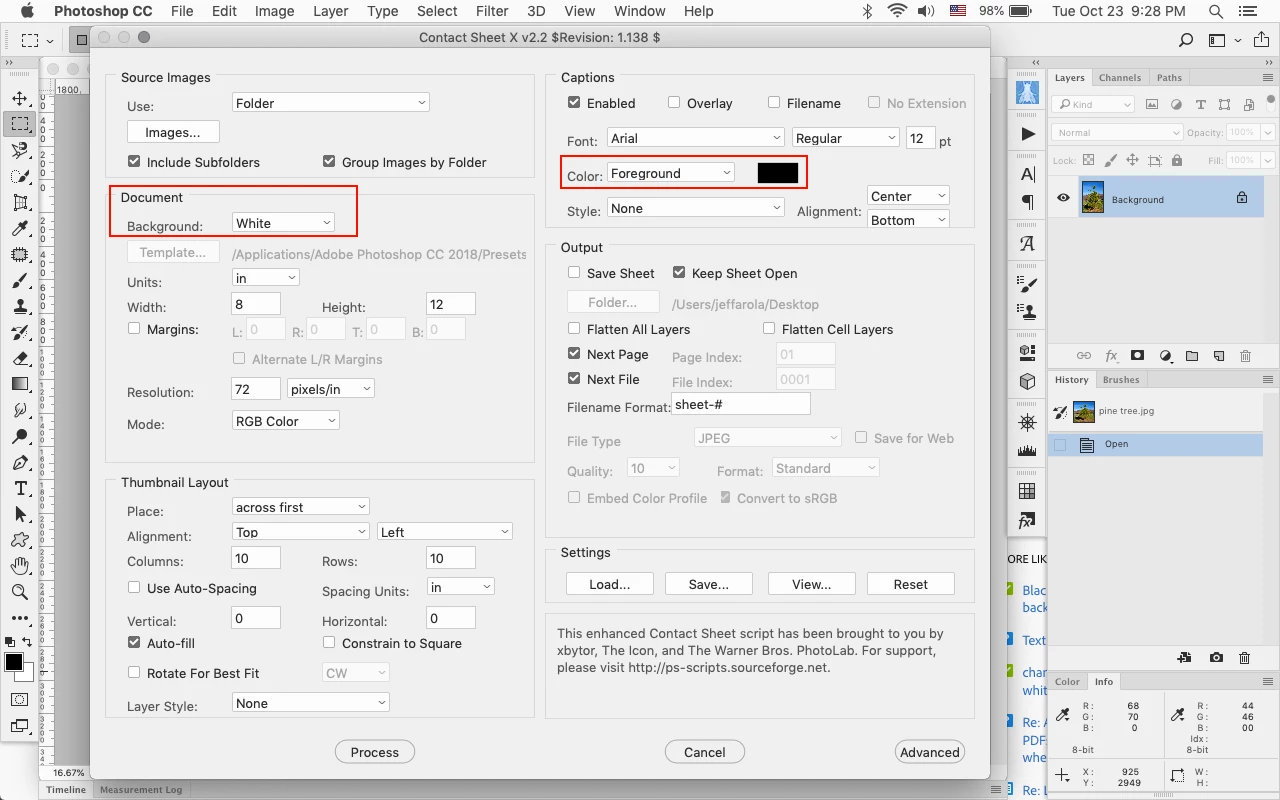
Photoshop CC 2019 - Contact Sheet II seems pretty good, but does not seem to have a way to create a black background with white text. I understand that I can adjust the background layer after they are generated, I can also then change the text color to black after the fact. I'd like to generate it correctly to start.
I see that there is an XML file that could be modified but I do not see any options for the background color or text color.
So, if there is a way from within the tool... or a way to do it via XML, I will be so greatful and happy.
 AdChoices