Known Participant
October 23, 2020
Answered

Content-Aware Tracing Tool not showing up, despite enabling and restarting.

  • October 23, 2020
  • 3 replies
  • 11368 views

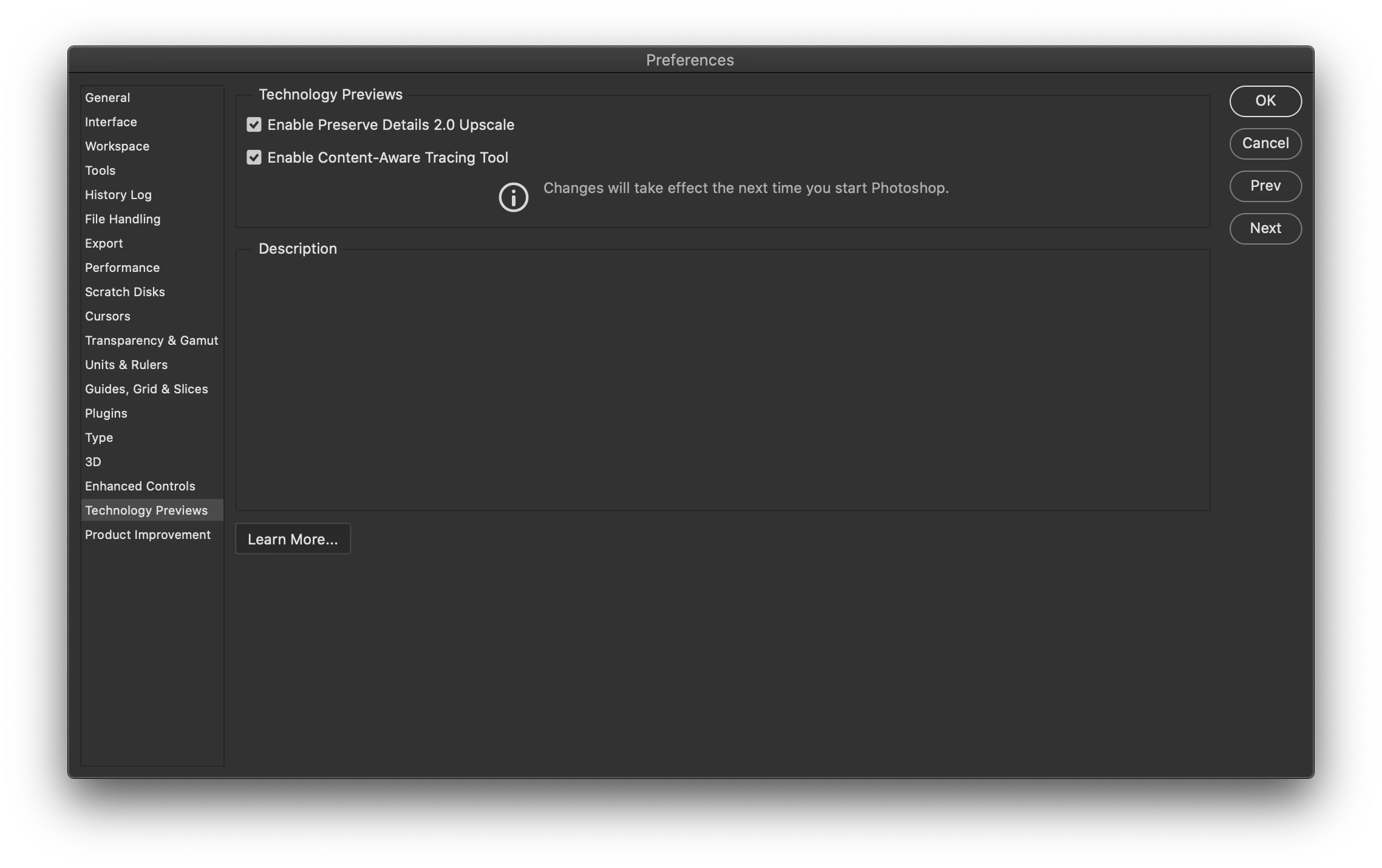
I've followed the steps outlined in the help files (Enable Content-Aware Tracing Tool in prefs, restarting Photoshop) three or four times, but the new tool just won't show up for me. 
Correct answer JJMack

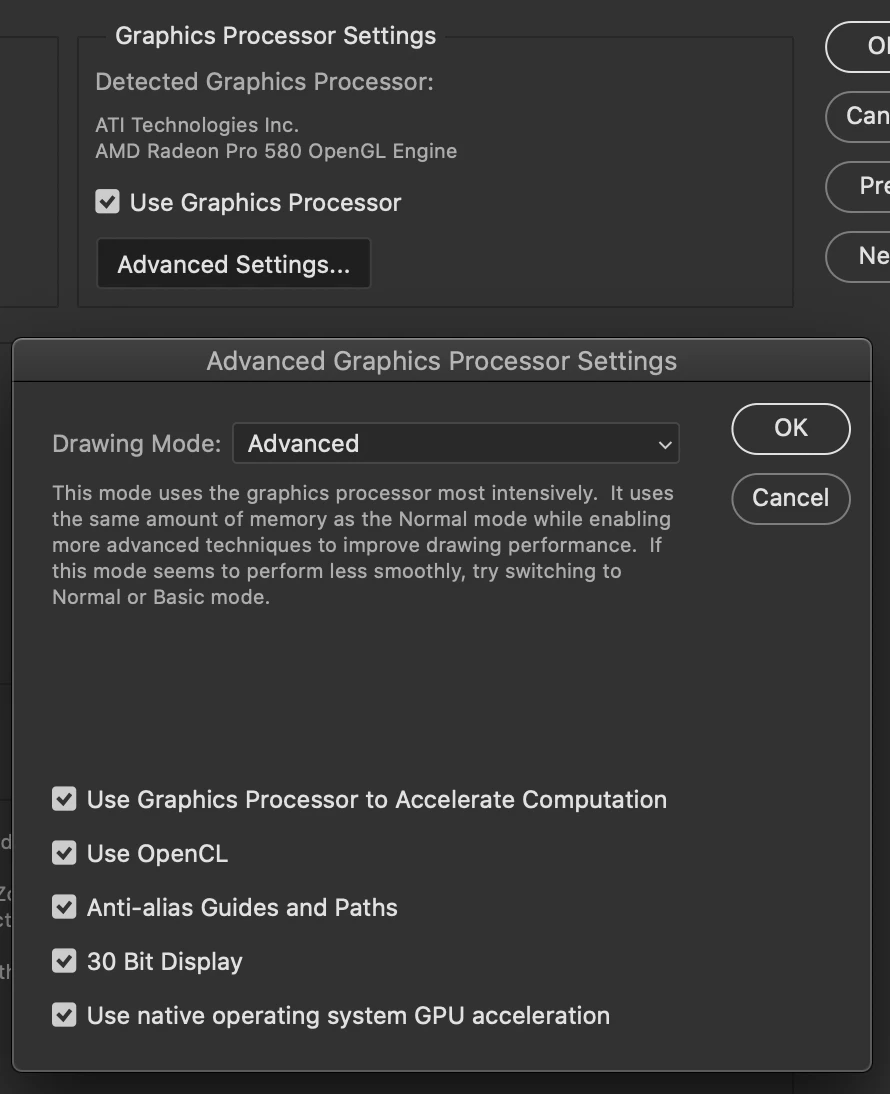
Here's my GPU info, and the screenshots in my original post show that I've enabled the tool. I've restarted PS multiple times with no results. I'm using the version 10.15.7 of MacOS Catalina.


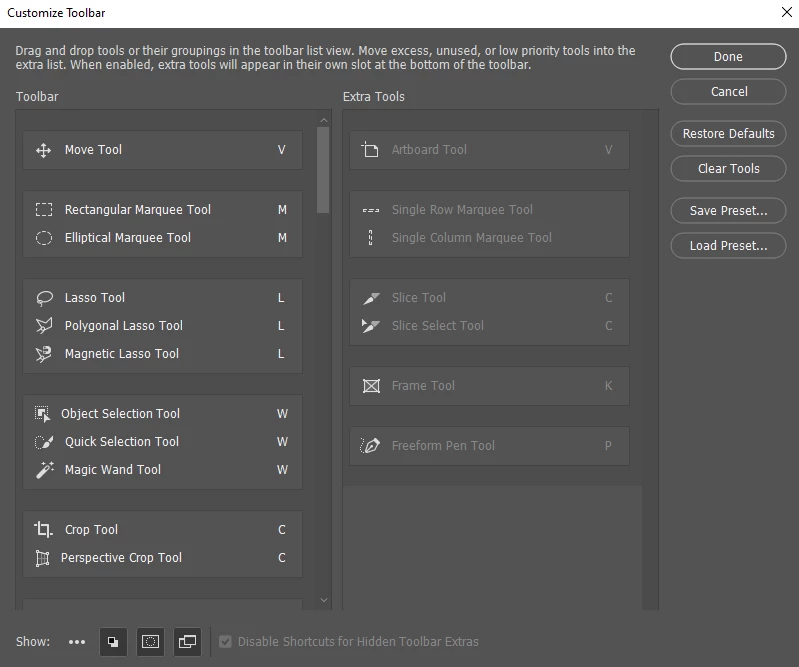
Try  unchecking use native operating system GPU acceleration and restart Photoshop also Edit Toolbar and restore defaults.

3 replies

Inspiring
July 20, 2022

This doesn't work for me either... I'm wondering if it's because I'm on an M1 MacBook Pro?

Participating Frequently
October 23, 2020

im having the same problem have you managed to sort this out?

davescm
Community Expert
Community Expert
October 23, 2020

Without any system information (GPU and OS),  confirmation that you have both enabled the tool in Preferences and added it to your toolbar, we are limited in how how we can help you.


Dave

JJMack
Community Expert
Community Expert
October 23, 2020

ok no idea what happened there as i opened the new version via CC and for some reason it must opened an older version!! ive now re opened the 22.0 and the tool is now there...dont understand as i had been playing with the new sky replacment .


Right click on you desktop.  Open the Nvidia Control Panel and  set the preference Photoshop prefers the nvidial GPU.  You have two GPU enable for Photoshop that are different.  Photoshop has problems with that.

JJMack
JJMack
Community Expert
Community Expert
October 23, 2020

JJMack
Known Participant
October 23, 2020

JJMack, did you not even read my post?

JJMack
Community Expert
Community Expert
October 23, 2020

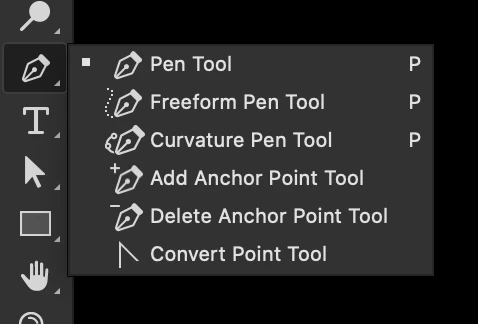
Yes I read it I wanted to show you on a machine with an enable GPU that is supported. The tool does show up.  IMO you not missing anything that is useful.  The Pen Tool and the curvature pen tool are much more useful.  I would put the Content-Aware Trace tool in a class with the freeform pen tool a class not useful. But that is IMO your may differ.


If your GPU is working and supported and its not showing up. Reset your Toolbar and restart  PS 22 see if it shows up.... You are on a Mac I use a PC with Windows 10 You are running some Mac OS.  PS 22 requires macOS 10.14 (Mojave) or later recommended is macOS 10.15 (Catalina)


Did you read the tool info and check your GPU  is enabled in Photoshop and check your Custom Tool Bar?

JJMack