Participant
August 14, 2018
Question

Converting psd to png and keeping transparent bg

  • August 14, 2018
  • 4 replies
  • 1189 views

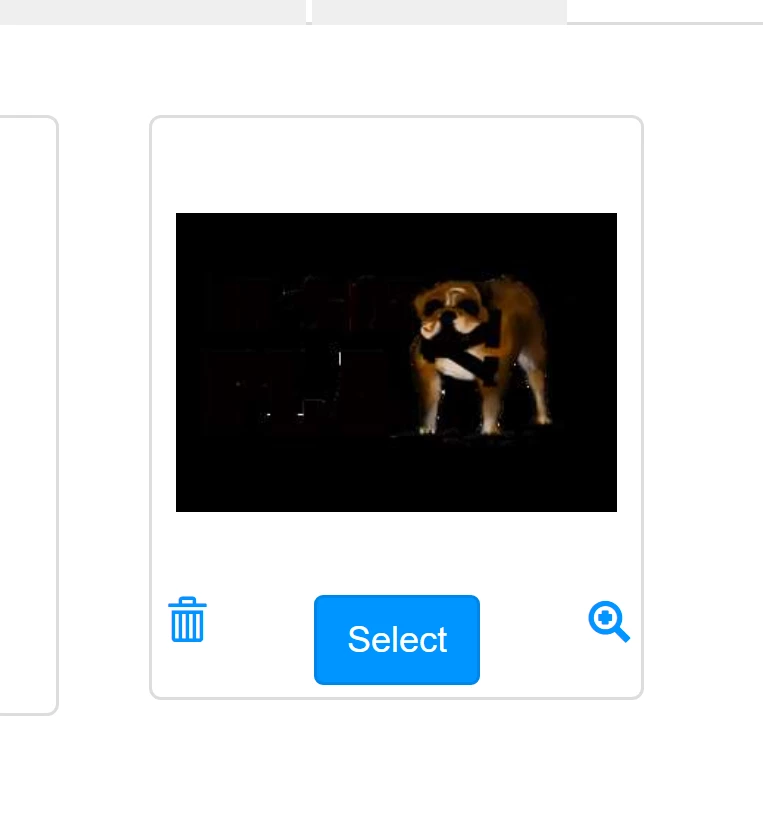
I have several pds files with transparent backgrounds. I exported them to png-24. When I upload them to have them printed the look black.
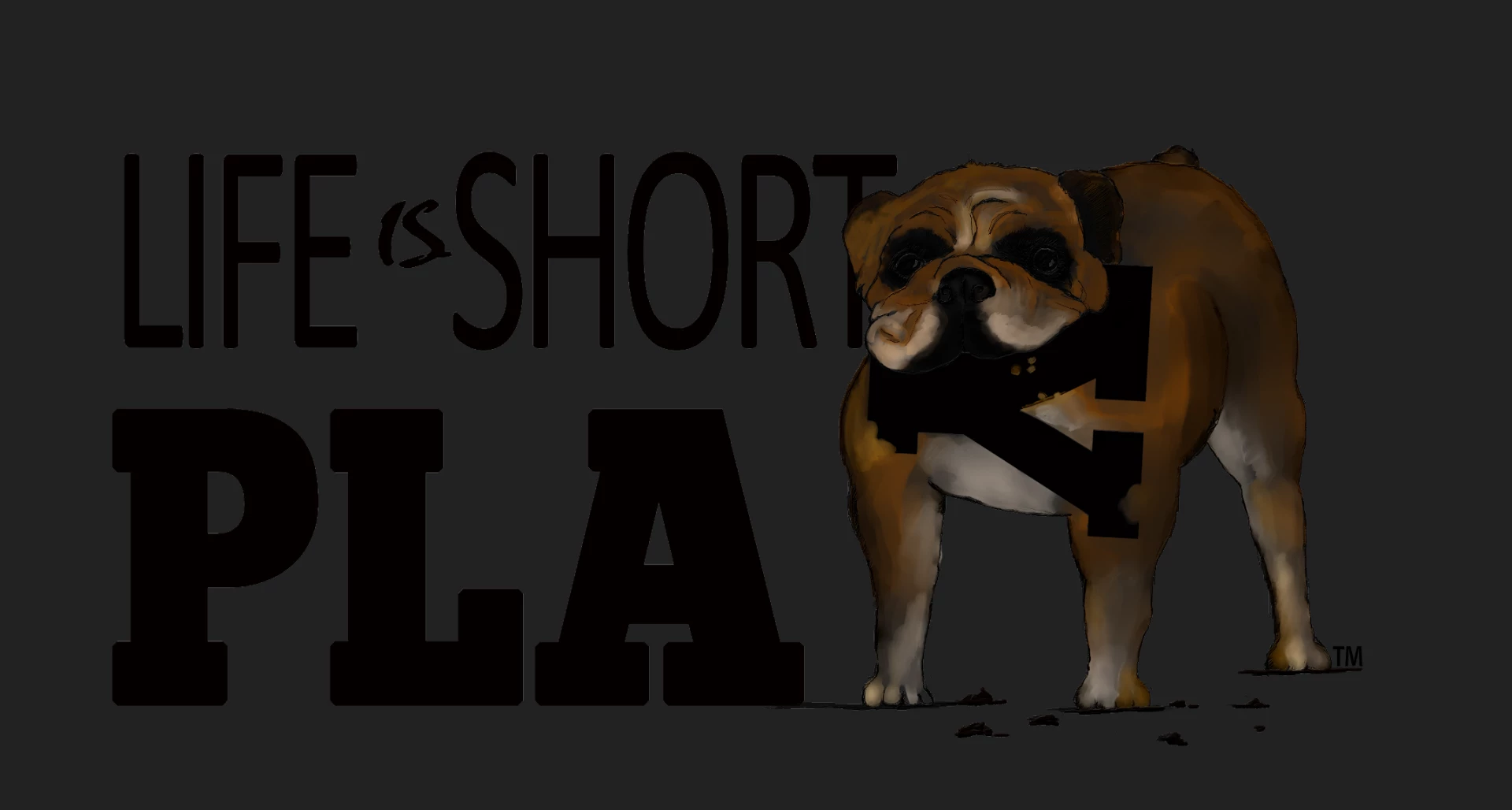
This is what it looks like after uploading to a greeting card maker:
  • Adobe product and version number: Photoshop CC v 19.1.5
  • Operating system and version number

I have searched and done everything I can find on line: the psd is exported as a png-24

Under Preferences:
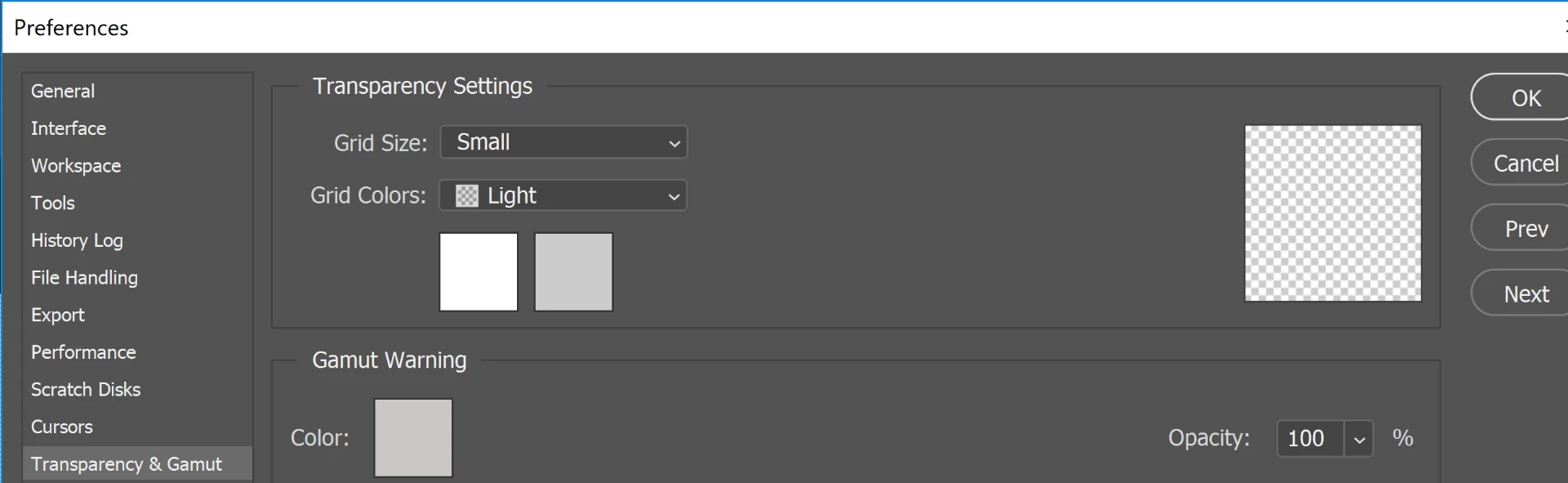
I've also tried 16bit..nothing.

Please HELP!

    This topic has been closed for replies.

    4 replies

    Theresa J
    Community Expert
    Community Expert
    August 15, 2018

    There may be nothing wrong with your png file. Did you capture the screen from a web page? It may just be the way the site is displaying the image transparency. Have you talked with their tech support?

    lambiloon
    Community Expert
    Community Expert
    August 15, 2018

    hi please share that psd file so i can see what is issue did you ask the company may be some issue at there side ?.

    thanks

    Ali Sajjad / Graphic Design Trainer / Freelancer / Adobe Certified Professional
    D Fosse
    Community Expert
    Community Expert
    August 14, 2018

    If you want any predictability here you need to embed the color profile. Never work with untagged files, and never send untagged files out! That throws everything to the wind.

    Second, don't use Export or Save For Web for this. That's for small files for screen viewing - not for print.

    Third - I'd also question your choice of PNG. Again, that's strictly a web format, not used or suitable for print.

    JJMack
    Community Expert
    Community Expert
    August 14, 2018

    Post the png file saved from Photoshop here. How is uploading to a greeting card maker done.  Could that process be messing with your png file? The png you posted is 1920px by 1028px not 3750px by 2550px you show in export save for web.  The aspect ration is different then the image you saved.

    Also try using "Save As" to save your png file  export may have issues and is normally used to export small images for the web.

    JJMack
    MoPontAuthor
    Participant
    August 15, 2018

    Thank you for responding! We actually saved them multiple ways - save as PNG. What's odd is some of them display this black background in microsoft while others do not. We thought it might be due to the 8 bit format. This was saved as a .png.  I wanted to save as a jpg with an alpha channel but that option is grayed out in photoshop. If it is possible to save a jpg with an alpha, I'll do that but don't know how.

    Theresa J
    Community Expert
    Community Expert
    August 15, 2018

    Jpeg does not support transparency. It's not anything you are doing or not doing, it's simply not an option.