
Question
Copy Color's Pantone Code without typing in Photoshop
Hello everyone,
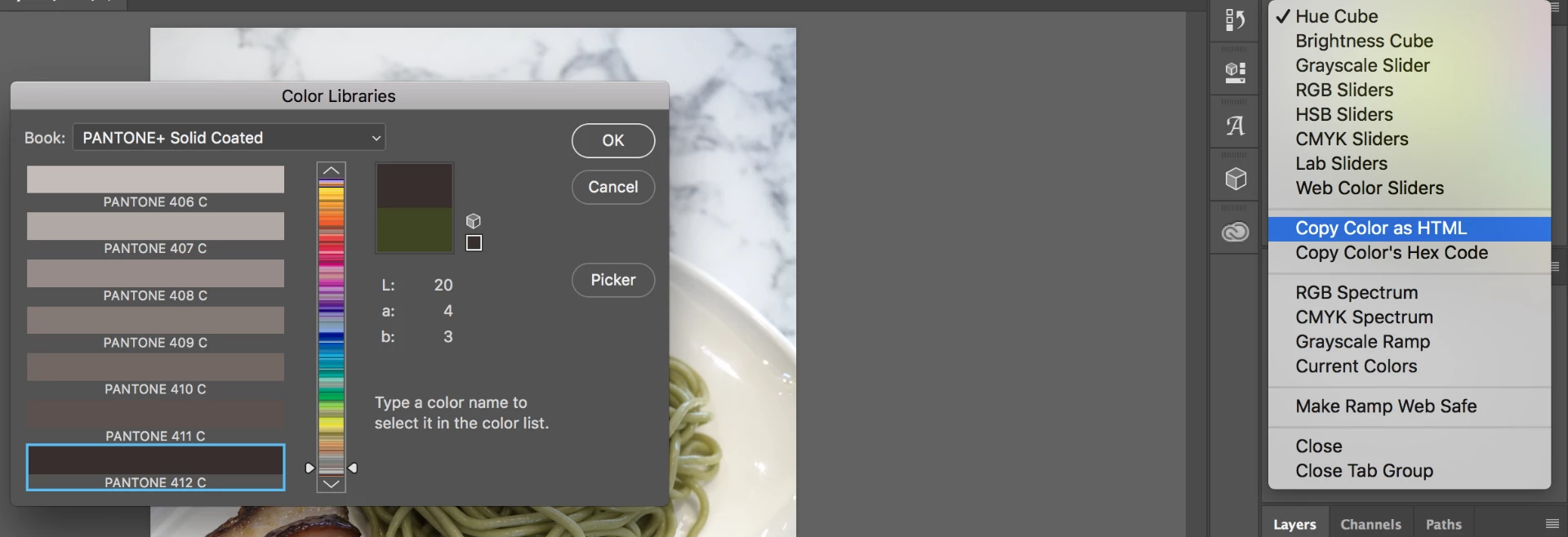
I have this trouble on Pantone Code. I often get the code typed incorrectly. For example I picked 3945C, but when I type it on a sheet that I am working on, I have type 2945C. Is there a way to copy and paste a Pantone color's code without typing it?
Photoshop have this options on the Color Palette menu of Copy color's HEX code or as HTML but I don't see copy color's Pantone code.
Can somebody please help. Thank you in advance.
 AdChoices