
Question
Copy/paste not working with selection - Photoshop CC
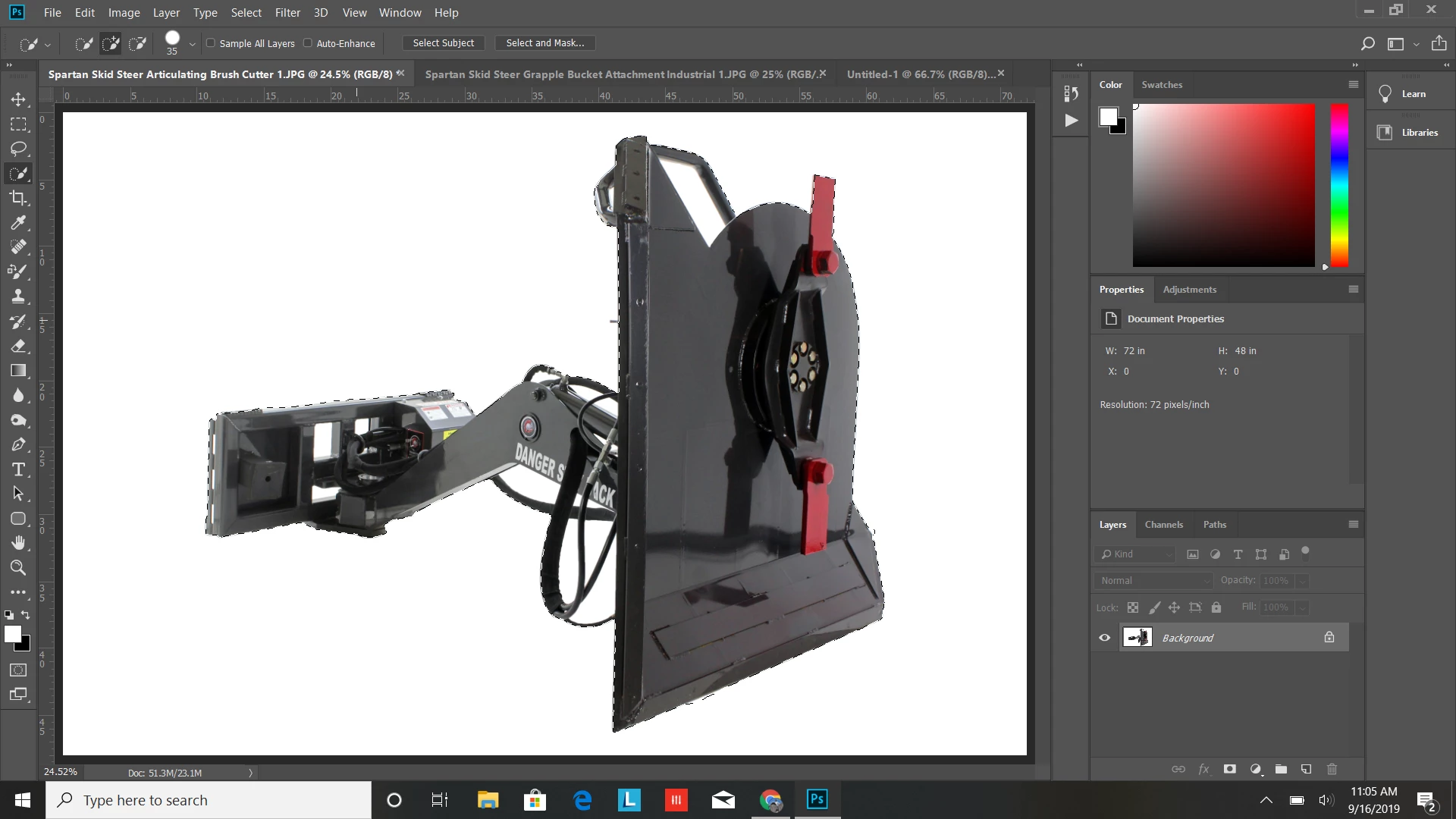
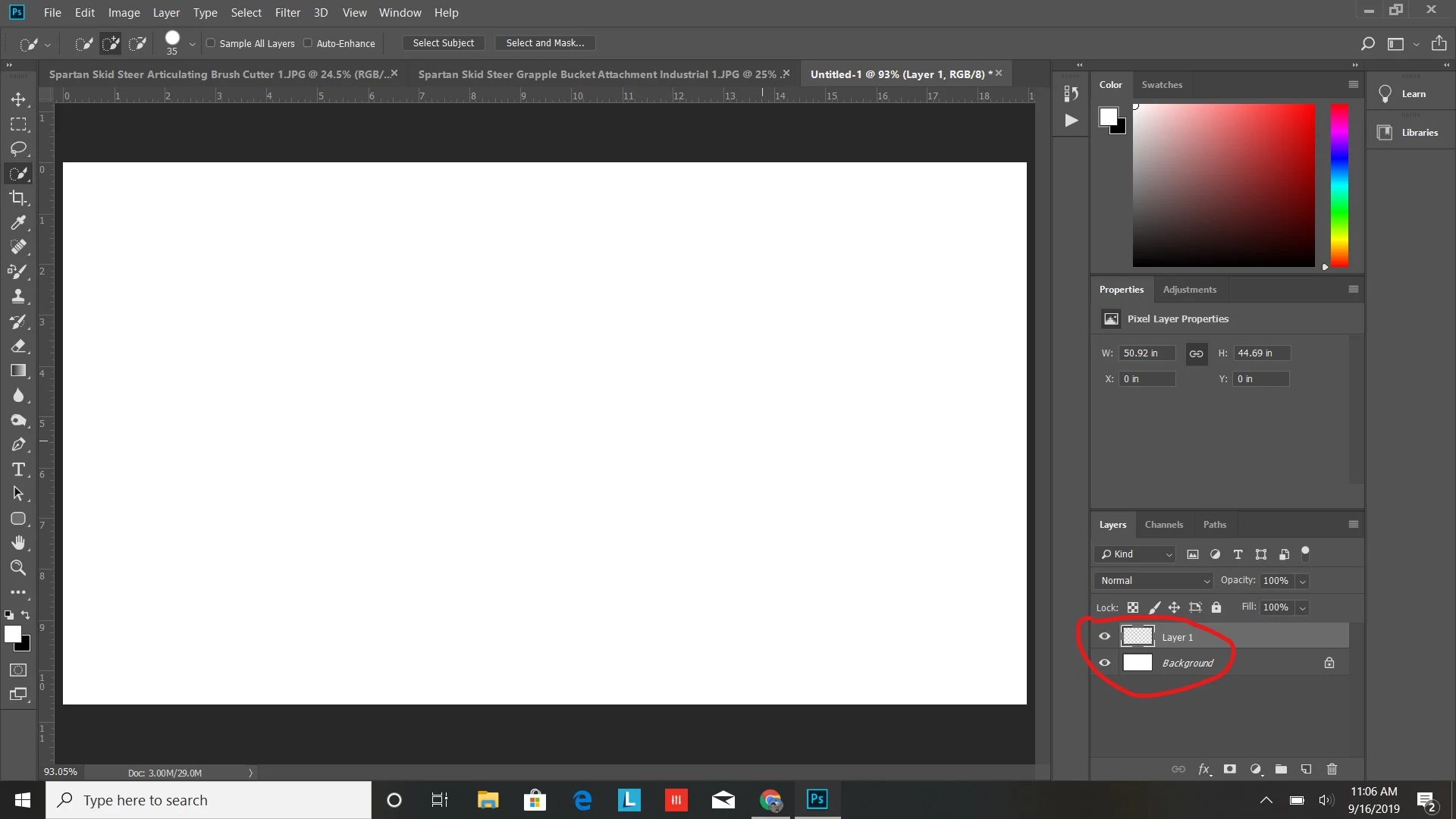 I'm having a problem with copy & paste in Photoshop CC. I'm trying to copy a selection from a jpg file and paste it into a new document but each time I go to paste the selection all it does is add a blank layer on top of the background. I only get this problem when I use either the quick selection tool or the lasso, using Crt+A to select the entire photo works normally. I'm using the latest version of Photoshop CC and this only started happening to me just now.
 AdChoices