Exit
  • Global community
    • Language:
      • Deutsch
      • English
      • Español
      • Français
      • Português
  • 日本語コミュニティ
  • 한국 커뮤니티
0

Covert colour table (swatch) to color lookup table?

Participant ,
May 20, 2018 May 20, 2018

Hello community,

I don't think my question is formulated correctly, but here goes the description of what I am trying to do.

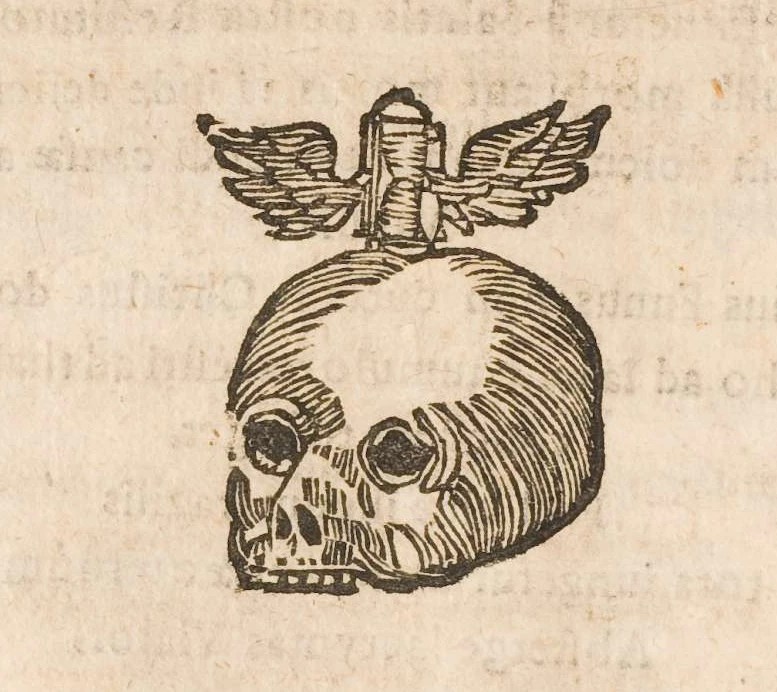
I have made graphics out of old illustrations that appear greyscale (in fact they have shades of purple too). Other illustrations I have scanned have a very different colour palette (sand, beige, maroon). What I am trying to do is to take the second set of scanned illustrations and give them a matching colour palette to the first set. so they look and feel like they come from the same source.

I know how to produce a colour palette from an illustration (I switch the image to indexed colours and save a colour table .as an act file). I know that I can use the .act file to make a custom swatch for photoshop.That is handy to add new elements in colours that conform, but I can't use it to recolour my second set of illustrations in one go.

Then I though of using LUTs to recolour the second set of illustrations, but custom LUTs are exported from adjustment layers and I haven't used any adjustment layers : I just have an original illustration whose tone and colours I want to match. And the .act colour table is of no usen since it does not act as a LUT.

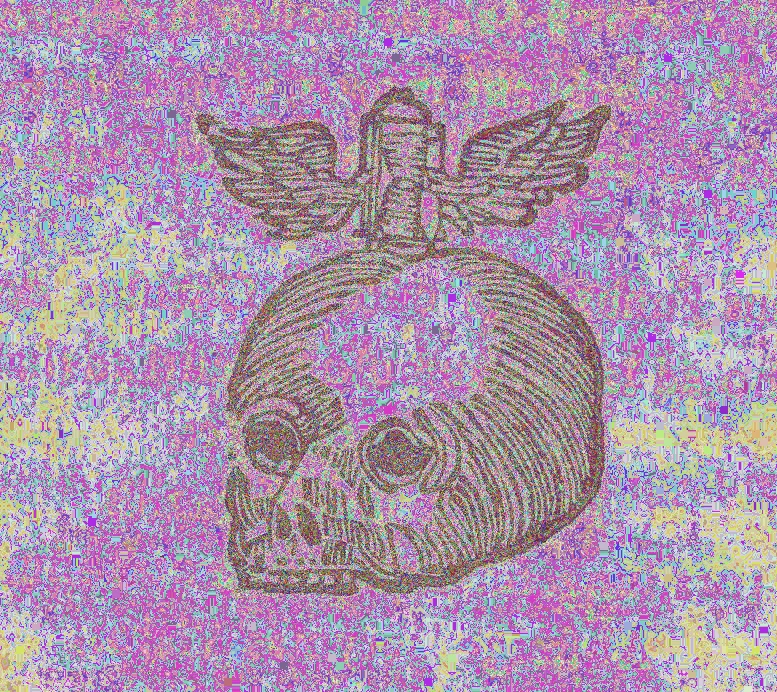
I also tried to use the .act to recolour the second set of illustrations directly (once again switching the image to indexed colours and loading the .act file). I do get tones from the original illustration (in other words, the .act is applied to the whole image ok) but the resulting image is garbled and full of artefacts (totally unusable).

I know I could take my second set of illustrations, make a number of adjustments until I get a similar look to the original and save the adjustments as LUTs. But that is not great because:

  1. The illustrations in that second set come from different sources. Though quite similar in tone and colour, they are still different and I would have to adjust the image after the LUT is applied in almost every single case. Not a solution for batch processing.
  2. The nearest intuitive correction is to convert to greyscale. If I do that, however, I quickly realise that I lose all the subtlety from the original image, because I get none of the pale shades of purple that actually make up the original colour palette. That is why I was somehow trying to apply the whole colour palette of the original image to the other illustrations.

So I have yet to zero in on a workflow that allows me to do what I want. Maybe it's a naive endeavour, but if it is doable, I would really value your suggestions.

Best regards

Chris
16.8K
Translate
Report
Community guidelines
Be kind and respectful, give credit to the original source of content, and search for duplicates before posting. Learn more
community guidelines

correct answers 1 Correct answer

Community Expert , May 20, 2018 May 20, 2018

Hi

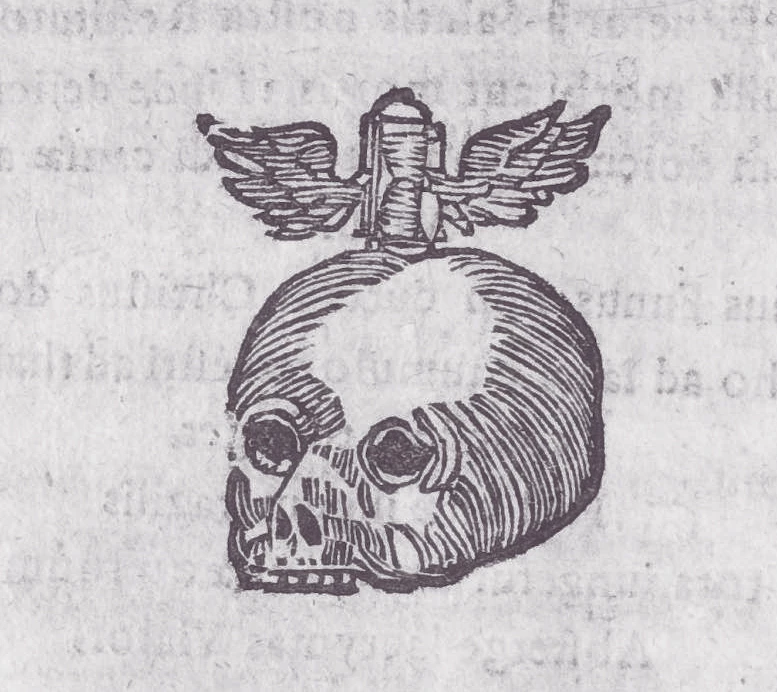
Gradient map sampled from your first image and applied to the second

GMap.jpg

Dave

Translate
Adobe
Community Expert ,
May 20, 2018 May 20, 2018

Have you tried a gradient map adjustment layer - setting the gradient colours to match the first illustration

Dave

Translate
Report
Community guidelines
Be kind and respectful, give credit to the original source of content, and search for duplicates before posting. Learn more
community guidelines
Participant ,
May 20, 2018 May 20, 2018

Hi Dave,

Thank you for responding on a Sunday!

No, I hadn't thought of that, but I can't apply a whole colour swatch to a gradient (I don't think). Also, that wouldn't target colours in an organic manner, meaning there is no methods by which colours are overlaid other than the gradient itself.

Translate
Report
Community guidelines
Be kind and respectful, give credit to the original source of content, and search for duplicates before posting. Learn more
community guidelines
Community Expert ,
May 20, 2018 May 20, 2018

Hi

The gradient map adjustment layer will map the luminosity values of the base image onto the gradient which can be complex.

However the best way to advise would be to see the image in you want to retain the colour and the image you want to match to it (or a section of each if sharing the whole images would be a problem)

Dave

Translate
Report
Community guidelines
Be kind and respectful, give credit to the original source of content, and search for duplicates before posting. Learn more
community guidelines
Participant ,
May 20, 2018 May 20, 2018

Hello again Dave,

I will try that and upload the images later.

Thanks a lot.

Translate
Report
Community guidelines
Be kind and respectful, give credit to the original source of content, and search for duplicates before posting. Learn more
community guidelines
Community Expert ,
May 20, 2018 May 20, 2018

You might also take a look at this Create Color Ramp script.

http://www.tonton-pixel.com/scripts/creative-scripts/create-color-ramp/index.html

Translate
Report
Community guidelines
Be kind and respectful, give credit to the original source of content, and search for duplicates before posting. Learn more
community guidelines
Participant ,
May 20, 2018 May 20, 2018

Thank you Jeff. New technique for me/ I'll take a look and report back.

Translate
Report
Community guidelines
Be kind and respectful, give credit to the original source of content, and search for duplicates before posting. Learn more
community guidelines
Participant ,
May 20, 2018 May 20, 2018

I tried the script and I am getting lost. I couldn't get the script to do something rational using the formulas (replicating some of the formulas from the site exactly (they worked but did not produce any kind of colour map in the preview). I then loaded the colour map .act file I produced for the first image attached here 5I don't think I can attach the act file though, sorry). Then I produced a curves .map in amp format from the script. I applied it to the second image, also attached (this is a random selection out of a very large library of illustrations I am working on). The results did not work out (I attach the resulting image too), though kind of funky...

test original.pngtest target.pngtest result.png

Translate
Report
Community guidelines
Be kind and respectful, give credit to the original source of content, and search for duplicates before posting. Learn more
community guidelines
Community Expert ,
May 20, 2018 May 20, 2018

Hi

Gradient map sampled from your first image and applied to the second

GMap.jpg

Dave

Translate
Report
Community guidelines
Be kind and respectful, give credit to the original source of content, and search for duplicates before posting. Learn more
community guidelines
Participant ,
May 20, 2018 May 20, 2018

Spot on. I haven't worked out how to replicate it yet, but I will. It's exactly what I was looking for.

Thank you so much, Dave.

Translate
Report
Community guidelines
Be kind and respectful, give credit to the original source of content, and search for duplicates before posting. Learn more
community guidelines
Community Expert ,
May 20, 2018 May 20, 2018

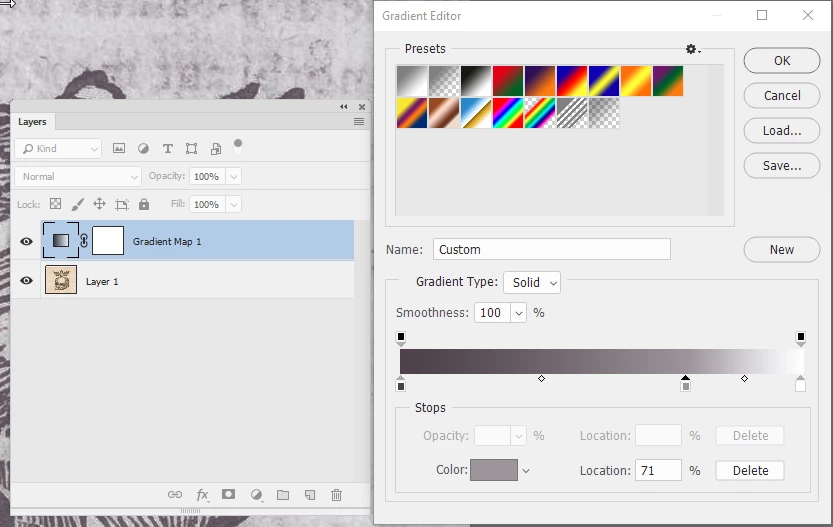
Add your gradient map adjustment layer and in properties click on the gradient

With the gradient open click on one of the small  squares underneath then on the box marked colour. That will allow you to use the color picker tool to sample the colour from your other image. I did this at the dark end sampling the dark magenta. Then used Alt drag to add an extra stop and sampled the mid grey from your other image. I allowed the white to remain as white.

Dave

Translate
Report
Community guidelines
Be kind and respectful, give credit to the original source of content, and search for duplicates before posting. Learn more
community guidelines
Participant ,
May 20, 2018 May 20, 2018

Yes! Just did it. Brilliant.

That's one technique I won't forget.

I'm going to be playing with it all night. That's the downside of listening to you.

Translate
Report
Community guidelines
Be kind and respectful, give credit to the original source of content, and search for duplicates before posting. Learn more
community guidelines
Community Expert ,
May 20, 2018 May 20, 2018
LATEST

Haha - enjoy

Dave

Translate
Report
Community guidelines
Be kind and respectful, give credit to the original source of content, and search for duplicates before posting. Learn more
community guidelines