
Question
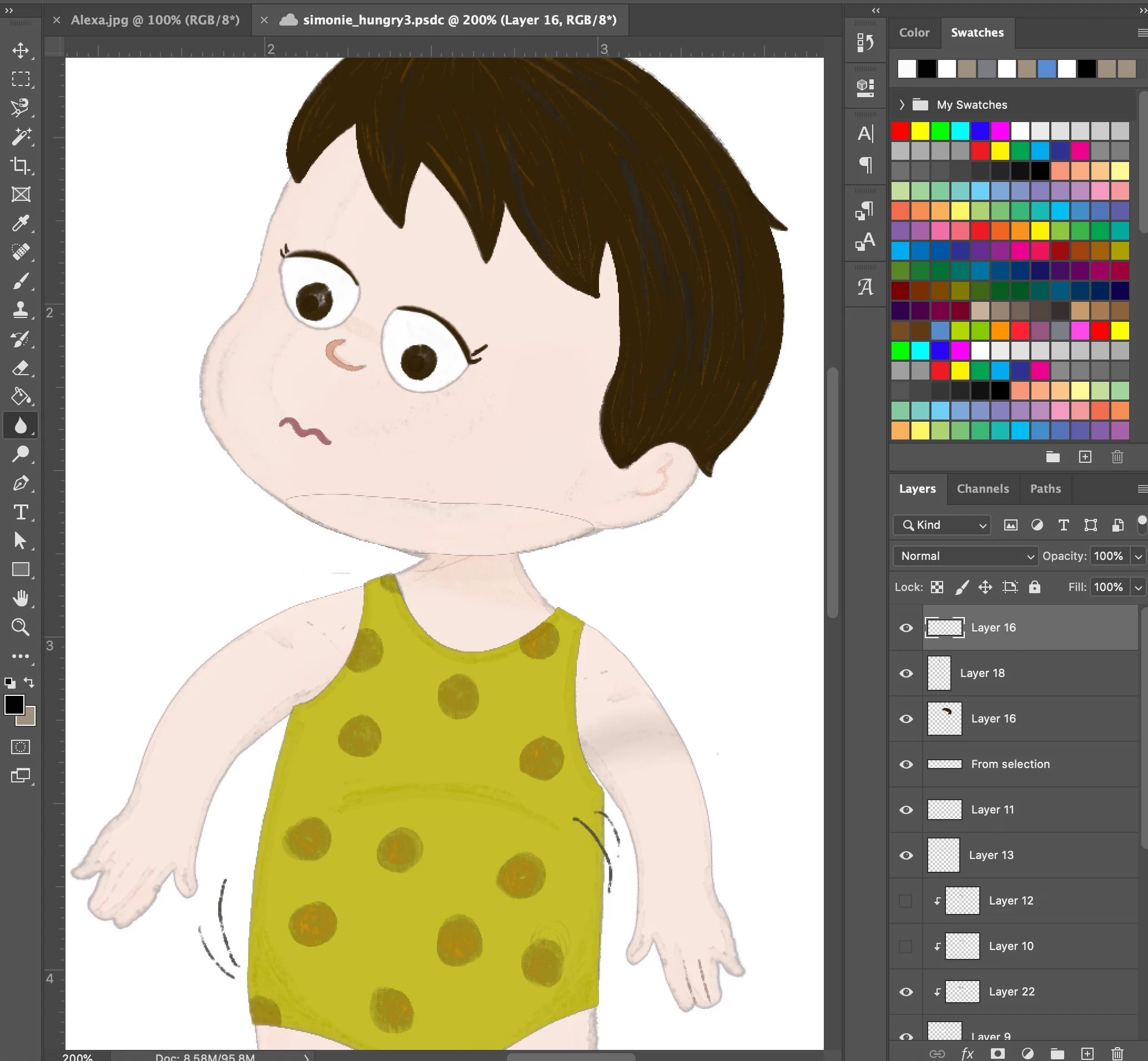
Drawings imported to PS CC from Procreate 5x show ghosting/shadowing
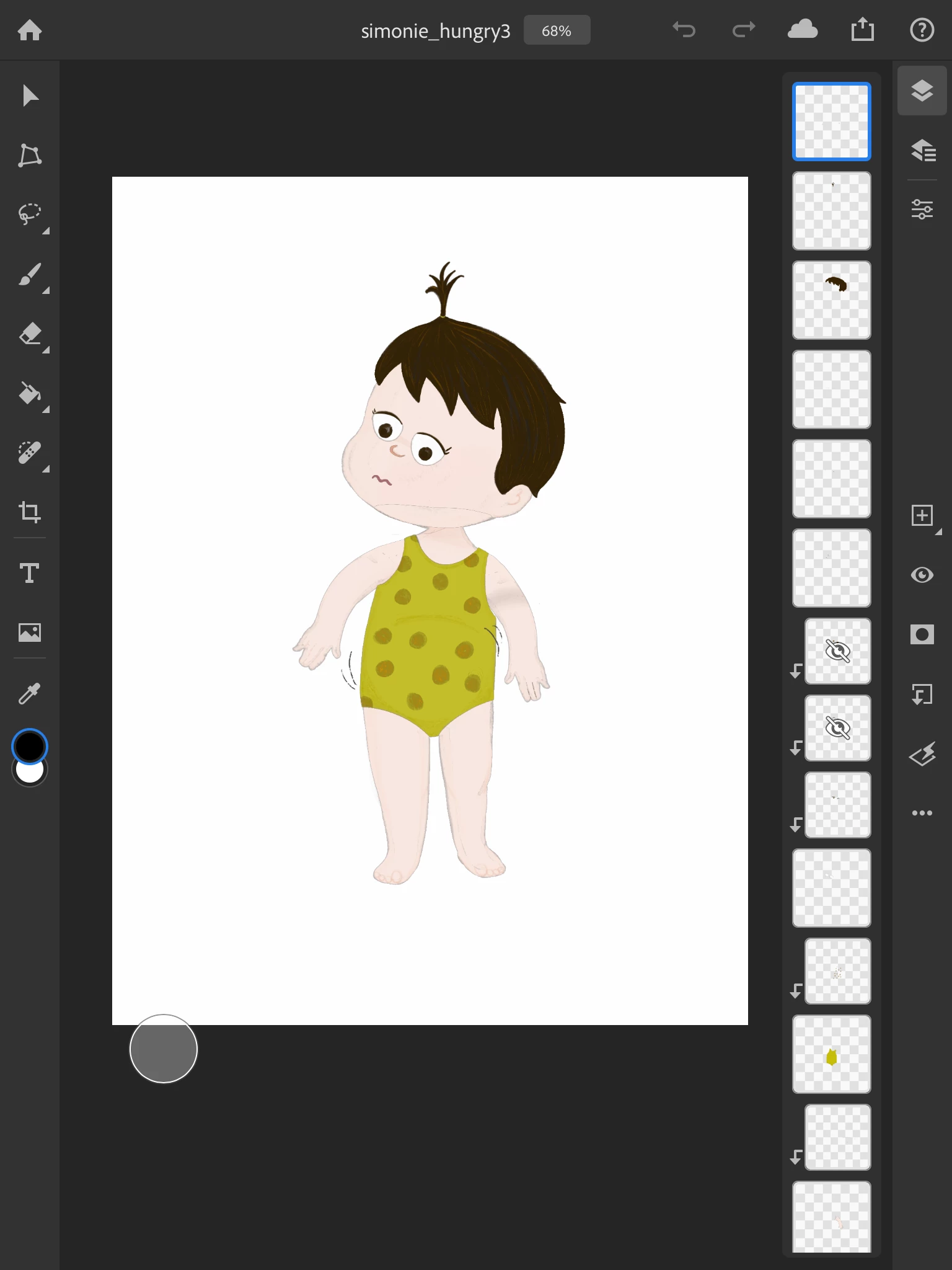
I draw on my iPad in Procreate and then edit/manipulate the drawings in PS or use them in InDesign. Since updating to Procreate 5x and updating to PS 21.2.3, I get ghosting/shadowing/stroke effect around the layers of my drawings. I can blur them away if I select "sample all layers" but this would a truly time consuming process to do for all of my drawings. This also happens if I open the files in PS on my iPad.
This wasn't an issue before updating PS and Procreate.
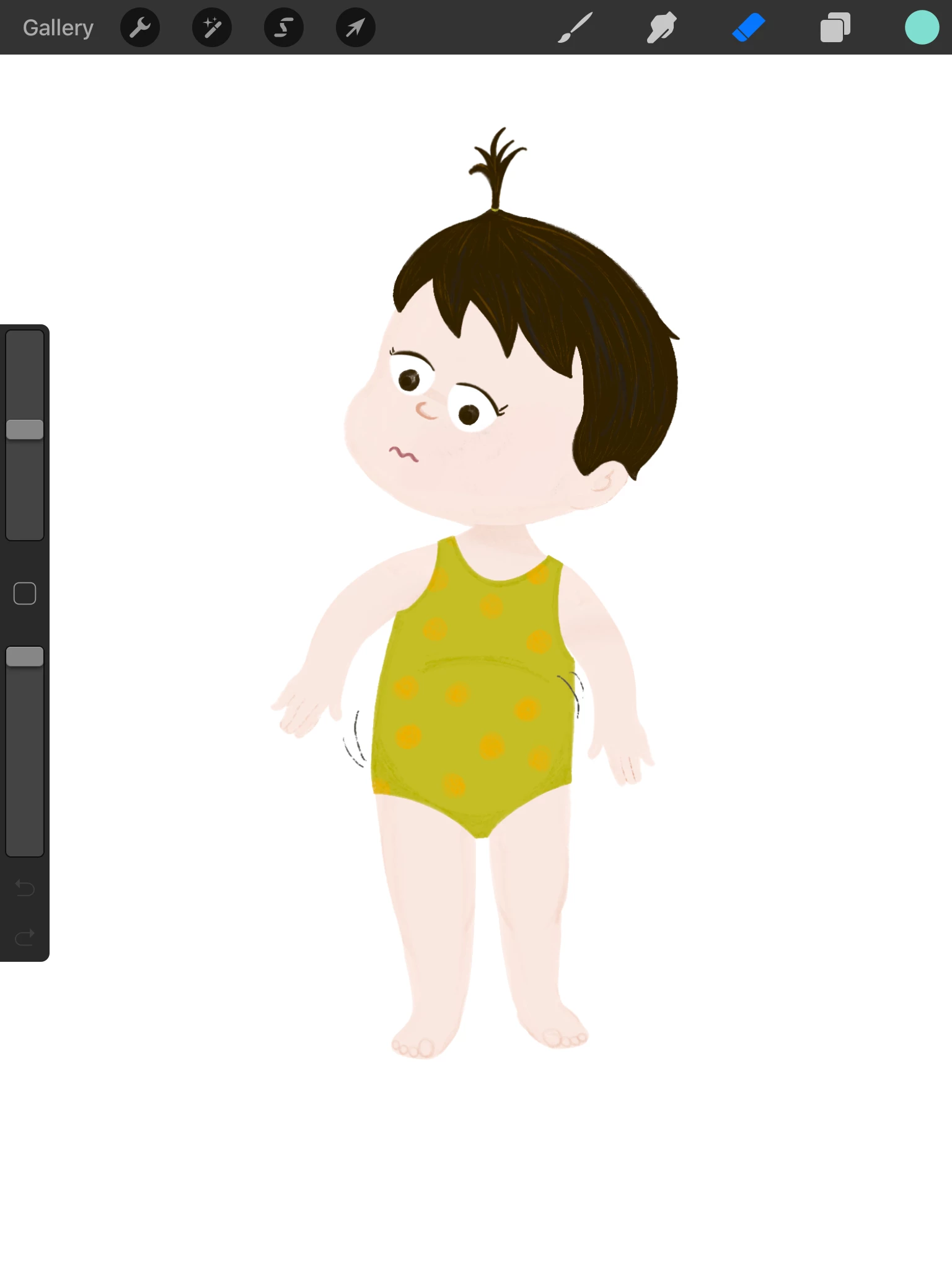
Original drawing in Procreate:
 AdChoices