

Question
Drop shadow rotating bug (CC 2019)
Hey,
it seems that there's a bug in Adobe Photoshop CC 2019 with rotating layers that have drop shadows on them. In the example below, I created a square with a drop shadow on it. After I rasterzied the layer, I rotated it and a weird stroke was showing up.
(I already enabled Legacy Compositing to fix the other common drop shadow bug)
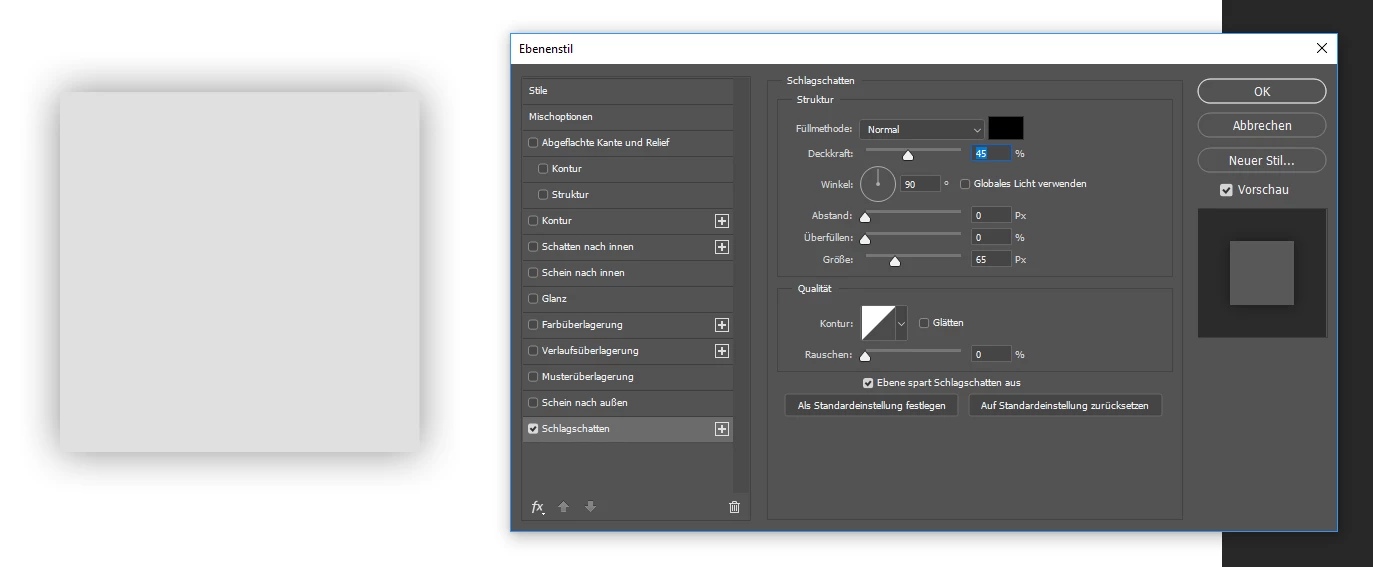

Is there any solution for this?
Greetings
 AdChoices