
Question
Error while trying to export slices (Adobe Photoshop 20.0.6) macOS
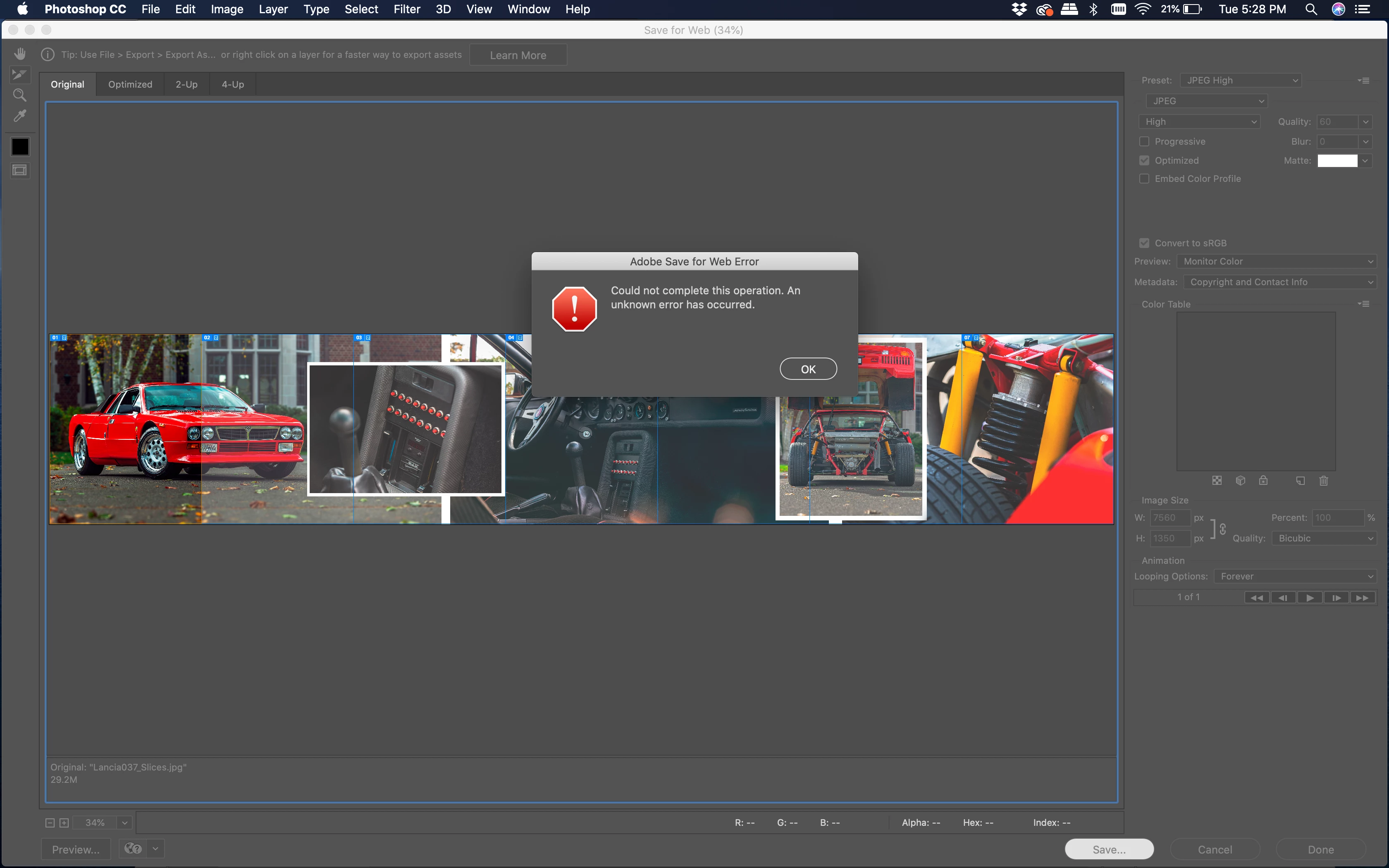 I have been trying to divide an image into individual Jpeg images by using the slice tool and export using "Save for web (legacy). I constantly have received this error message upon trying to save. I've made sure each slice is the same format (jpeg/Jpeg high).
I've searched through this forum as well as others on the web, and it seems I'm following the correct procedure. Has anyone else run into this problem before?
Any thoughts or help is greatly appreciated.
-Andrew
{Thread renamed by moderator}
 AdChoices