Copy link to clipboard
Copied
Hi EveryOne!
I need call one script when active document close. I add that script into Event Script manager with Closed document event.
The Script will working after document close. I just want run the script before close document event.
Please suggest me any other alternate solution or advice.
-yajiv
Copy link to clipboard
Copied
I would recommend setting up the Script to do whatever and then close the active image, then assigning it the default close-shortcut (cmd-W on a Mac).
Copy link to clipboard
Copied
Another option would be to open the document again apply your script and close the document.
If you don't know what the last document was you could try:-
app.open(app.recentFiles[0]);
For some reason the Recent File list is not always updated maybe smeone might know why?
Copy link to clipboard
Copied
As there are more than one way to close an open document your approach seems much more reliable.
Copy link to clipboard
Copied
Hi Chris and SuperMerlin,
Thanks for the reply. Its a good approach. unfortunate its not working properly for huge files size.
Its take too much time to open and execute the script. Is it possible to create "BeforeClose" user event type in Photoshop?
-yajiv
Copy link to clipboard
Copied
Sorry not that I know of, the close event is after it has occured.
Copy link to clipboard
Copied
Sorry, I can't help.
I create a listener for many things, like a listener for color samplers creation.
The idea of the listener is to perform something immediately after it has been listened/triggered.
But using the 'close' activeDocument listener, it means that it will run when it was just closed = you cannot do anything to something that doesn't exist anymore.
But I agree that Adobe should do an exception in this special event, because if you want to ensure that a team doesn't close anything before doing something, it should have this option to run something before.
Here is the code I use to create that listener:
// close activeDocument listener
if (BridgeTalk.appName == "photoshop"){
var myCloseDocScript = new File(Folder.desktop +"/myCloseDocScript.jsx");
try {
if (File(myCloseDocScript).exists) {
app.notifiers.add("Cls ", myCloseDocScript);
}
}catch(e){}
}
Copy link to clipboard
Copied
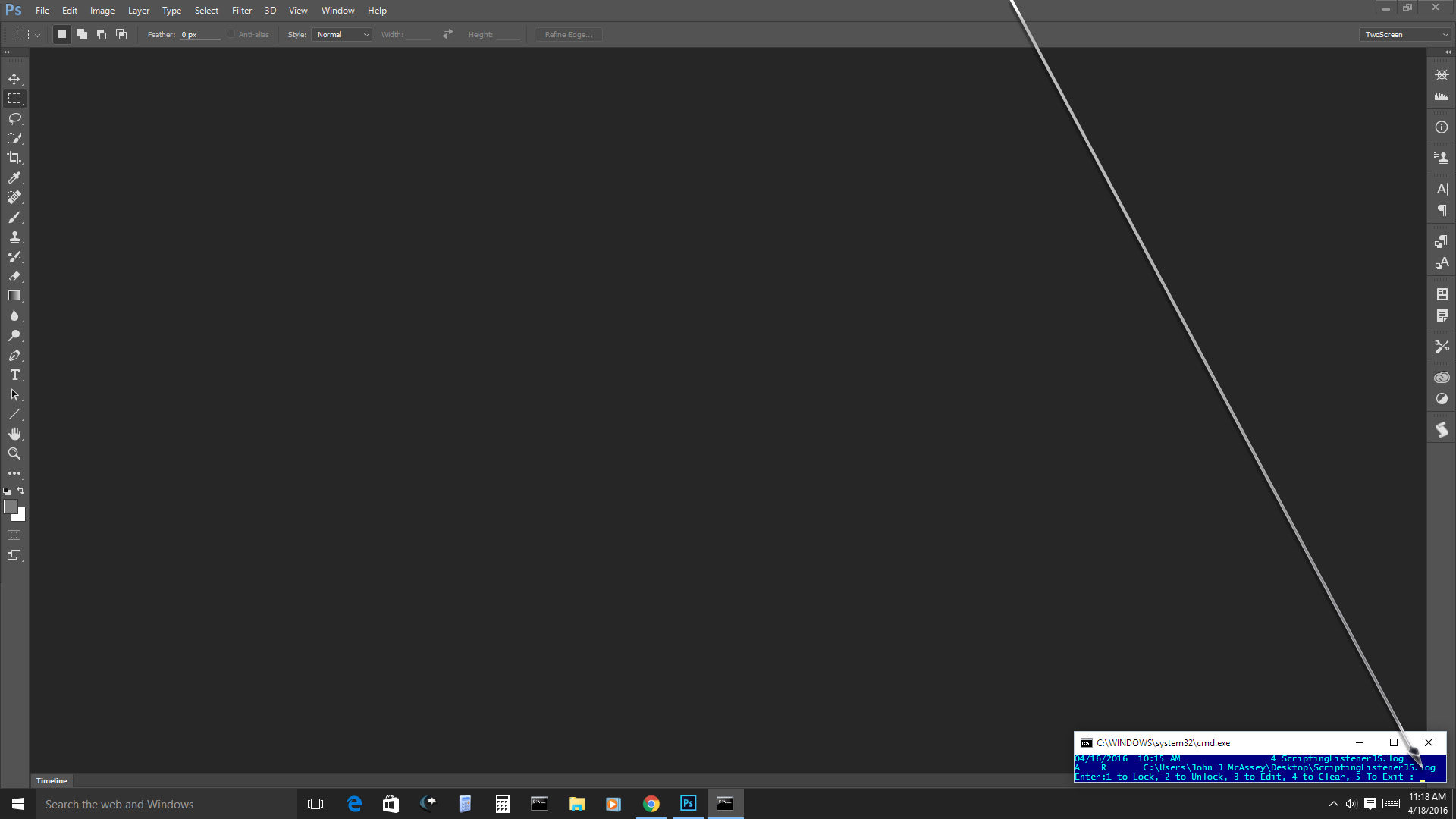
I do not use the bridge most of the time. I use windows and always have the scriptlistener installed in all versions of Photoshop. I control what the scriptlisenter can record, extract what I need to extract and clear the scriptlistener javascript log with a DOS bat file I run in a small window when I need some action manager script code.

| @Echo Off |
:loop
| CLS |
rem Display Log File Size
| Dir "%USERPROFILE%\Desktop\ScriptingListenerJS.log" /T:W /4 | find "%ScriptingListenerJS.log" |
rem Display Log Attributes R read only Locked no R log is Unlocked
| Attrib "%USERPROFILE%\Desktop\ScriptingListenerJS.log" |
Rem If timeout is use the above display lines will refresh over time else you need to use enter or number
| CHOICE /C 123456 /N /T 300 /D 6 /M "Enter:1 to Lock, 2 to Unlock, 3 to Edit, 4 to Clear, 5 To Exit :" | |
| Echo %ERRORLEVEL% | |
| if %ERRORLEVEL%==6 goto timeout | |
| if %ERRORLEVEL%==1 goto one | |
| if %ERRORLEVEL%==2 goto two | |
| if %ERRORLEVEL%==3 goto three | |
| if %ERRORLEVEL%==4 goto four | |
| if %ERRORLEVEL%==5 goto five | |
| goto loop |
:timeout
| goto loop |
:one
| Attrib +R "%USERPROFILE%\Desktop\ScriptingListenerJS.log" | |
| goto loop |
:two
| Attrib -R "%USERPROFILE%\Desktop\ScriptingListenerJS.log" | |
| goto loop |
:three
Rem inline command use CMD independate command use start
| CMD /C notepad "%USERPROFILE%\Desktop\ScriptingListenerJS.log" | |
| rem | Start notepad "%USERPROFILE%\Desktop\ScriptingListenerJS.log" |
| goto loop |
:four
Rem If the script log file is unlocked not read only this echo will clear it
| Echo. > "%USERPROFILE%\Desktop\ScriptingListenerJS.log" | |
| goto loop |
:five
| EXIT |
Get ready! An upgraded Adobe Community experience is coming in January.
Learn more