
Every tool acts like Move Tool, and latency: Intuos Pro
Critical tablet interface issue, possibly related to Windows 10 update: 3/22/2018—KB4089848.
Windows 10, HP Phoenix 850qe, Intel i7-4790K
Photoshop CC + Intuos Pro
1. EVERY TOOL acts like the Move Tool...at first. Tools can be “coaxed” into functioning correctly, but only AFTER they have moved the entire layer. Additionally, the Hand Tool shortcut <spacebar + click/touch> constrains movement to 90 degree axes (left/right/up/down), before ““releasing” and dragging freely.
Example: With Brush Tool selected, touching the pen to the tablet and dragging it will not draw. Rather, it drags the layer on a 90 degree axis (i.e., up/down/left/right) before “releasing” and dragging freely in any direction. Then, tapping the pen rapidly while dragging slightly will sometimes force the tool to function correctly...only until the pen lifts.
2. Simultaneously, Intuos Pro latency is greatly increased -- slow even when wired, too slow for Bluetooth. This, after a cold boot and only Photoshop running.
Remedies tried...in various sequences, repeated without success:
• deleted & re-paired Bluetooth connections.
• reset to Default Preferences: Photoshop CC & Wacom Intuos Pro.
• rolled back Windows 10 update: 3/22/2018—KB4089848.
• reinstalled Wacom driver 3/15/2018 - 6.3.29-4.
• rolled back Wacom driver to 2/22/2018 - 6.3.28-3.
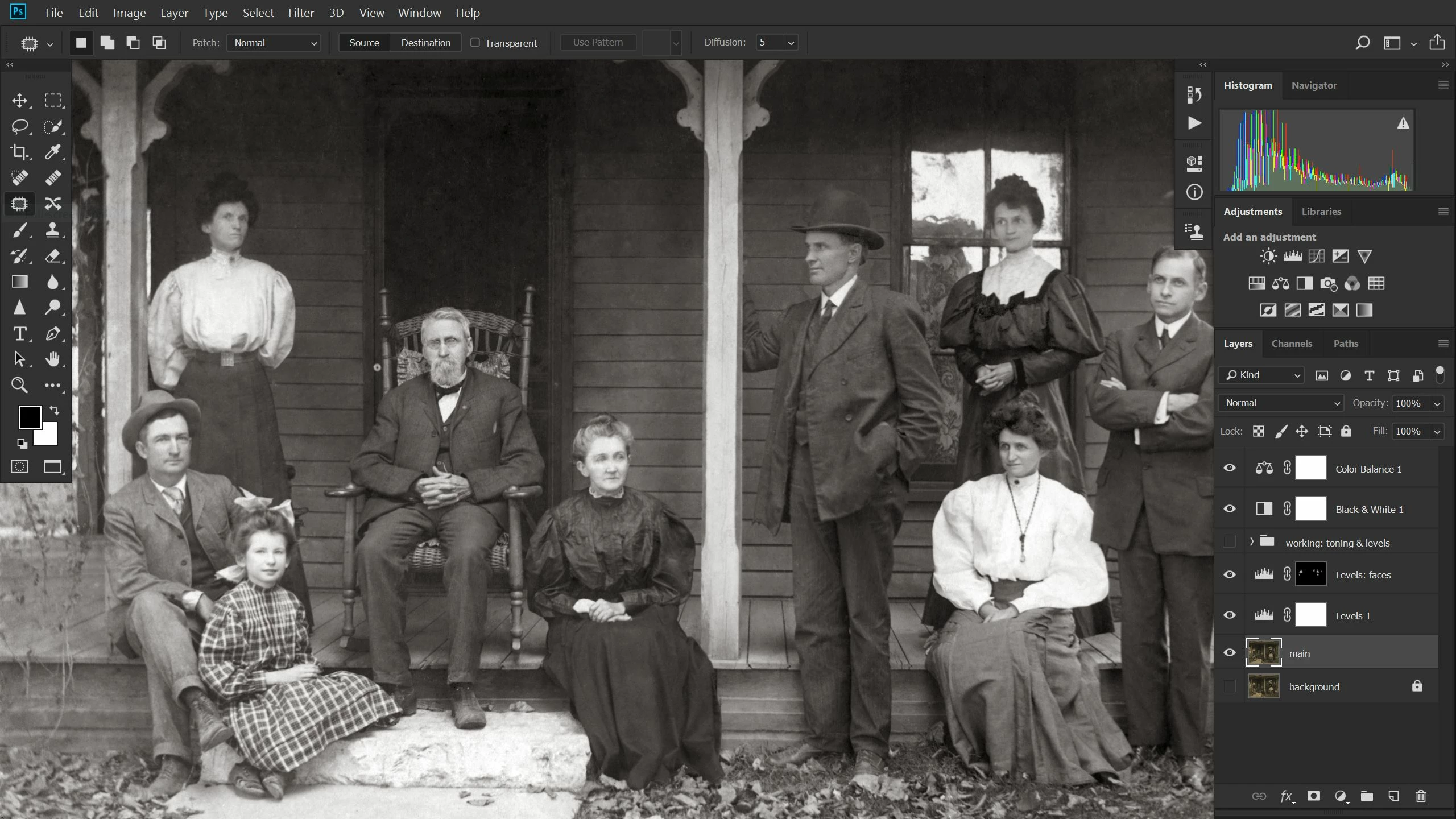
No clues in this typical screenshot. Here the Patch Tool is selected, but this “Move Tool” anomaly affects all tools. I’m completely adrift and work has stopped.
 AdChoices