
Question
Everything Snaps. Why is "Snapping to Pixel Grid" always on?
Photoshop Version 22.4.2 Release - Mac OS 11.4.
I am experiencing the problem of shapes and layer content ALWAYS snapping to the pixel grid.
VIDEO of what I experience is here.
My Preference in Tools is turned off (see images and gif below).
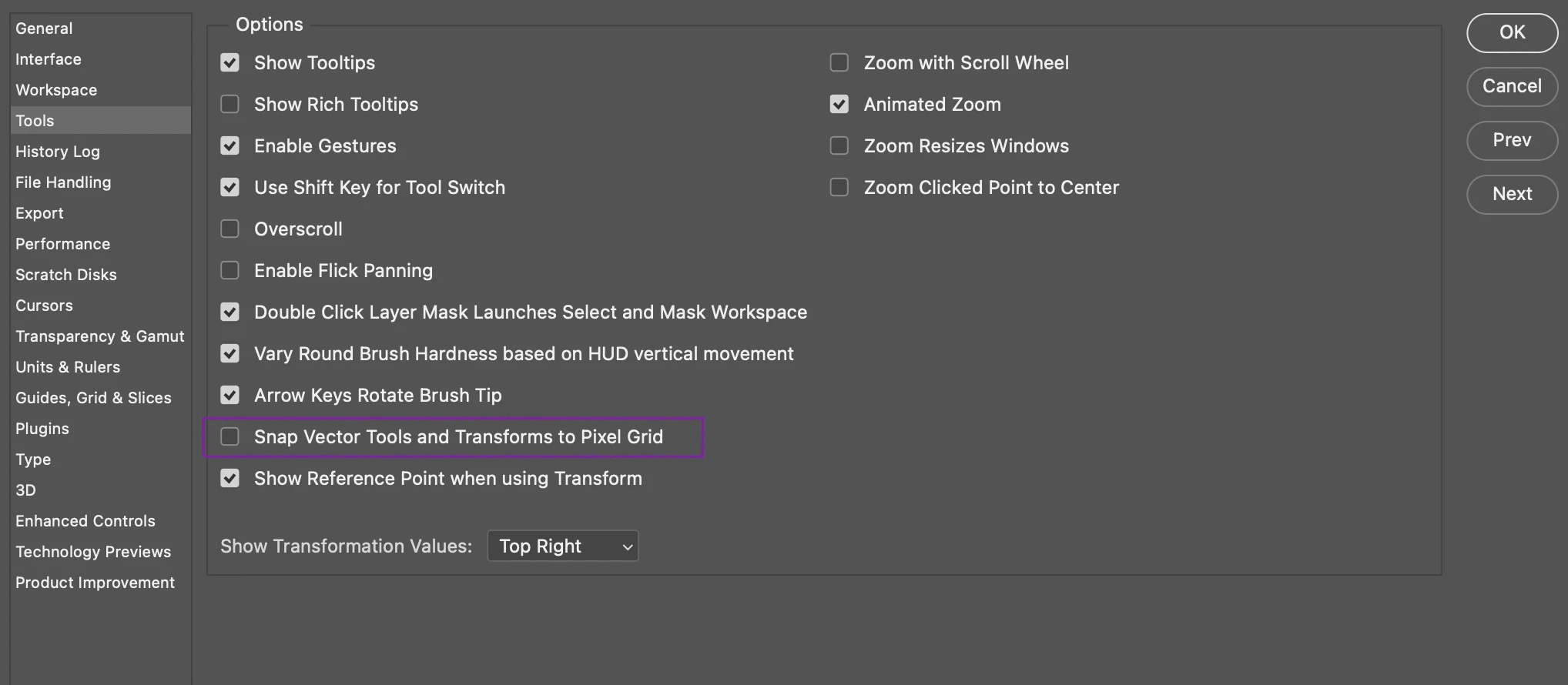
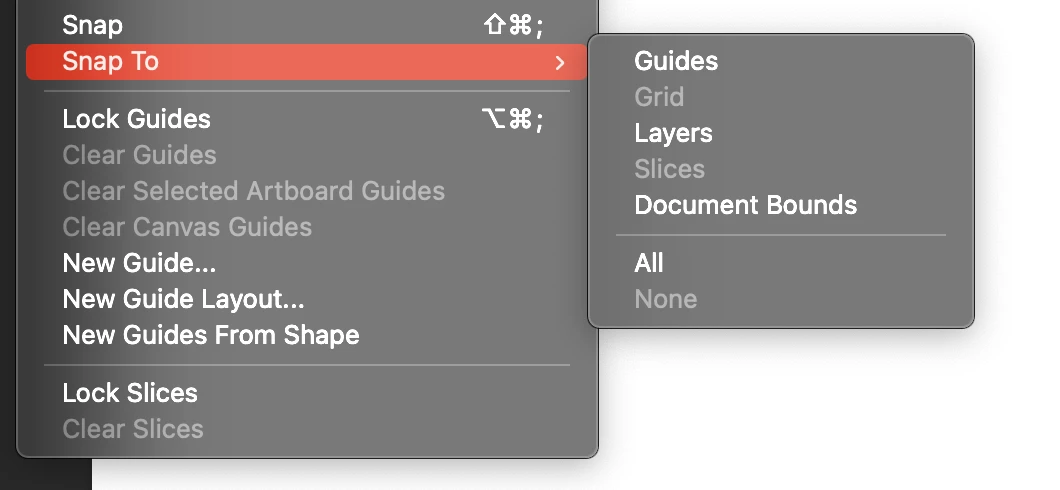
And still, vector shapes will all snap in 1px increments when I use the move tool, or the path selection tool, or the direct selection tool. Doesn't matter - everything SNAPS.
What am I missing? Thank you!
 AdChoices