
Question
Export As Not Respecting Crop Size
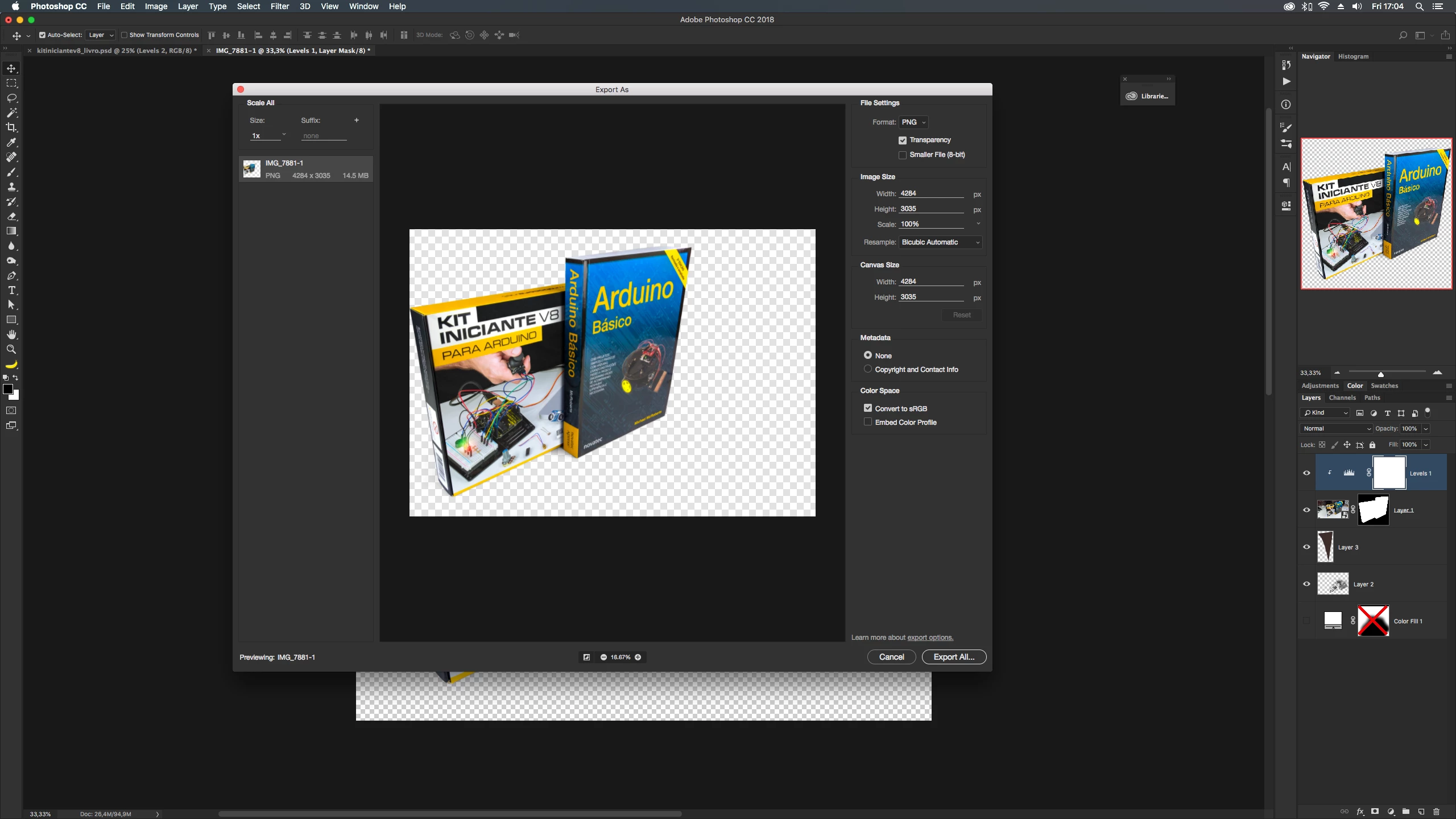
I've been dealing with Photoshop moving my transparent images from it's position when I use Export As for a while (totally random behavior, sometimes it works normal, most of the times, it shifts my image from the center to the bottom of the canvas in the preview and exported image), and not I got this mess: as you can see by the navigator in the right, my picture is at 1:1 ratio, and Export As simply said "well, screw that, I'ma use whatever ratio I like".
Does anybody know a fix to this? (Not in Mojave yet, just the top bar is black in High Sierra, in case anyone supposes this might be a Mojave issue)
 AdChoices