

harleyquinnzel
Participant
December 19, 2017
Answered

Gif stops playing after being converted to a smart object

  • December 19, 2017
  • 1 reply
  • 5649 views

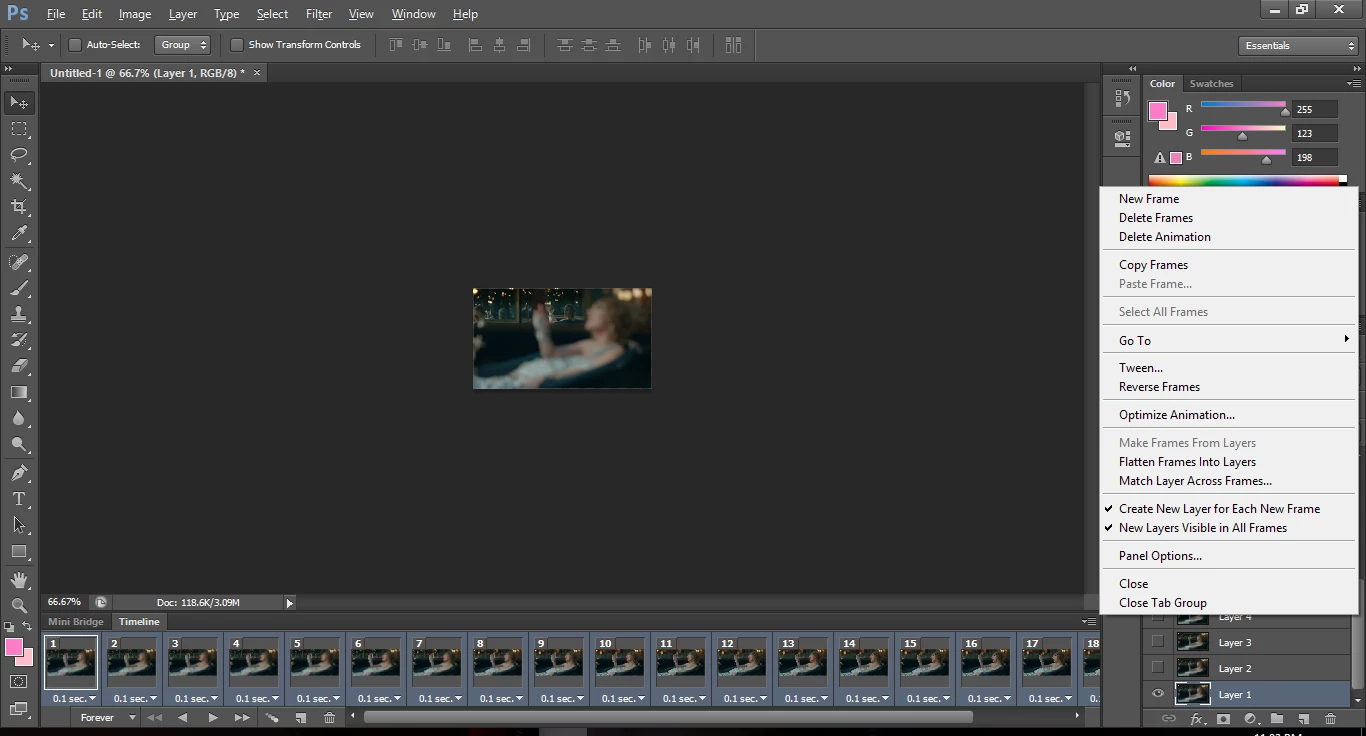
So i've been trying to revisit gif making, and i've been following this tutorial on tumblr from one of my favourite editors. Everything is all well and good until after i go to convert it to a Smart Object. Suddenly the thing won't play at all.

How do i fix this?
This topic has been closed for replies.
Correct answer JJMack

video timeline option isn't there :/


Try resetting Photoshop Tools and your user ID Photoshop Preferences.

1 reply

JJMack
Community Expert
Community Expert
December 19, 2017

What exactly are you converting to a smrat object layer.  If you have a frame amimation and select all layer and convert to a smart object layer you no longer have layers to make frames with. You have one layer all frame will be identical.  It look like that tutorial converted from a frams animation at some point to a  video animation then created the smart object from the layers looking at the time line shown in the tutorial.  You may have miss that step in the tutorilal look like step 11.

In Photoshop you do not have a GIF Photoshop is a document editor not a file editor.

JJMack
harleyquinnzel
Participant
December 20, 2017

I checked and it was still stuck as a frame animation.Silly question: how do you convert it to a video animation?

JJMack
Community Expert
Community Expert
December 20, 2017

Click on the icon in the bottom left of the Frame animaton panel.

JJMack