GonnaBeLegend
Participating Frequently
December 26, 2020
Resuelto

Gray Box when exporting

  • December 26, 2020
  • 1 respuesta
  • 1618 visualizaciones

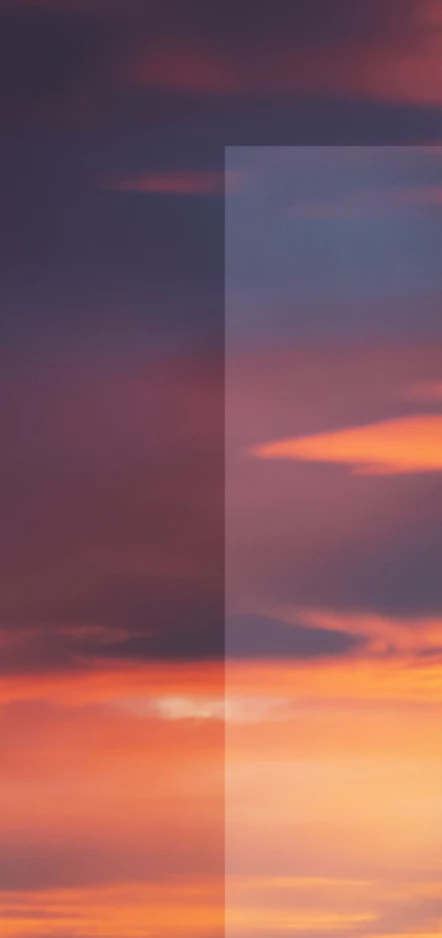
When I am trying to export a psd file to jpg, a gray box appears over the edit, and I am not sure why. I tried another psd file, and the problem is not there. 

attached is a screenshot of it. Any help would be appreciated. 

Este tema ha sido cerrado para respuestas.
Mejor respuesta de Michael Bullo

Could you please post a screen shot or describe in more detail how you are exporting out the images. "Save As", "Export As", etc…


We have seen similar issues in the forums involving "Export As". A possible workaround is to flatten your file before exporting. But of course be careful not to save your file after this or you will lose all of your layers.


One option would be to duplicate your image before flattening.


Another option would be to make a flattened copy of all of your layers within your document. Start by selecting your topmost layer and either…

  1. Hold down the Alt or Option key while selecting the Merge Visible option from the Layer menu
  2. Keyboard shortcut...
    Mac: Command + Option + Shift + E
    Windows: Control + Alt + Shift + E

1 respuesta

Michael Bullo
Community Expert
Michael BulloCommunity ExpertRespuesta
Community Expert
December 26, 2020

Could you please post a screen shot or describe in more detail how you are exporting out the images. "Save As", "Export As", etc…


We have seen similar issues in the forums involving "Export As". A possible workaround is to flatten your file before exporting. But of course be careful not to save your file after this or you will lose all of your layers.


One option would be to duplicate your image before flattening.


Another option would be to make a flattened copy of all of your layers within your document. Start by selecting your topmost layer and either…

  1. Hold down the Alt or Option key while selecting the Merge Visible option from the Layer menu
  2. Keyboard shortcut...
    Mac: Command + Option + Shift + E
    Windows: Control + Alt + Shift + E
GonnaBeLegend
Participating Frequently
December 26, 2020

Merging all layers using Command + option + shift + E worked after hiding the previous layers and leaving that new layer on top. Thank you!

Michael Bullo
Community Expert
Community Expert
December 26, 2020

Excellent. Happy it helps. Thank you.