
Participant
February 13, 2018
Answered

Green artifacts [OSX High Sierra]

  • February 13, 2018
  • 2 replies
  • 1911 views

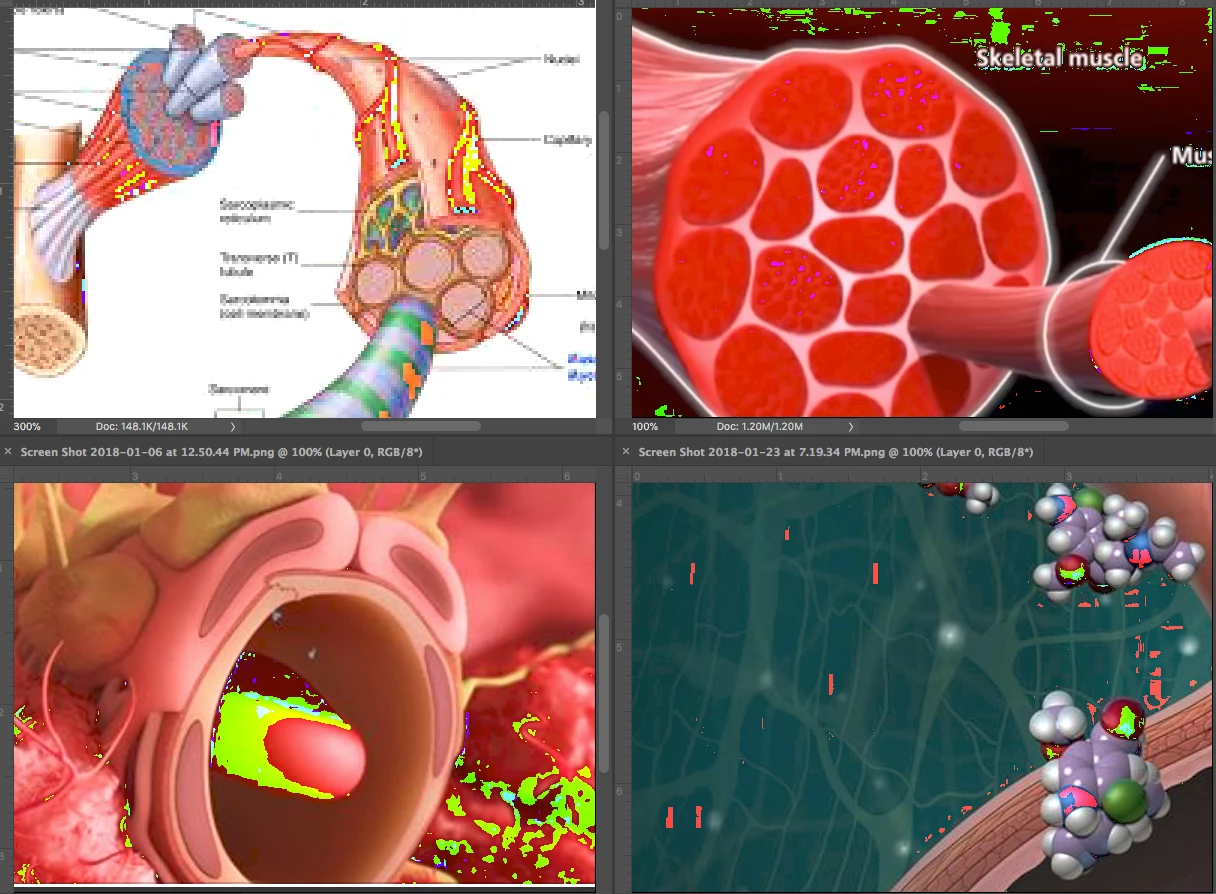
I am having an issue of green artifacts in Photoshop CC 2018. I am running Mac OS High Sierra, everything is up to date. Last week, I took it into the Apple Store and as I was still under warranty, they replaced the graphics card, logic board, screen and keyboard, thinking it was one of those issues. Well it's not. I also tried to reproduce the issue with Photoshop C6. There is not an issue there, so I feel I have narrowed it down to being an issue in CC 2018. It's also not an issue with Illustrator. I am posting several screen shot images of what is happening. I have tried Preferences->Advanced Settings -> changing drawing mode. I also checked cache levels, memory usage.
This topic has been closed for replies.
Correct answer Trevor.Dennis

Did you try turning GPU acceleration off completely?

It might be a compatibility issue.

Known issues - Running Photoshop CC on macOS 10.13 High Sierra

2 replies

gener7
Community Expert
Community Expert
February 13, 2018

First see if your Mac has 2 GPUs. The energy saving one may be the problem and you would want the high-performance card.

Disable Automatic Graphics switching. Set graphics performance on MacBook Pro - Apple Support

This may be a long shot, but Adobe Camera Raw added GPU support after CS6 and it has affected images in Photoshop, usually in the form of color blocks. Uncheck that function to see if that helps.

Participant
February 13, 2018

Gener7, what you suggested works too, as does what TrevorDennis suggested. So now my question is, which way is better to solve my issue? What are the pros & cons of each? Pros of course being that both seem to work!

Participant
February 13, 2018

Gener7, it was actually the first suggestion you had that worked...didn't try the 2nd one. When I switched off automatic graphics switching problem was solved, as was then I switched off acceleration, as Trevor Dennis suggested.

Trevor.Dennis
Community Expert
Trevor.DennisCommunity ExpertCorrect answer
Community Expert
February 13, 2018

Did you try turning GPU acceleration off completely?

It might be a compatibility issue.

Known issues - Running Photoshop CC on macOS 10.13 High Sierra

Participant
February 13, 2018

Okay when I turn off the acceleration it solves the problem. So next question is, what is acceleration, and am I okay without it?

Trevor.Dennis
Community Expert
Community Expert
February 14, 2018

suzanneh28986268  wrote

Okay when I turn off the acceleration it solves the problem. So next question is, what is acceleration, and am I okay without it?

Not really Suzanneh. A lot of features become unavailable with GPU Acceleration disabled.

Photoshop graphics processor (GPU) card FAQ

Even some functionality like changing brush size and hardness via right clicking.  Other features require different levels of GPU assistance.  For instance, at one time Perspective Warp would only work with Drawing Mode set to Advanced, but I think they have changed / fixed that.

Gene knows Mac systems, and will be able to advice on video card drivers, which are what make GPU acceleration work properly or not.