
hassle with photoshop batch process
Hello,
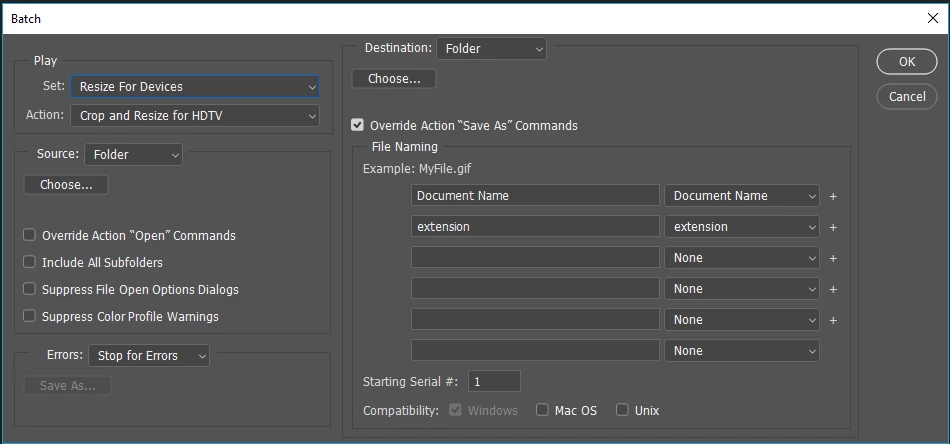
I have an action that I run with batch process in Photoshop, I'll quickly describe it's uses for clarity. The action takes an image, exports it as JPG and PNG at full resolution, then resizes the image smaller, exports it as JPG and PNG (in different folders to previously), and then closes the file without saving.
I've been using this a lot for my images and it has always worked perfectly, I can select a folder full of any images, PSD, jpg, png - any format - and leave it processing, no need to do anything, just saves everything down how I want it.
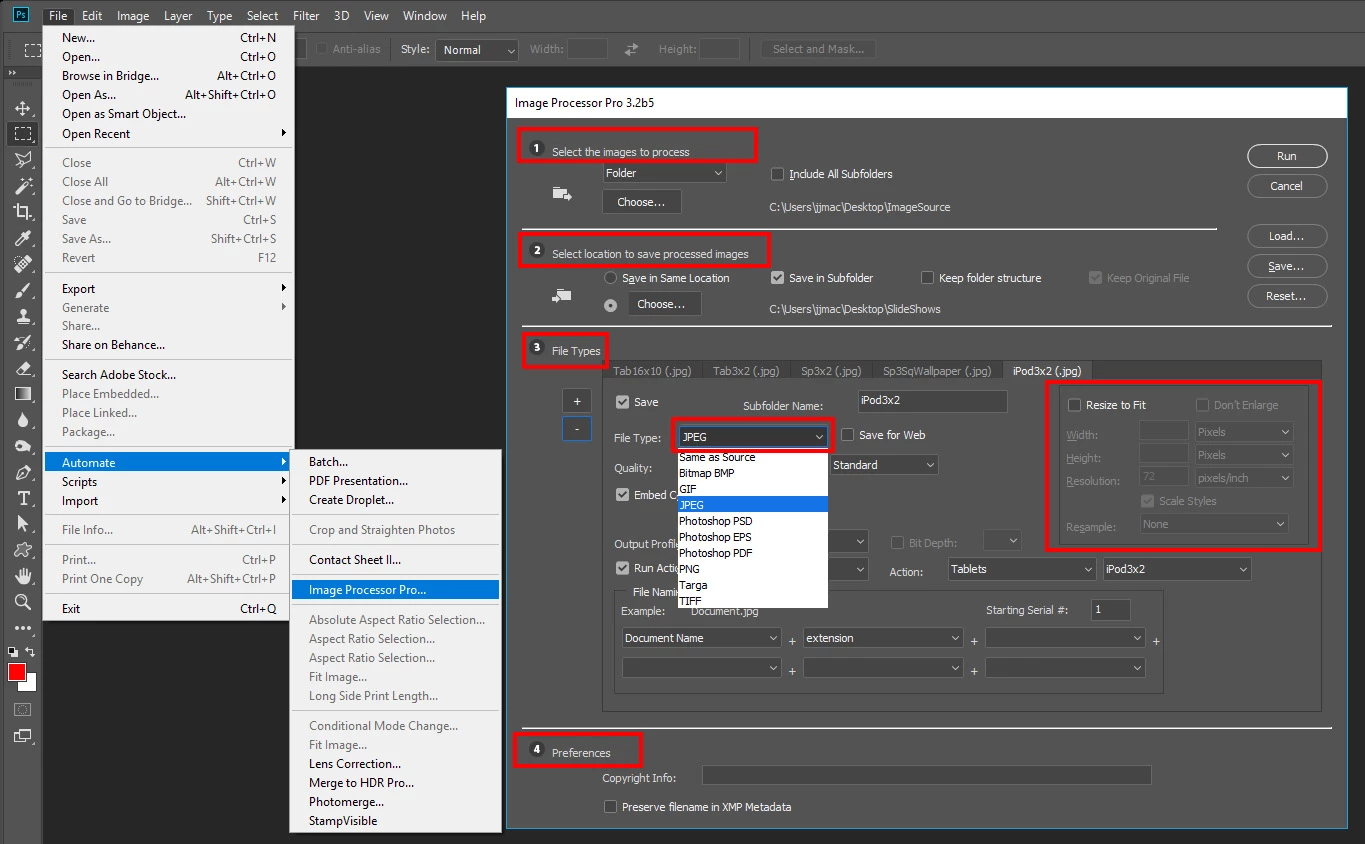
However: I have a load of TIF files from an external company, and I tried to batch process them using my saved action... it completed the first action and saves it as a full resolution JPG, and then pops up with a dialogue box asking me to save as?? And no matter what I've tried, it won't go any further - if I cancel it and continue the action, it doesn't carry on and save the PNG down, just does the same thing on the next image. If I save it as a copy, again, it doesn't save the PNG down. I tried converting all the TIF's into PSD files using the image processor and batch processing the PSD's, but same thing happens.
I've tried batch processing a completely different folder of PSD's from a previous job, and the action works perfectly on them, so I'm wondering why it won't work with these particular images??? Never had a problem before...
Has anyone run into anything similar before, or have any advice or help?? I have a lot of these images to process and can't do it manually!
Really appreciate any help.
 AdChoices