Participant
March 28, 2017
Answered

Help! Need smoother lines.

  • March 28, 2017
  • 2 replies
  • 667 views

All right friends, need help with this.

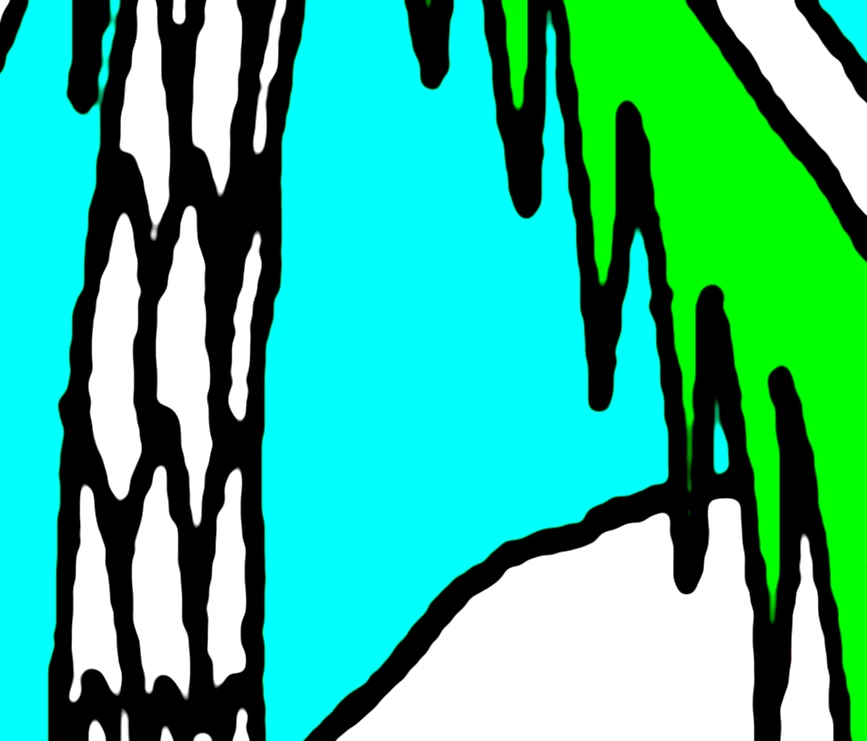
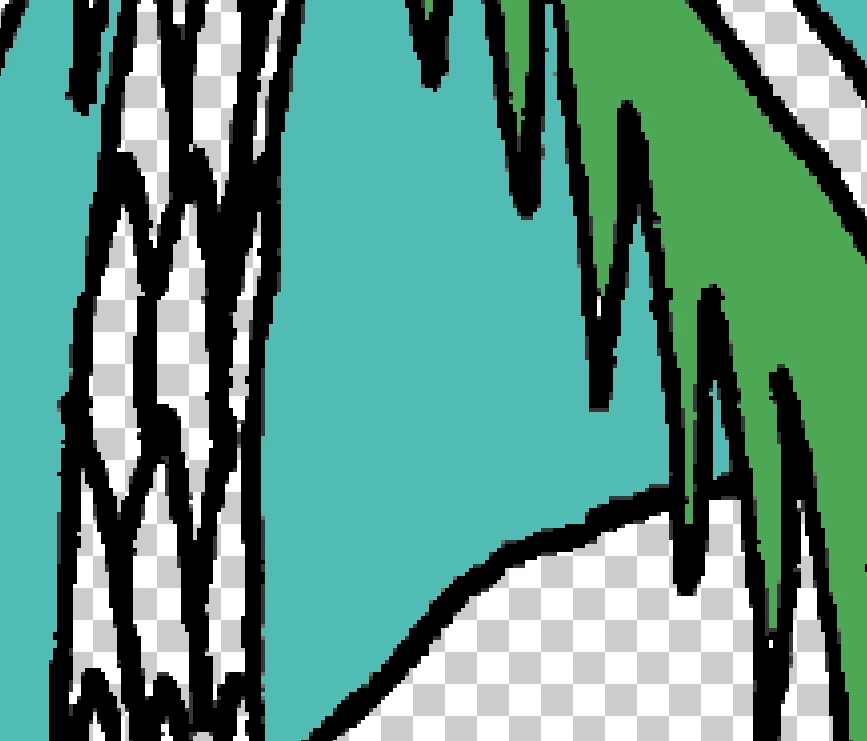
Here is a detail from an illustration I am working with in photoshop. The problem: the lines are jaggy, and when I zoom out to 100%, they are visibly pixelated. The resolution is set to 300dpi, which--based on the reading I've done so far--should be high enough to create a quality non-pixelated image. However, the lines themselves are not smooth enough. The lines are their own layer.

How do I get smoother lines here, without creating some awkward whitespace between the colors? Is there a way to anti-alias this very complex selection of lines?

The image, as you can see, is very detailed (this is just a 2-inch section of a much larger 22 x 8.5 image). The pen-tool seems too unruly for an image this complex. Illustrator's image-trace wasn't precise enough, because, I think, the linework is so complicated.

Would greatly appreciate any insight you might have.
This topic has been closed for replies.
Correct answer Trevor.Dennis

Blur the image to soften the jaggies, and then use Levels to harden up the now smooth line work.

2 replies

Trevor.Dennis
Community Expert
Trevor.DennisCommunity ExpertCorrect answer
Community Expert
March 28, 2017

Blur the image to soften the jaggies, and then use Levels to harden up the now smooth line work.

Participant
March 29, 2017

Thank you! The blur does seem to help the jaggies, but could you be more specific with the levels? I played around with them but they just changed the lighting/color. How do the levels change the lines' hardness?

davescm
Community Expert
Community Expert
March 29, 2017

cjg23407726  wrote

Thank you! The blur does seem to help the jaggies, but could you be more specific with the levels? I played around with them but they just changed the lighting/color. How do the levels change the lines' hardness?

Dragging in the white and black points narrows the blur area

Dave

Semaphoric
Community Expert
Community Expert
March 28, 2017

What is the source of your Doc? Is it from a scan? It looks like a scan in bitmap mode; try it in grayscale, and see if the lines are cleaner.

Participant
March 29, 2017

Thank you, I will try that!