AshleighSweet
Participant
June 14, 2021
Question

Help removing paper texture from 1970's photo

  • June 14, 2021
  • 4 replies
  • 1568 views

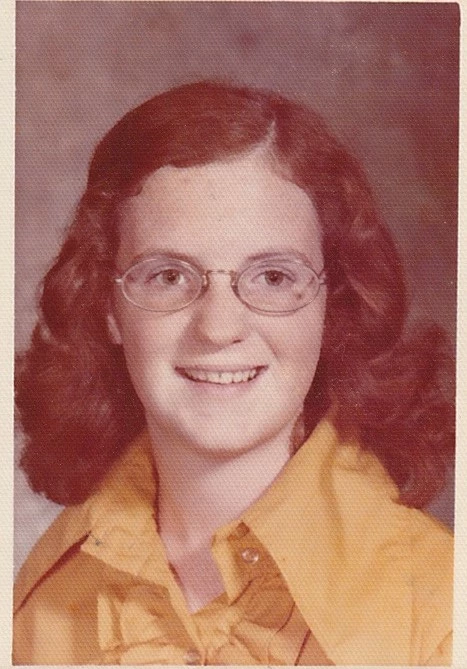
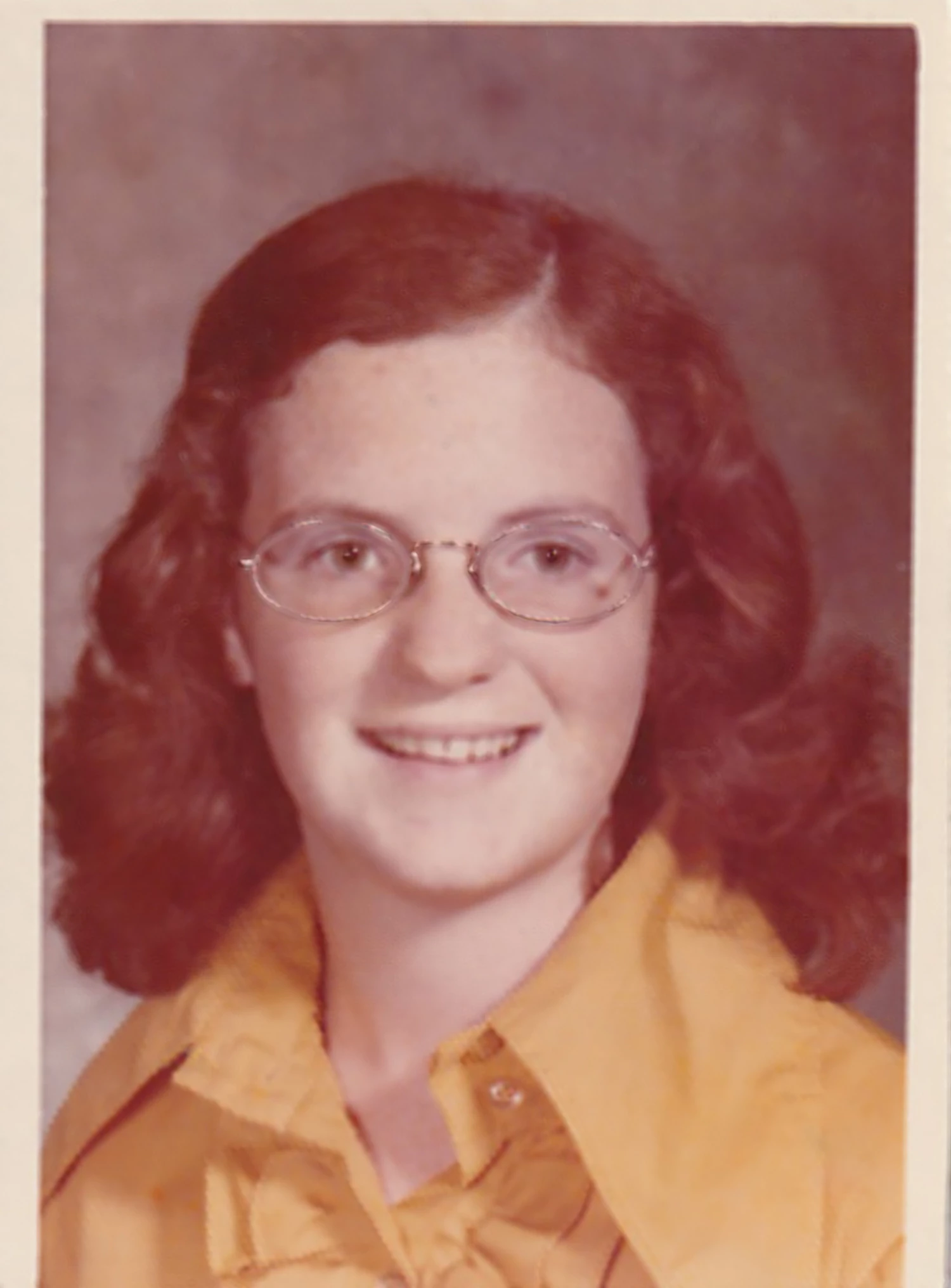
I am working on a gift for my parent's anniversary and need some help on removing the texture from this photo of my mom. Here's what I've tried so far without success:

1. FFT plugin (I'm new to this so there's a possibility I'm doing it wrong)

2. I also tried running a high pass filter on a duplicated layer, inverting it, then adjusting opacity. This gave me decent results but I lost a lot of the detail. To compensate for the detail loss, I duplicated the result (to preserve work progress) and tried erasing parts of the layer where the detail loss was most obvious to show the original image details. This works but then I'm back to the problem with the paper texture in those areas. (I know I could still blend better but I stopped at this point so I didn't exhaust myself before looking into other options.)

Any suggestions?

Thanks!
This topic has been closed for replies.

4 replies

AshleighSweet
Participant
June 15, 2021

So, I made a lot of progress. I would love feedback from anyone! This is a first for me. 

Jeff Arola
Community Expert
Community Expert
June 14, 2021
Jeff Arola
Community Expert
Community Expert
June 14, 2021

I got this result using the FFT filter from here:

(i painted the "stars" manually as explained in the user guide)


https://fixelalgorithms.co/products/fftwizard2/


AshleighSweet
Participant
June 14, 2021

OMG Thank you!!


Thats the FFT I actually used but I used the automated feature. I tried the manual route by painting the stars but mine turned out black and white? Obviously, I didn't understand the tool fully to get the correct results. 

Jumpenjax
Community Expert
Community Expert
June 14, 2021

Maybe this code can help you:

https://m.youtube.com/watch?v=7uSdFxIuay0

Lee- Graphic Designer, Print Specialist, Photographer
AshleighSweet
Participant
June 14, 2021

Thanks for this! This is actually the video I came across when I was researching online. This is what I was trying to explain as my steps in #2. This lost a lot of the details in the photo that I tried to "add back" by erasing parts of the filtered layer. 😕😕