Participant
August 25, 2020
Question

Hey, Want help with Smart object and bulk mockup

  • August 25, 2020
  • 2 replies
  • 4148 views

So I tried everything and atlast this is the only thing I can do before I will pay for a bulk mockup software.
I have been trying to batch process .png images on Smart object in my T shirt mockup.

I have been Using JJmack Script BatchMockupTemplates and others in a folder and it works unless it don't.

Problems I am facing and looking for solution of those- 

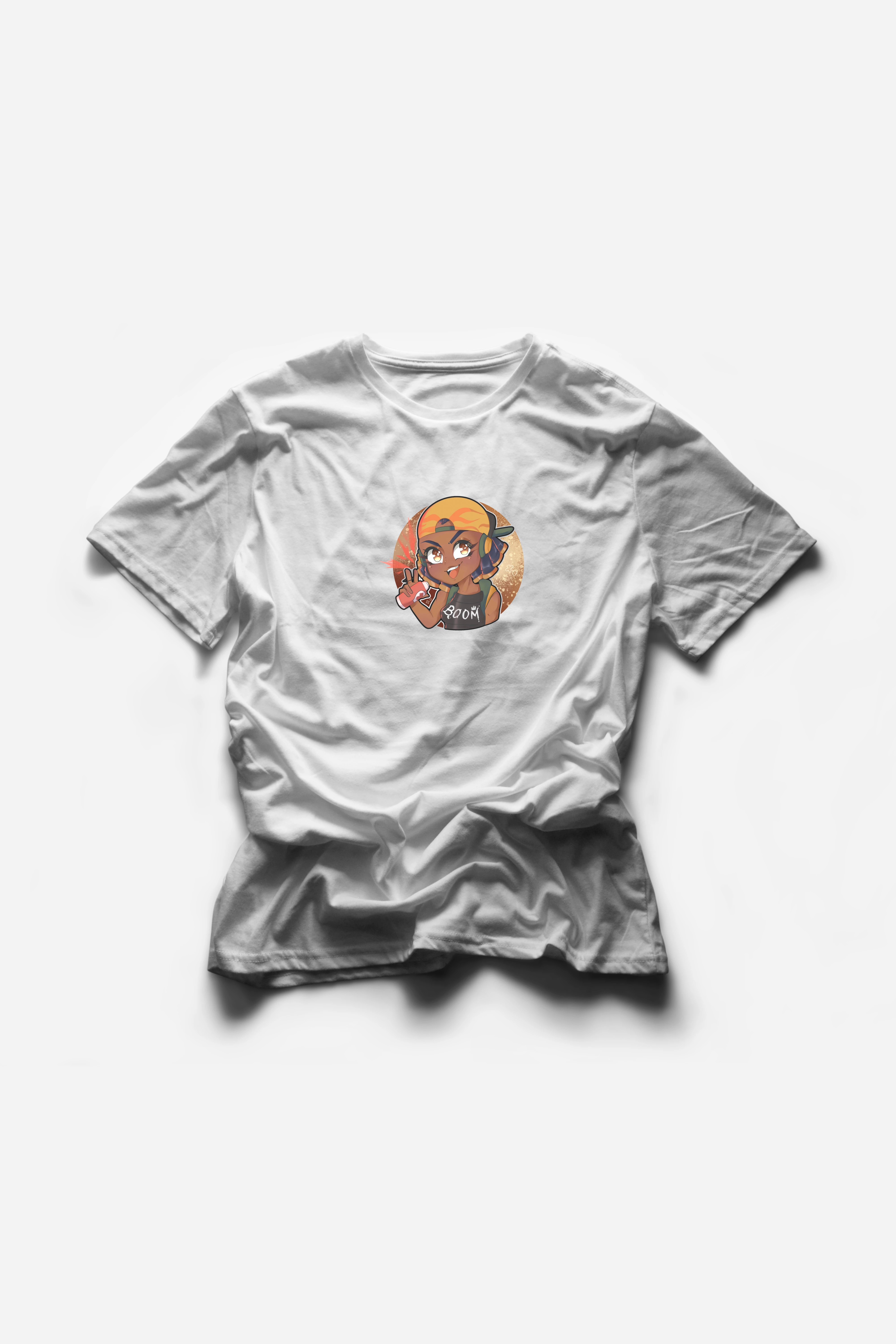
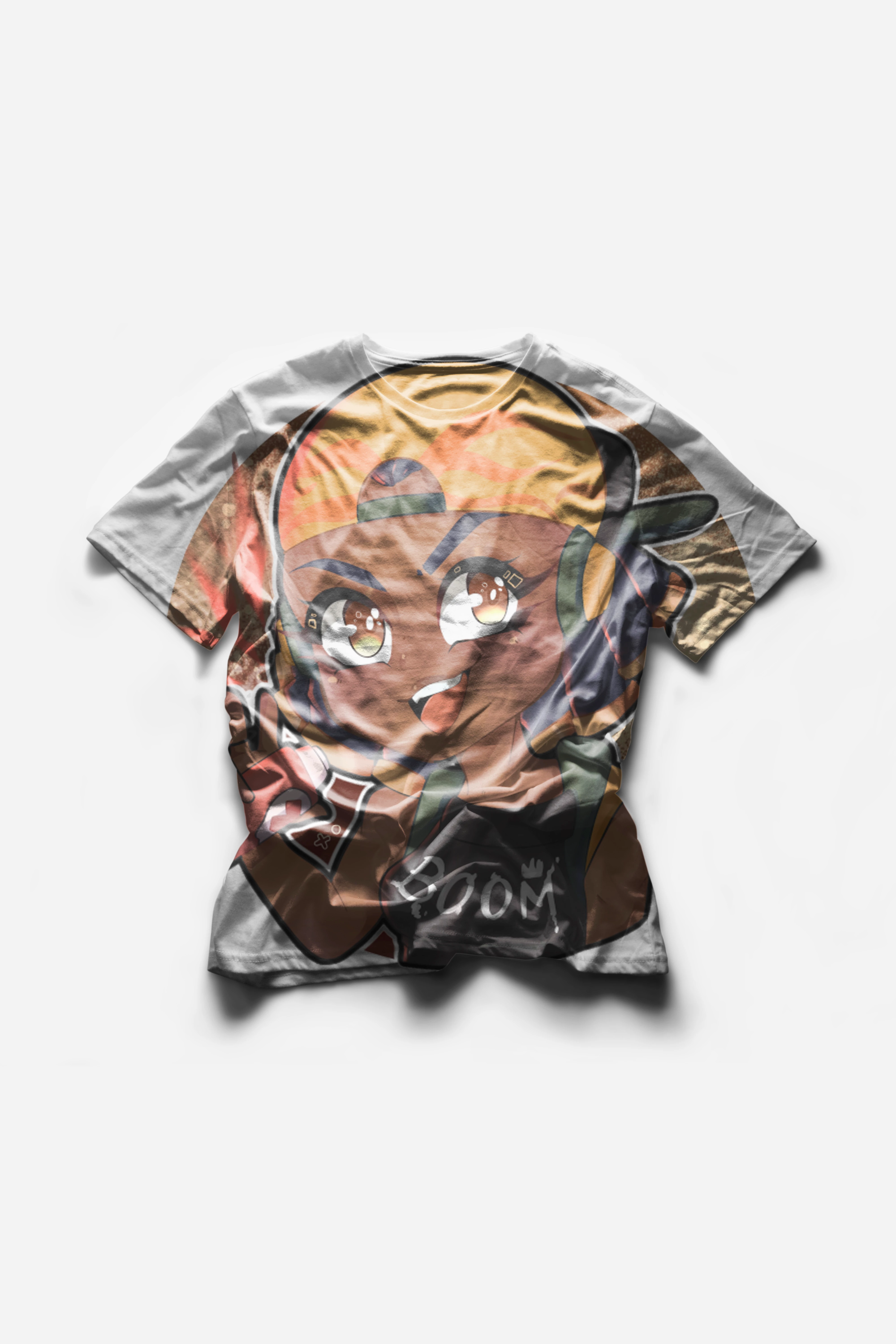
The t-shirts are getting fully expanded onto the smart layer istead in a 8 * 8 or any other size box I want.

Also attaching a video of what I am doing 


This topic has been closed for replies.

2 replies

akmia51
Inspiring
July 11, 2022

You can check this video if it can help you

Abdul karim mia
JJMack
Community Expert
Community Expert
August 25, 2020

The problem will be in your Mockup template post the template not a vidio it easy to believe you have a problem I do not need you to prove you have a problem. You also most likly fd not want to  to use Fit image unless you do not wast to loose any image an introduce boarders.  Your Template most likel is not created well.  So it will not work.


There are many free Good and many Bad free T-shirt mockups on the web.  


The Mockup you habs may be designed to replace the T-shirt fabric not  put a logo somwhere on the T-shirt.  It looks like the smar object cover all of the T-shirt and is masked to the T-shirt,

JJMack
Owl5CD0Author
Participant
August 28, 2020

Thanks JJmack for your insight.
I will try with other free mockups I downloaded form this website.If it dosen't work ,I will pay someone on fivver to create Something for this script.
Also,someone is selling a very similar script like yours here

Thanks
-owl

JJMack
Community Expert
Community Expert
August 28, 2020

I think you will find that script is not as versatile as mime.  I saw noting in his video that indicated that his script can replace more than a single smarts object or could edit replacement into the mockup object with various options.  


I think that script is a simple recpace content for one smart object layer. Like in the video.


There are some  scripts on Adobe exchange for sale I feel look harder to use them mine. 


I have no information at all if these are good.


Mine are Free and I feel well tested. 


If  a user is going to batch populate mockup there mock up templates must comply with the template design the script are  programed to populate.  The Mockup needs to be well crafted so it will be populated well. And some prep work will required so the replacements will be populated into the correct layers and that  the correct set of replacement will be populated into the mock template.


My scripts are quite simple and dumb.   They populate the Mockup Top smarts object layers via Replace Content or  all the top smart object layers  will be edited and updated with replacement content. From the top layer down to the  none smart object layer.


My scripts know nothing at all about users files.  The user is requited  create replacement queue for each top smart object layers.  The file in the queues  are process in file name sequence, The sequences in each folder must match sequences  in all the other folders so the correct set if replacement are populated into a template.

JJMack