Participating Frequently
September 18, 2018
Answered

How can i enhance faded writing?

  • September 18, 2018
  • 5 replies
  • 15555 views

Good day all,

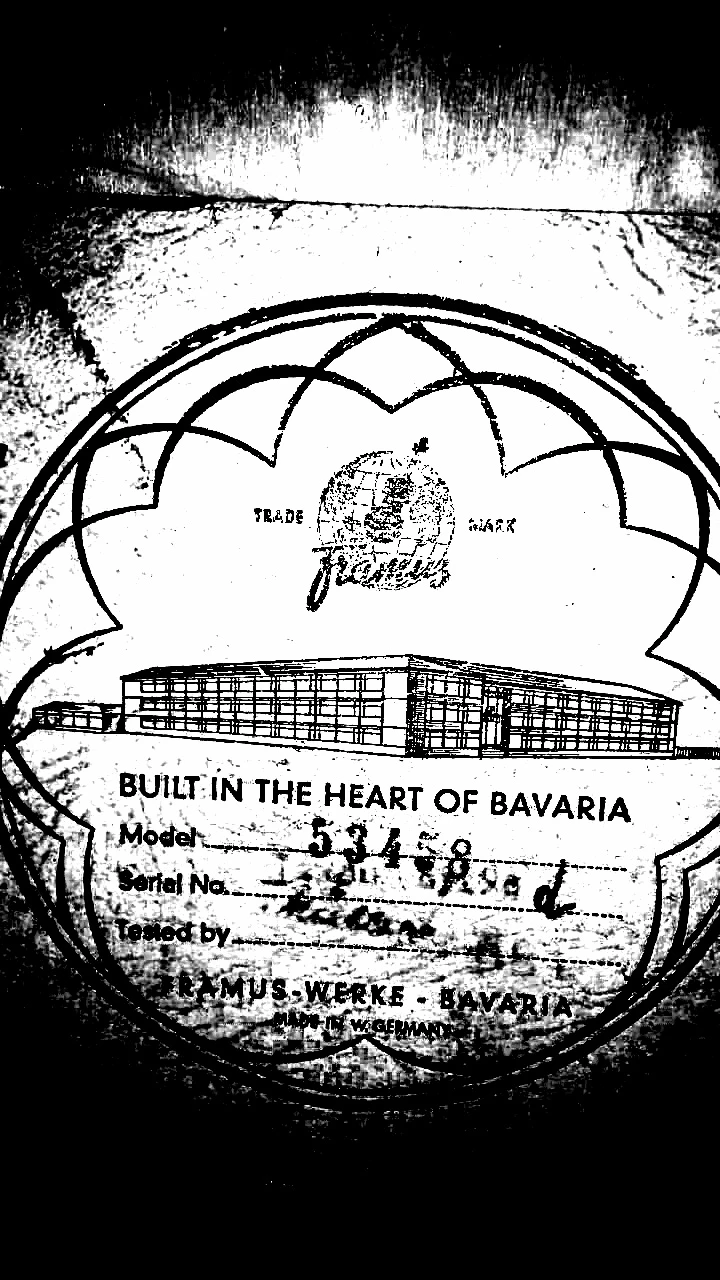
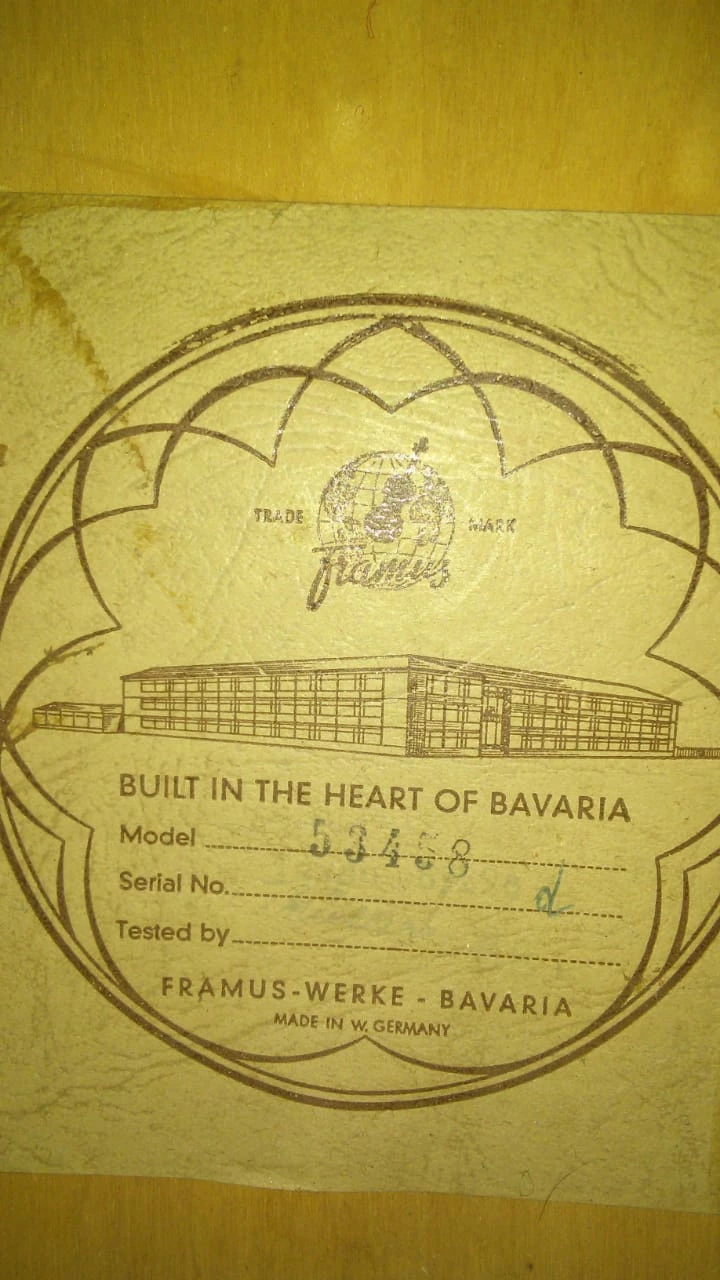
I am very new to this, and am trying my hand at enhancing faded writing.  But needless to say ... no luck please can someone help me.  I have tried this for about two hours now, and could not get any enhancement. On below picture, there is writing in blue pen, that has faded underneath the stamped numbers, in front of and just below the "d", I am trying to enhance, should be a signature and some number or something, I got the pic from a friend to test my skills...which seems to be zero.  Any help would be highly appreciated.

Thanks
    This topic has been closed for replies.
    Correct answer Myra Ferguson

    This is about the best I could get without spending too much time on it using a few methods including curves, duplicating layers, applying the multiply blend mode, using the sliders on the black and white adjustment layer, duplicating results, and adding some more blend modes.

    I also did some sleuthing and found similar labels. One of them had the name Miller on it which could be the signature. It looks like a similar M and a circle for the dot of the "i." I can't tell the larger characters under the d--maybe a 55E or 58E.

    5 replies

    Myra Ferguson
    Community Expert
    Myra FergusonCommunity ExpertCorrect answer
    Community Expert
    September 18, 2018

    This is about the best I could get without spending too much time on it using a few methods including curves, duplicating layers, applying the multiply blend mode, using the sliders on the black and white adjustment layer, duplicating results, and adding some more blend modes.

    I also did some sleuthing and found similar labels. One of them had the name Miller on it which could be the signature. It looks like a similar M and a circle for the dot of the "i." I can't tell the larger characters under the d--maybe a 55E or 58E.

    Participating Frequently
    September 19, 2018

    Wow, this is fantastic, thank you.  I will try this, and see if I can get it as good as yours.  Thank you for the advise.  I really appreciate it.

    Kat Gilbert
    Legend
    September 18, 2018

    A quick try with blending modes and adjustment layer:  (It is possible just will take time to render as you wish)

    Participating Frequently
    September 19, 2018

    Thank you for the advice, I will try it and see what I can do, I appreciate the assistance.  Thanks

    Norman Sanders
    Legend
    September 18, 2018

    Unfortunately, that information is too faded for useful recovery.

    Legend
    September 18, 2018

    I took a look at this and I'm not so sure there is anything that can be recovered. Playing with channels in RGB, LAB, and CMYK didn't show anything there.

    Participating Frequently
    September 19, 2018

    This is my finding too, but then I will try all the techniques given here and see what result I can get from that.  I am determined to do this :-)

    Sahil.Chawla
    Adobe Employee
    Adobe Employee
    September 18, 2018

    Hi Traceyg,

    As you're looking to enhance the text in the image above, You can use the clarity feature available in the camera raw plugin, by going to Filter > Camera Raw

    You can use the adjustment brush to apply a mask in camera raw and then increase the clarity and lower the white areas, then you'll get a result like this.

    Please have a look at this article to know more about this: Make local adjustments in Adobe Camera Raw

    Regards,
    Sahil

    Kat Gilbert
    Legend
    September 18, 2018

    An old and tried method is to duplicate the layer until the image is as dark as you wish. Using the Camera Raw to help tame down the background would help greatly as this will also get darker and darker.

    Participating Frequently
    September 19, 2018

    Thank you for the advice, I will try this and see what I can figure out.  I appreciate your help.  Thanks