

Question
How Can I Remove Small Areas From a Selection/Mask?
I do a lot of product photography. Recently I have to do shots on a coloured background which is replaced in post with a solid colour. Therefore I have to cut all objects from the background.
To get a good initial selection for the cut, I start with a color range selection. Next I add a threshold to this selection to get a sharp edge for the mask. I usually end up with a selection like this:
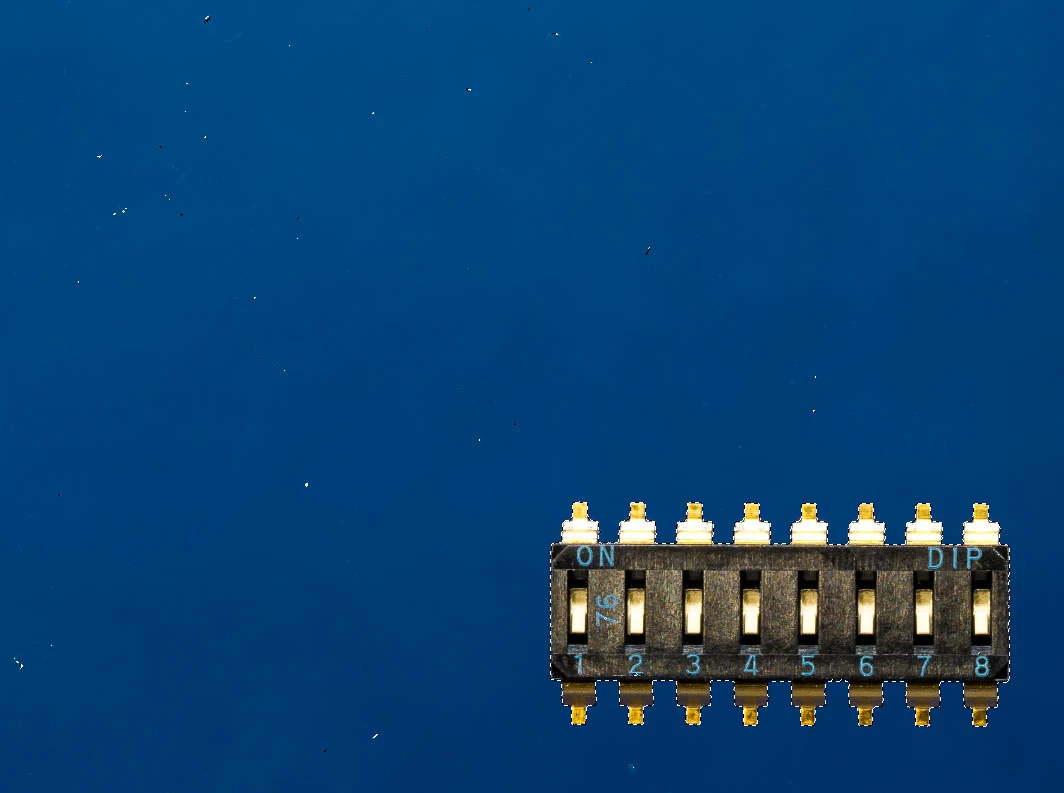
Is there a quick way to remove all small "selection isles" and just keep the large continuous areas with the objects?
I tried to use the dusk and scratch filter, but this filter also affects the edges of the products.
 AdChoices