March 5, 2019
Answered

How Do I Clone A Photo Into A Background Image?

  • March 5, 2019
  • 2 replies
  • 3435 views

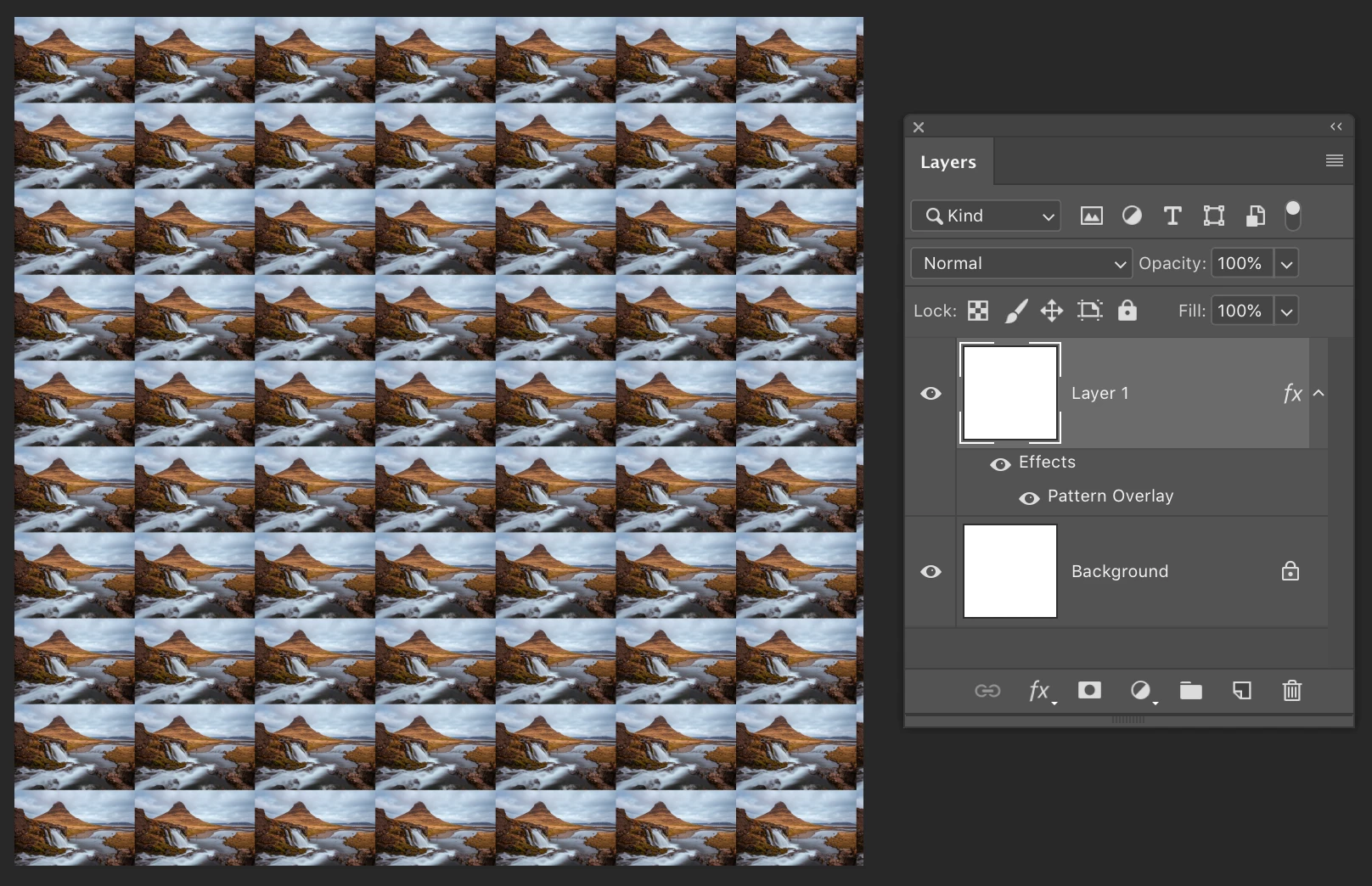
I want to take a photo I have created and then minimize it. Afterwards, I want to take the image and copy and paste it; so I get a bunch of the same image side by side until it fills out a background image. For example an image of 3000 x 3000 pixels. Thanks in advance!
    This topic has been closed for replies.
    Correct answer Michael Bullo

    Open the image to become the tile

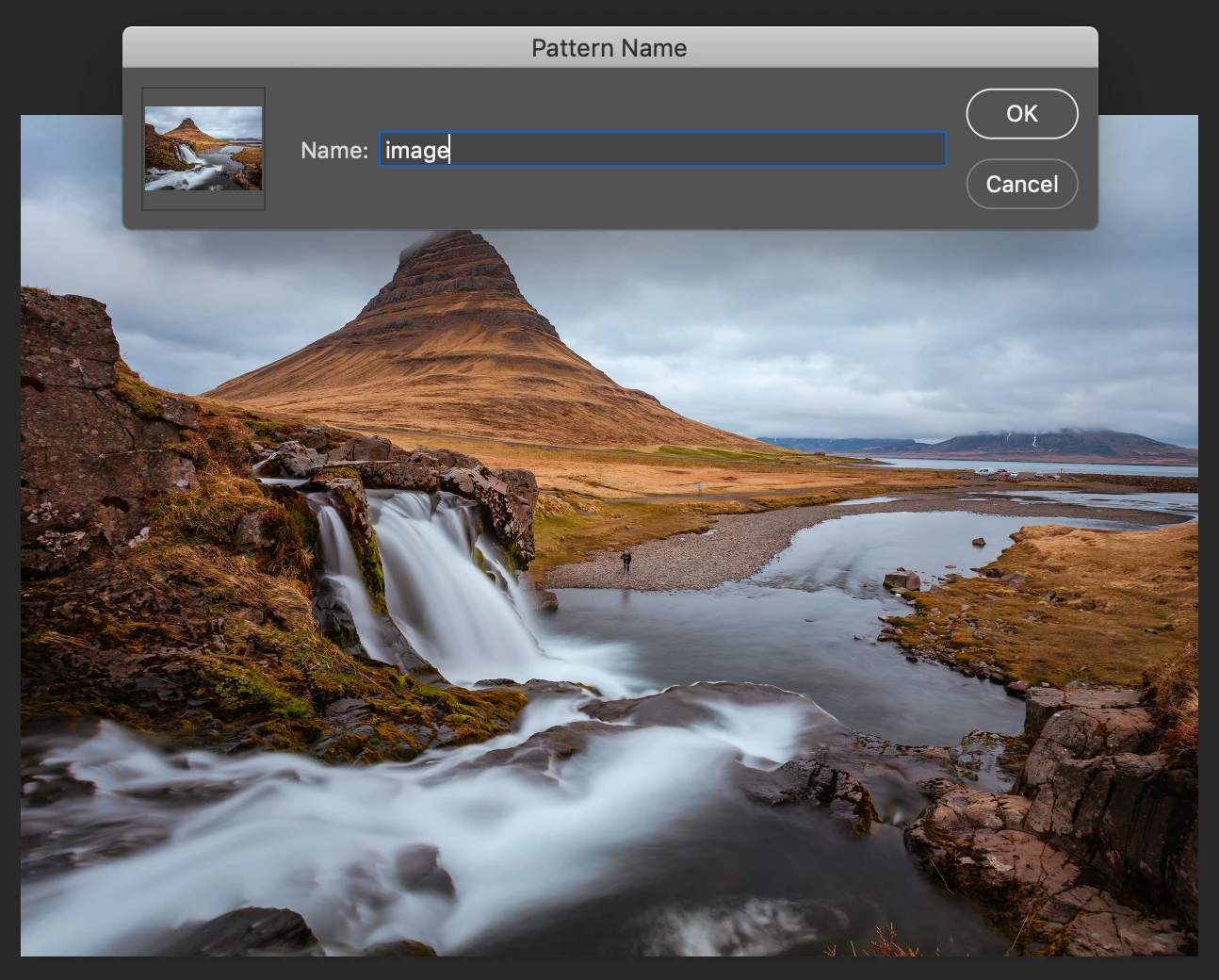
    Edit > Define Pattern

    Create a new document 3000x3000px

    Add a new layer and fill it with anything

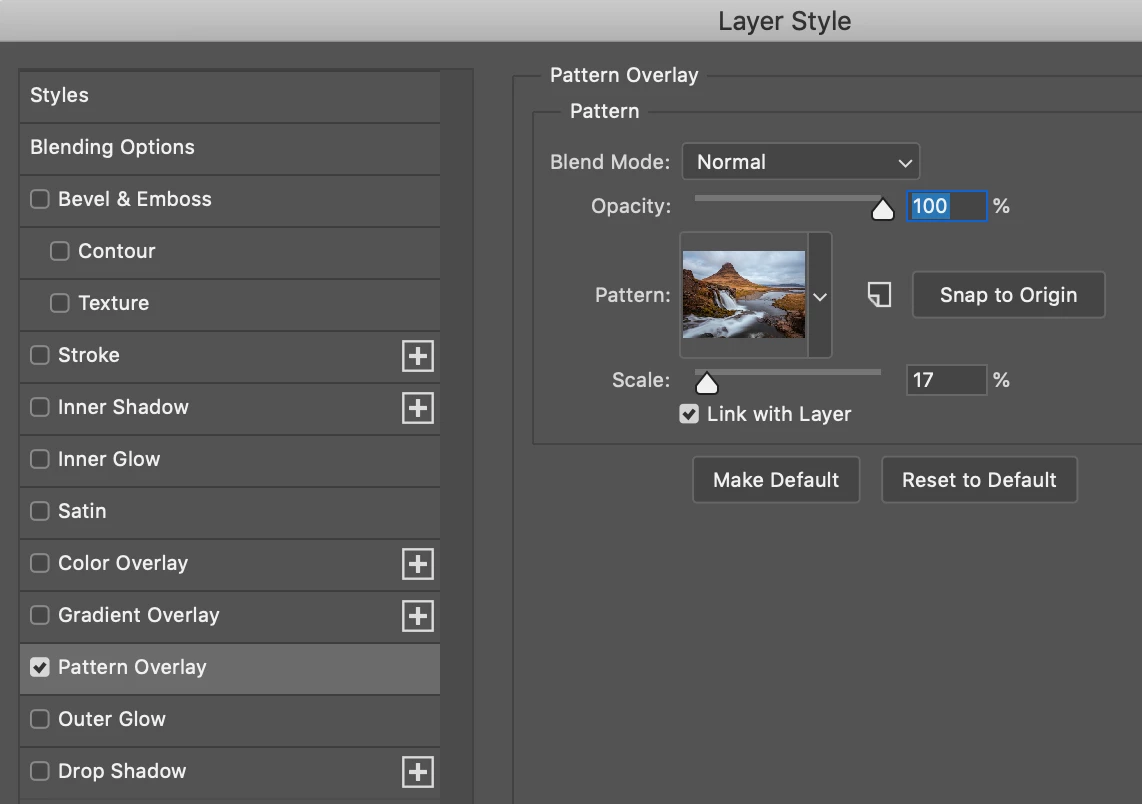
    Add a Pattern Overlay Layer Style

    - Choose your Pattern

    - Adjust the Scale

    2 replies

    Michael Bullo
    Community Expert
    Michael BulloCommunity ExpertCorrect answer
    Community Expert
    March 5, 2019

    Open the image to become the tile

    Edit > Define Pattern

    Create a new document 3000x3000px

    Add a new layer and fill it with anything

    Add a Pattern Overlay Layer Style

    - Choose your Pattern

    - Adjust the Scale

    Nancy OShea
    Community Expert
    Community Expert
    March 5, 2019
    1. Resize your image to desired size.
    2. Copy & paste it onto a new canvas (3000 x 3000 px).
    3. Select image layer in your Layers panel and hit Ctrl or  Cmd + J to duplicate your layer.
    4. Repeat 5 more times.
    5. Align image copies across the row.
    6. Then Shift + click to select all 6 layers and hit Ctrl+G to group them.
    7. With group layer selected hit Ctrl + J to duplicate group.
    8. Repeat as needed to fill your canvas.
    Nancy O'Shea— Product User & Community Expert