Answered
How do I discard grid pattern on crop tool
I hit a key and suddenly this appeared. How do I get rid of this grid please. I just want the regular crop tool. Many thanks, Penni
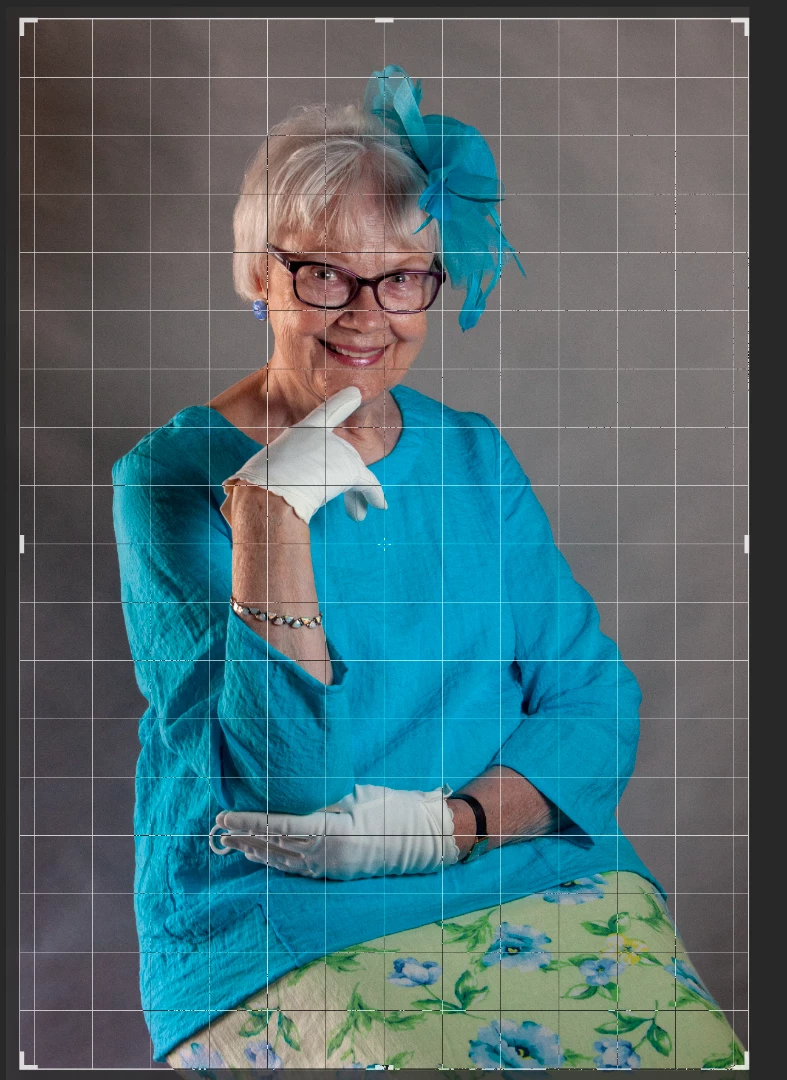
I hit a key and suddenly this appeared. How do I get rid of this grid please. I just want the regular crop tool. Many thanks, Penni
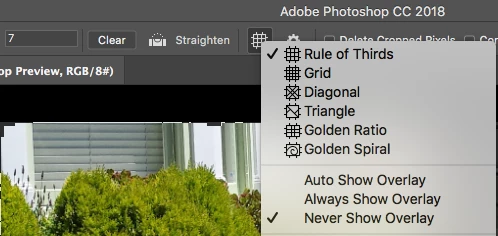
Easy. Just go to the Crop Tool options bar at the top, click on the grid icon, and check "Never Show Overlay" from the drop-down menu.
Already have an account? Login
Enter your E-mail address. We'll send you an e-mail with instructions to reset your password.
 AdChoices