There are several problems in this post, and Per correctly pointed them out. I'll be even more blunt:
- FOGRA39 may work in some situations in Europe, although ISO Coated v2 300% (ECI) is much more commonly used these days. But anywhere else in the world both are guaranteed to be wrong! Always ask.
- Don't set policies to "convert when opening"! That option should only be used in very special circumstances, and only if the implications are thoroughly understood. It's not a setting for beginners. It can permanently ruin your files, by irreversibly clipping color channels. "Preserve embedded profiles" is the safe and sensible setting. There should normally not be any reason to change that setting, ever.
- Rendering intent is for practical purposes moot. Standard RGB working profiles only support relative colorimetric anyway - whatever you set, that's what you get. It's more relevant for printer profiles, but much better set in the actual conversion.
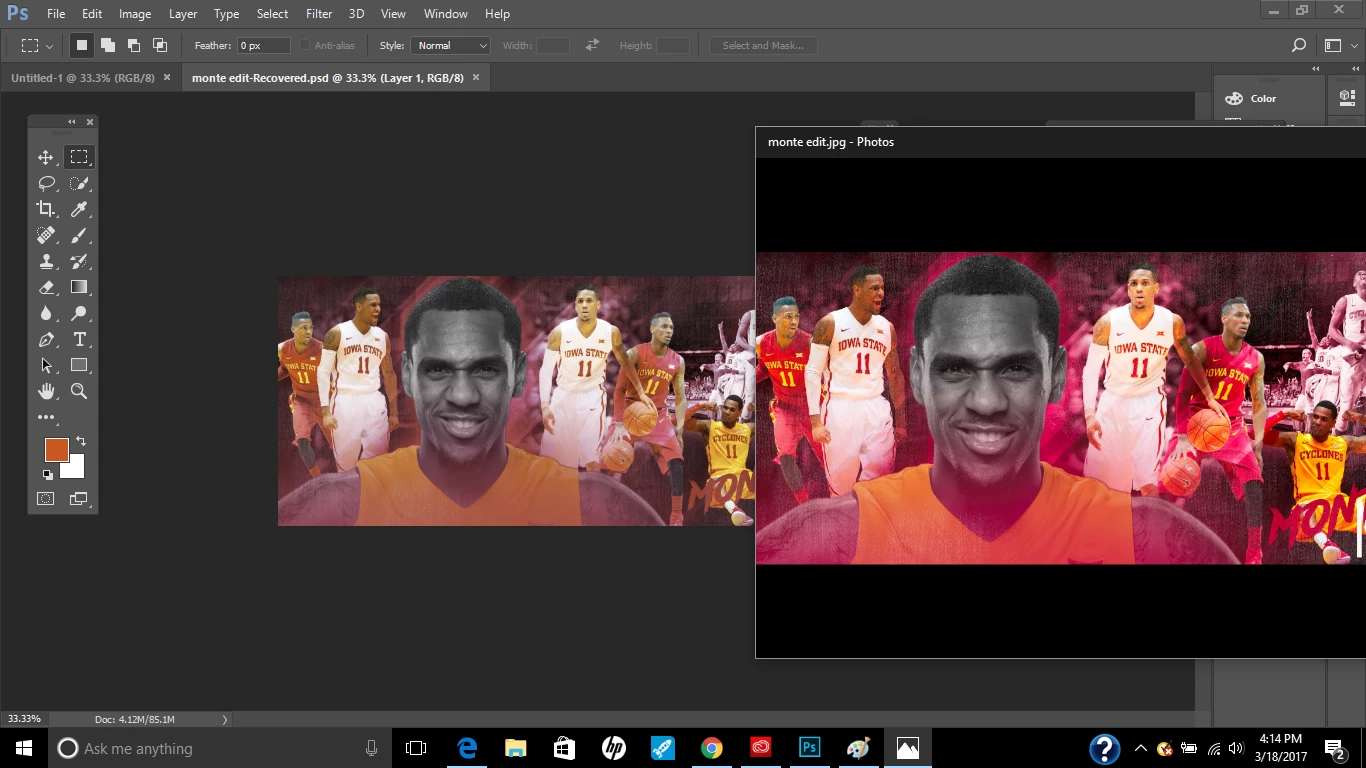
And yes, the answer to the question here is that Windows Photos is not color managed. The RGB numbers in the file will pass right through and no profile will ever make the slightest difference. And yes again, you must use color managed applications on a wide gamut display, no exceptions.


 AdChoices