Participating Frequently
September 25, 2018
Answered

How do I get all sides of an existing pattern to match up seamlessly?

  • September 25, 2018
  • 3 replies
  • 5505 views

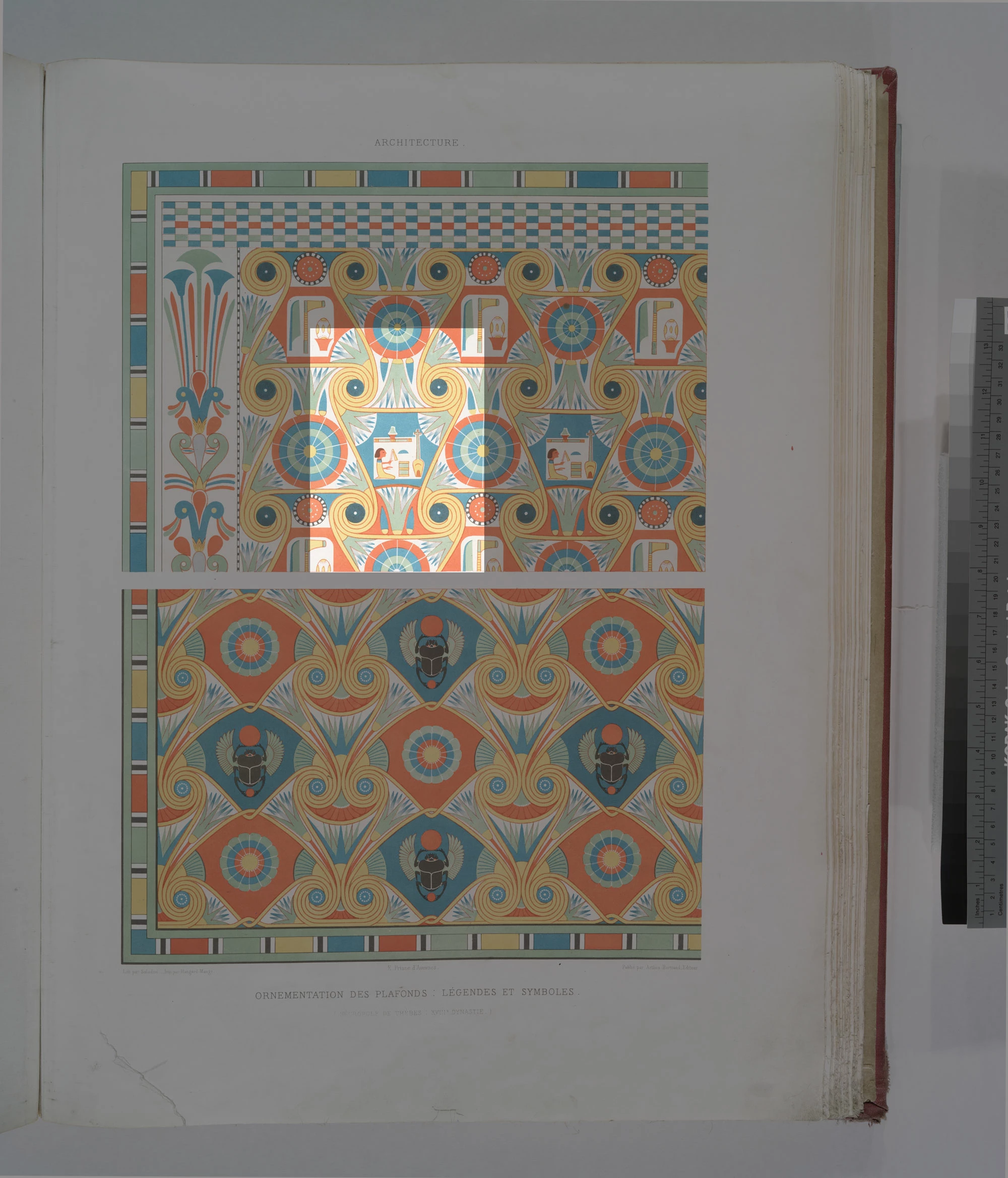
I am looking to create seamless patterns from images of existing patterns.  These are photos/scans of vintage patterns taken from public domain images and usually the image is slightly skewed because the material was slanted or the book being scanned was rounded on that page or the photograph wasn't completely straight.

Is there a way to automatically crop and adjust these kinds of images so they tile up seamlessly?  How do I go about doing this?
This topic has been closed for replies.
Correct answer maxwithdax

Okay SkyDestrier,

First off, great project. It would be nice if this were simple, but even so, it is not impossible. It will just take you a bit of rebuilding to get this to seam correctly. Let's evaluate a few things.

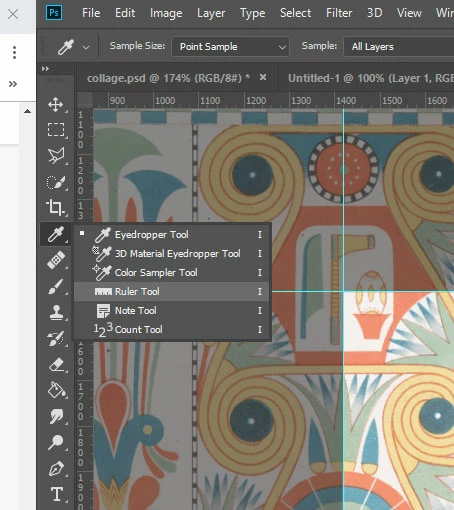
1. Your image was not scanned flat and square. So the first thing you need to do is rotate to either a vertical or horizontal truth. You can pick either. Use the ruler tool.

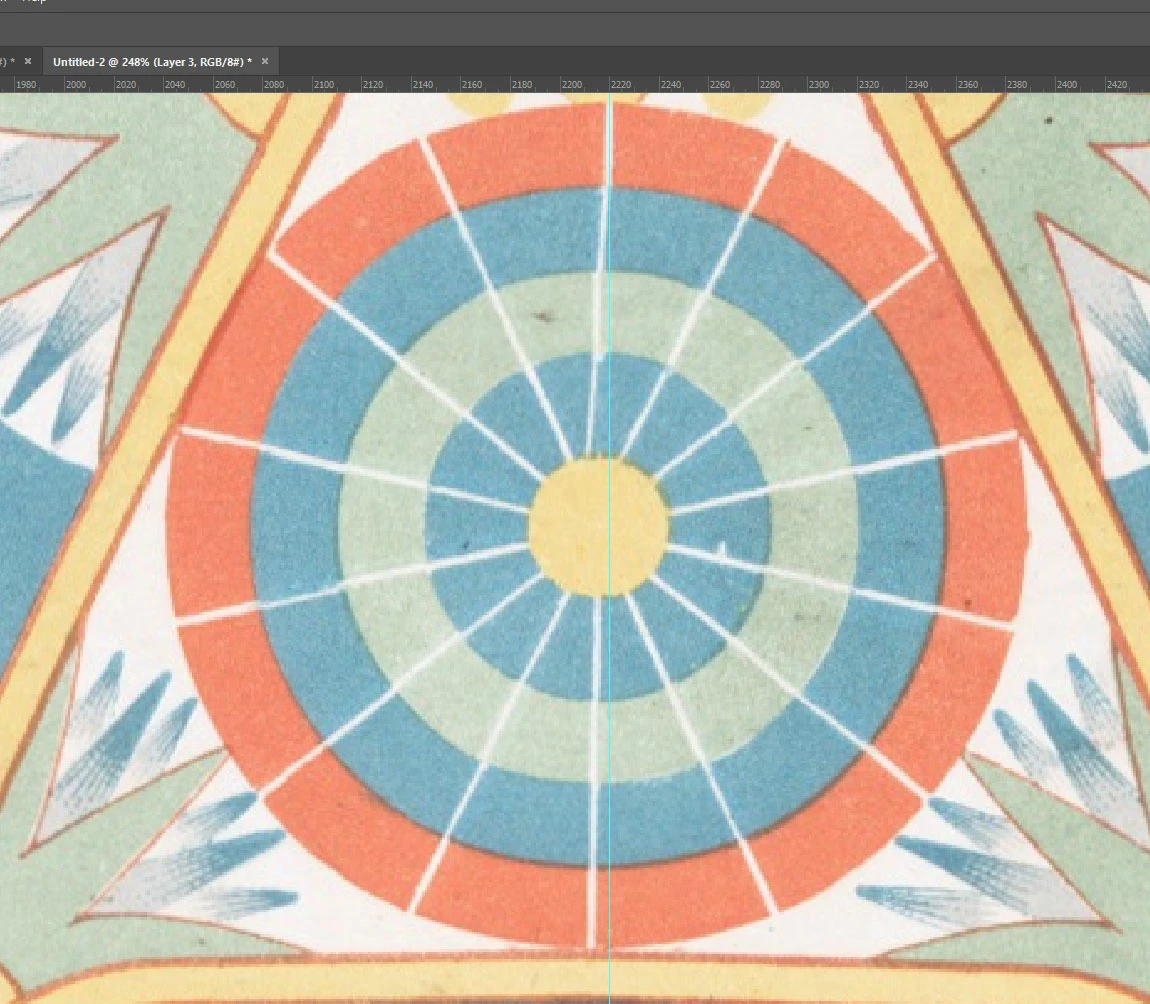
2. The circles are not all drawn the same and some are more out of alignment than others. I would suggest redrawing/cloning these so they are more symmetrical. They will seam better. Cloning with masks will give you a better result and more natural texture than redrawing.

3. Your pattern area is show here. This should give you a good place to start. Just take your time and refine the edge elements until they panel nicely. You can then take this same principal and apply it to your second image.

Good Luck. Looks like a really cool project.

Best of Luck,
Dax

3 replies

Known Participant
March 22, 2021

I have a similar problem and would love some help if anyone could give some advice...


Mine is an organic pre existing design of which I have a small sample of, I have the task of creating a seamless repeat pattern but cannot match up the edges no matter which way I try.


I have tried the offset feature and lots of copy and pasting elements and blending it in but cannot figure out how to make it flow into the next tile no matter what I try! 


Thank you so much in advance x

joanH
Inspiring
September 25, 2018

Hi SkyDestrier, I find a perfect slice of the pattern where it will line up and lasso select a section, then copy and then paste the pattern in where the damage is. I also use the free transform key to stretch and move the new patch perfectly into place. These patterns all have perfect sections that can be copied and pasted as desired. Even the right margin can be copied and pasted to the right margin. Then use transform key to turn it over so it is correct for the right border and paste it. Best regards, JoanH

Participating Frequently
September 25, 2018

Thank you, this is very helpful.

joanH
Inspiring
September 25, 2018

Hi SkyDestrier, I forgot to mention that the circle and square/rectangle tools used to select an area to copy helps the most with straight lined objects or patterns. Also, smoothing the edges with a smudge or brush that smooths edges is nice. Even an eraser set for only 10% strength will soften a line that is too sharp or harsh. I have used the tools that mend and repair to touch up the final work. This sort of work gets easier the more you experiment with it. You will have this copy on its own layer so you can play with the color and shade using the curves tool. Have fun. Best regards. JH

lambiloon
Community Expert
Community Expert
September 25, 2018

Hi there are many tutorials on youtube for this then you need to pick proper area for making pattern...Thanks.

Ali Sajjad / Graphic Design Trainer / Freelancer / Adobe Certified Professional
Participating Frequently
September 25, 2018

This is not what I was asking.

I already know how to use tiles to create a seamless pattern.  My issue is, I am trying to create a tile from an existing pattern but the edges don't match up because the source image is slightly skewed.

How do I crop the image so that the edges will line up perfectly when I tile it?

Here is an example image that I'm working with:

lambiloon
Community Expert
Community Expert
September 25, 2018

Hi you have to try where it fits best manually by making several tries....Thanks

Another guide

http://ohmyhandmade.com/2013/entrepreneurship/lets-create-a-repeat-pattern-in-photoshop/

Ali Sajjad / Graphic Design Trainer / Freelancer / Adobe Certified Professional