Marie Dyekjær
Participant
July 25, 2017
Answered

How do I wrap an image all around a 3D object

  • July 25, 2017
  • 1 reply
  • 5137 views

Hi

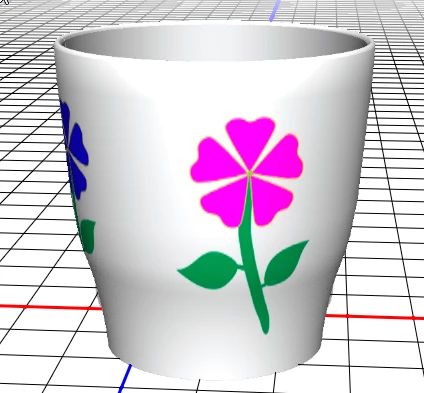
I have created a mug in 3D, and now I want to wrap an image around it.

I go to the layers panel and double click on "layer 1 Extrusion Material" which opens a new window with a mesh. I place my image in the mesh, and it looks great on the mug at first glance.

But it only goes half way around the mug! On the back side the image is just repeated!

So, how do I make the image go all the way around the mug?

Thank you

/Marie
This topic has been closed for replies.
Correct answer davescm

Hi Marie

When you make a circular extrusion you can get that doubling that you describe.

It is easy to fix :

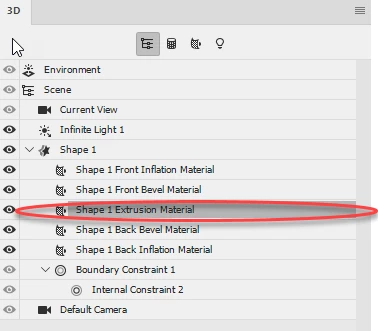
1. In the 3D panel - Select the extrusion material

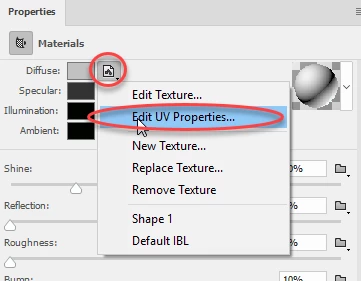
2. In properties go to Diffuse material and click the small folder - then choose Edit UV properties

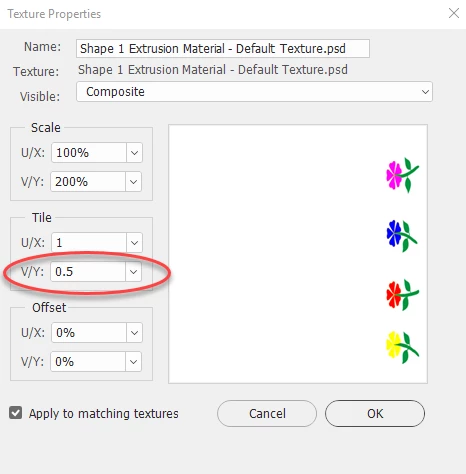
3. Change the tile V/Y value from 1 to 0.5

Click OK - job done

Dave

1 reply

davescm
Community Expert
davescmCommunity ExpertCorrect answer
Community Expert
July 26, 2017

Hi Marie

When you make a circular extrusion you can get that doubling that you describe.

It is easy to fix :

1. In the 3D panel - Select the extrusion material

2. In properties go to Diffuse material and click the small folder - then choose Edit UV properties

3. Change the tile V/Y value from 1 to 0.5

Click OK - job done

Dave

davescm
Community Expert
Community Expert
July 26, 2017

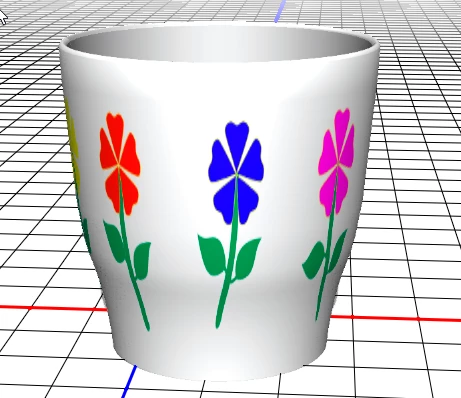
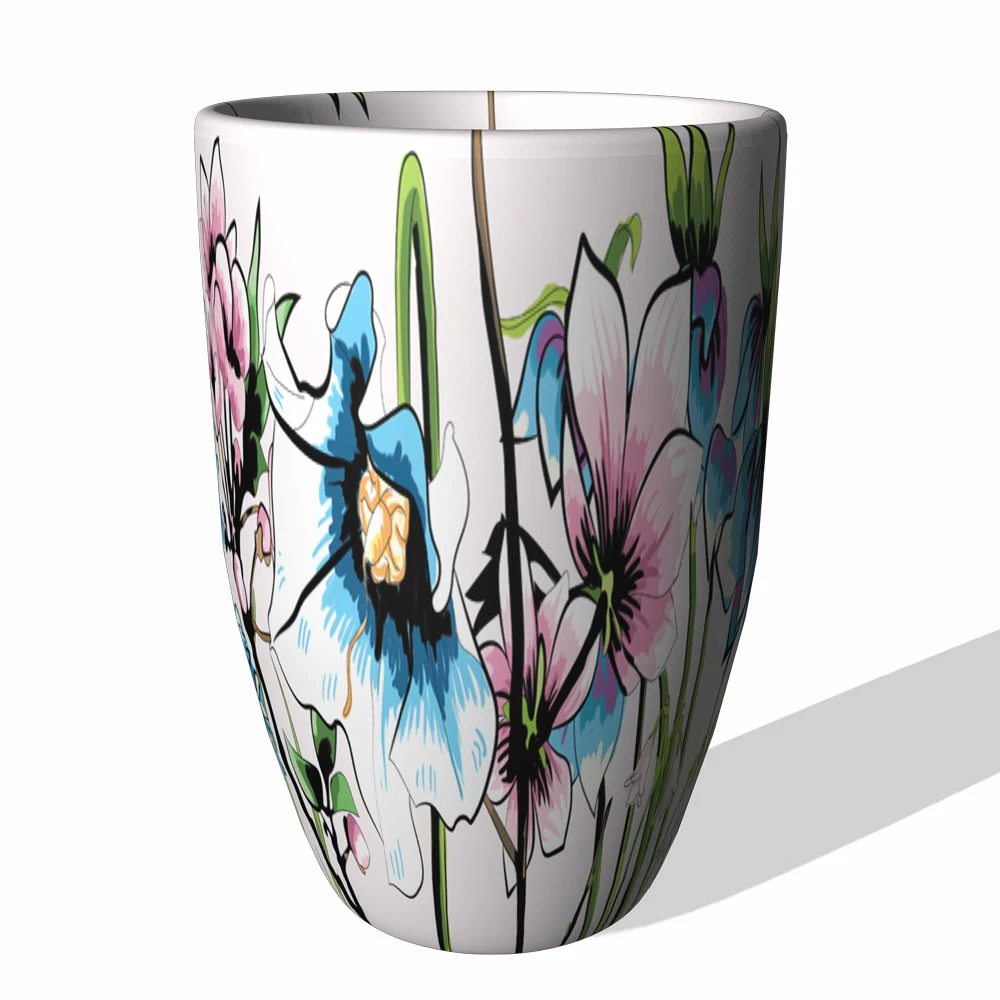
Of course the job wasn't really done until the cuppa was brewed

Dave

Marie Dyekjær
Participant
July 26, 2017

Wow - thank you very very much!!! I would never have figured this out myself