
Answered
How to dim around a rectangle?
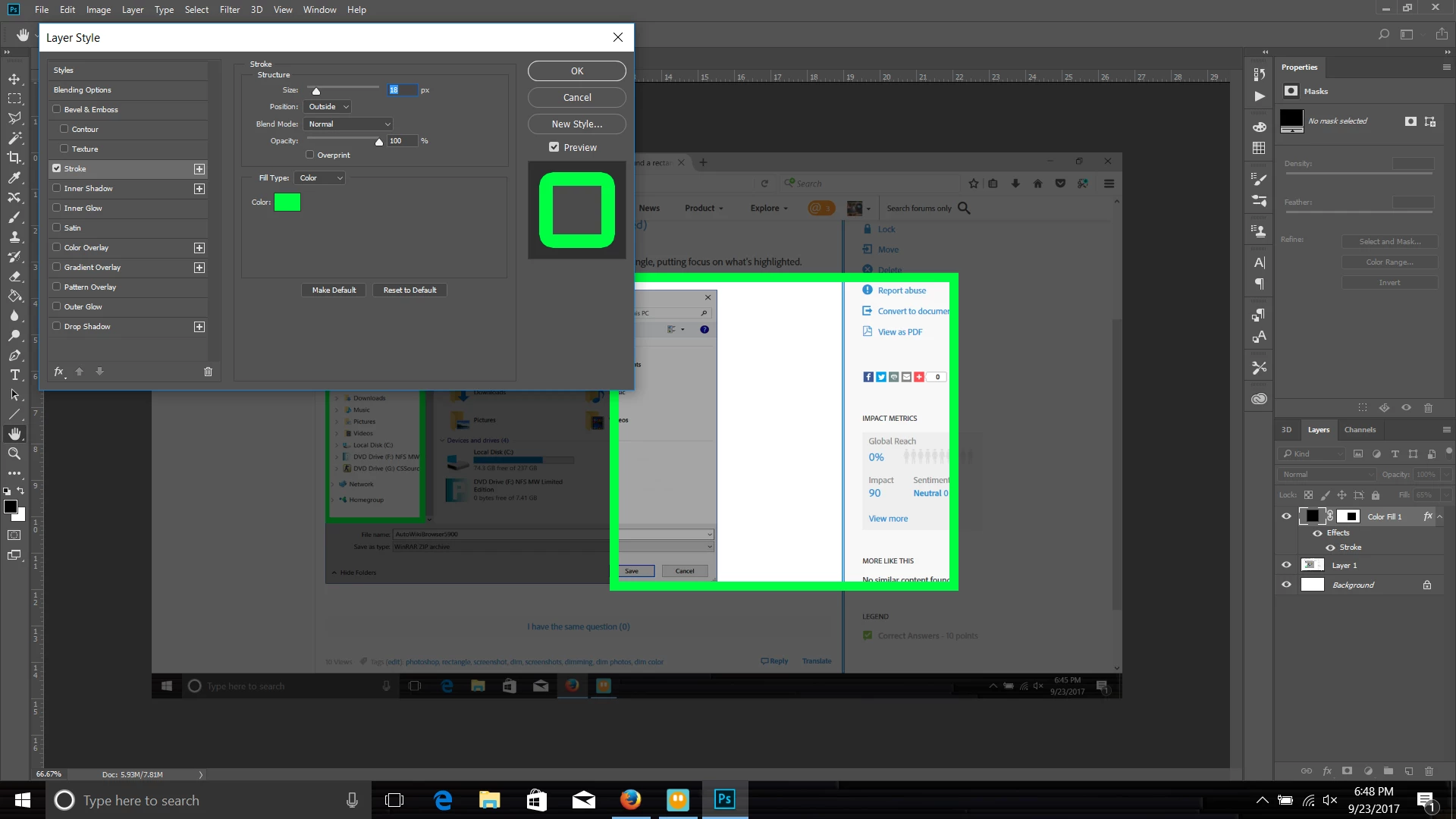
I need to mark up screenshots and want to dim everything around the rectangle, putting focus on what's highlighted. Example:


I need to mark up screenshots and want to dim everything around the rectangle, putting focus on what's highlighted. Example:
Add a solid fill layer or a normal layer filled with black. Adjust the "Fill" Opacity to your liking. You can then use stroke in the layer's effect panel.
Already have an account? Login
Enter your E-mail address. We'll send you an e-mail with instructions to reset your password.
 AdChoices