

Participant
March 8, 2021
Question

How to make pdf lines sharper in Photoshop and not pixelated

  • March 8, 2021
  • 1 reply
  • 1885 views

Hi,


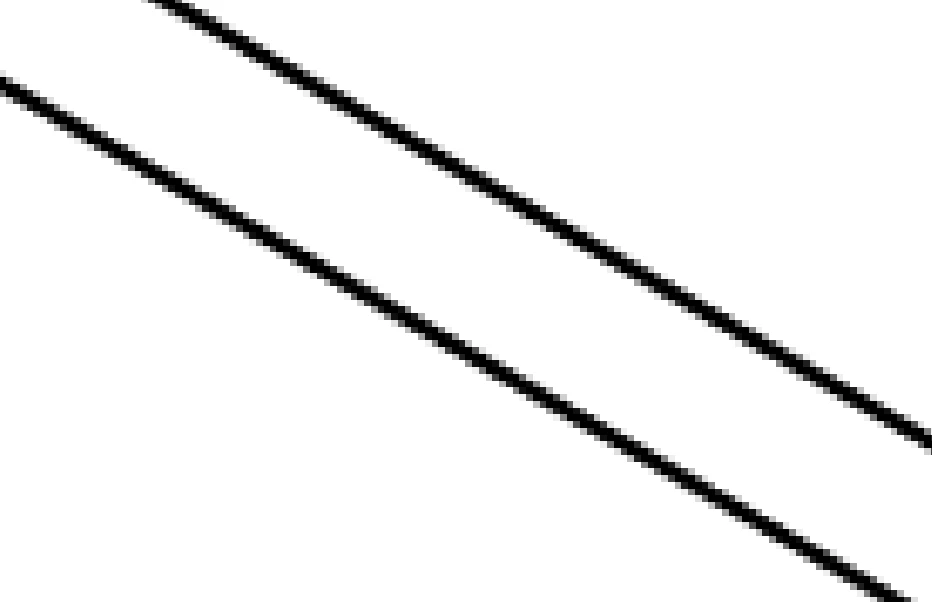
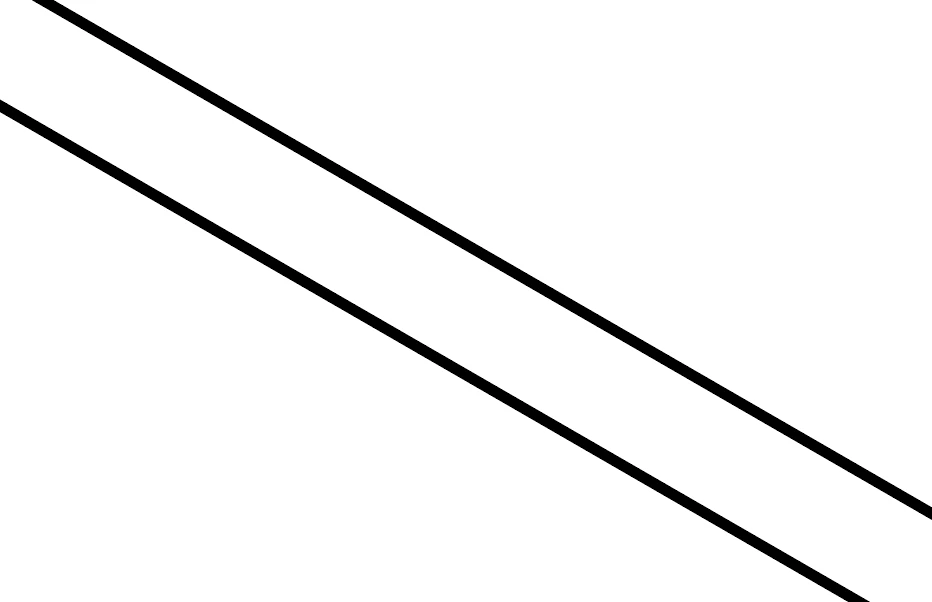
I'm having issues with drawings exported as pdfs from AutoCAD. When I open the pdf drawings in Photoshop the lines are pixelated which results in pixelated colour fills when I magic wand and fill with colour. However when the pdfs are opened in Illustrator, the lines are much crisper and exactly what I'm looking for. How can I get the lines in Photoshop as they appear in Illustrator. I've attached two images of the pixelated photoshop image and the sharp illustrator image, both were inserted at 300dpi. Thanks
 

This topic has been closed for replies.

1 reply

Legend
March 8, 2021

Did you zoom in over 100% to see the "pixelation" in PS? Everything imported from the PDF is pixels so this sounds just normal. Dealing with line drawings may need you to get to 600ppi or more - or stop zooming in!  Illustrator would be a better choice for vectors but isn't meant as a general PDF editor. 

Participant
March 16, 2021

Even when the drawing is at the standard view/100% the pixelation is visible to an extent. So the lines just don't look sharp. It never used to do this and I feel like there was an update and it hasnt been the same since. 

c.pfaffenbichler
Community Expert
Community Expert
March 16, 2021

Could you please post a screenshot taken at View > 100% with the pertinent Panels (Toolbar, Layers, Options Bar, …) visible? 


Why so you want to degrade vector data by rasterizing it?