
hedger
Known Participant
June 1, 2018
Question

HOW to prevent Photoshop from auto expanding images?? (see images in post)

  • June 1, 2018
  • 2 replies
  • 1045 views

I don't remember in which version of Photoshop this started happening but somewhere between 2015CC - present. However, I cannot figure out how to disable it and it's driving me insane!!

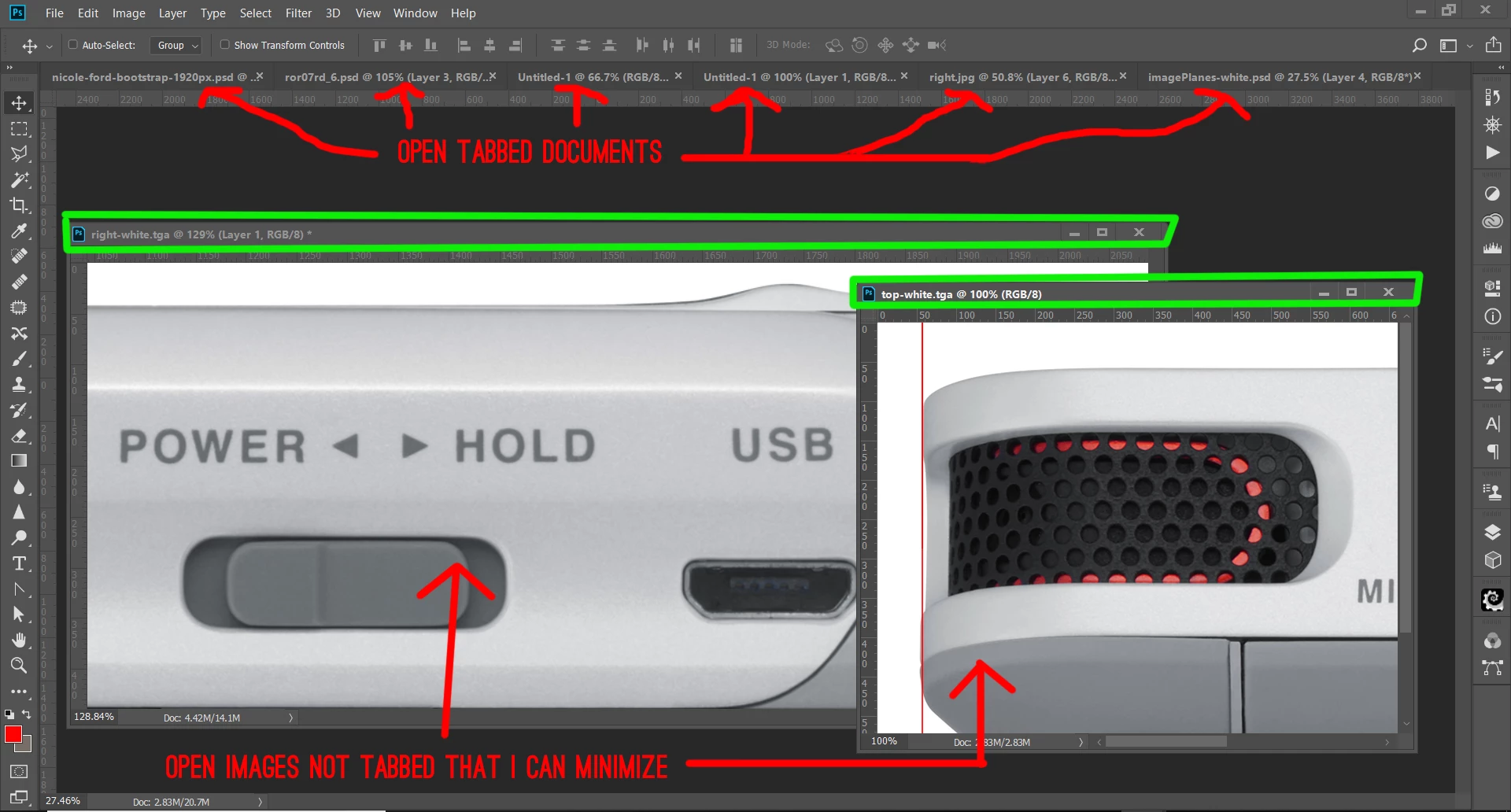
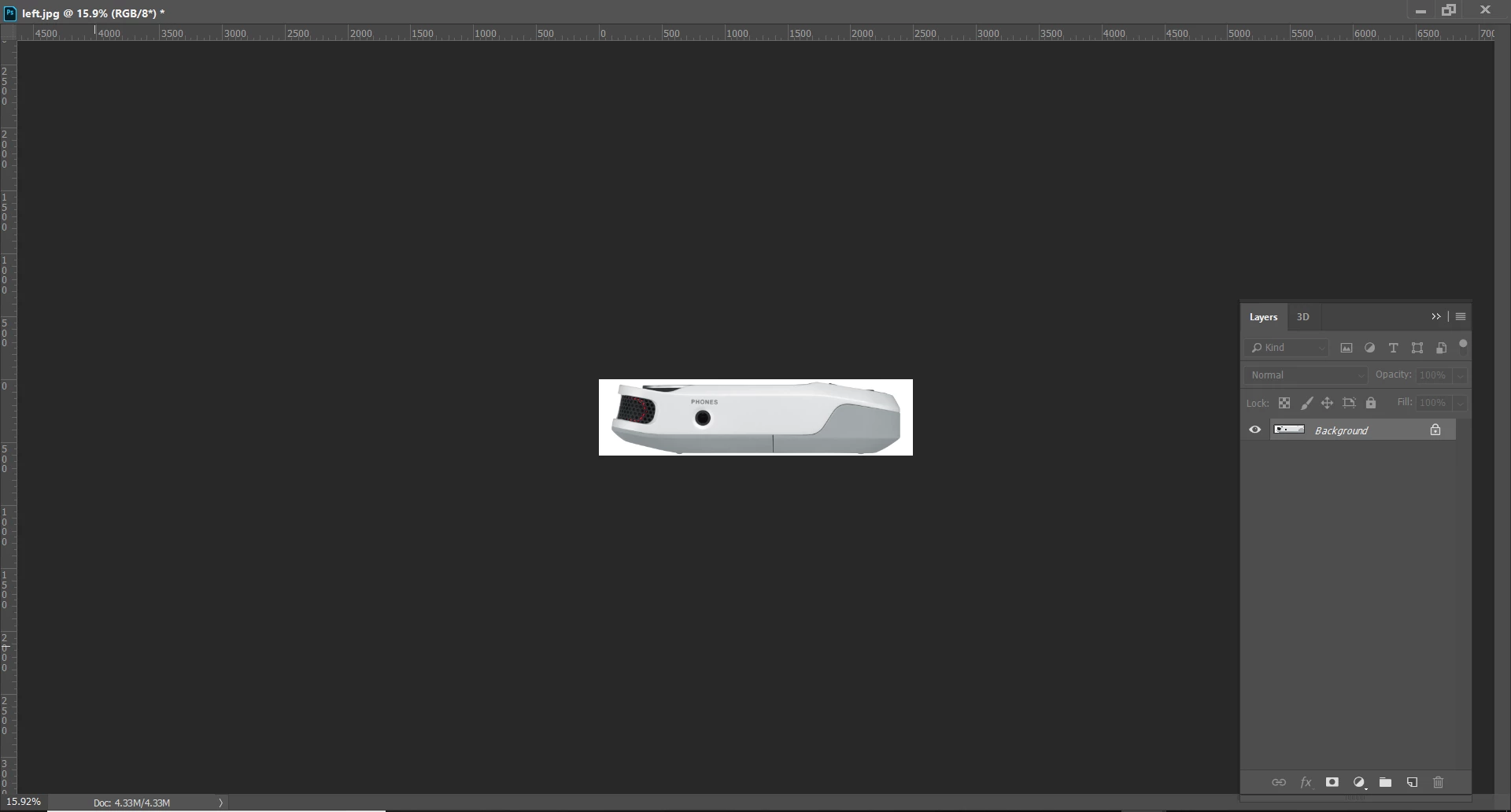
Typically I have several images open at any given time. I will usually keep some of those images to where I could just minimize them. Meaning, they are not one of the open tabbed documents. (see image.) If I try to select one of these floating images to move it or to do some work on it the image automatically expands to full screen and my tools disappear (see image2.) It seems like if I click on image header (the areas highlighted in green in the below image) the image does this automatic expansion.  H O W can I turn this off and prevent photoshop from expanding these documents when selected?? It's the worst and most annoying "feature" and I'm extremely frustrated with it (if you can't tell.)
This topic has been closed for replies.

2 replies

Participant
April 30, 2019

Semi solution found - First click on the artwork, not the title bar.

Not perfect, but its a solution

Jeff Arola
Community Expert
Community Expert
June 1, 2018

Ordinarily one has to double click on the Tiltle Bar (top) of the Floating Document window to get the the window to go full screen.

I'd check your mouse settings for double click speed.

Since that is a system setting, i don't know if that can actually be turned off or not.

The same behavior applies to to windows file explorer.

hedger
hedgerAuthor
Known Participant
June 1, 2018

Photoshop is the only program that this behavior occurs in so I don't see how it could possibly be a mouse setting. Like I said, if you click on the image itself and not the header of the image (where I highlighted in green) the image will not maximize, but if you click on the header first (the area INSIDE the green areas I highlighted) then it will maximize.